BONUS: Get A List of the Top AI Tools On The Market 👇🏾
In the age of virtual meetings, especially on Zoom, taking notes while staying engaged can be tricky. I’ve tried a bunch of AI-powered note-taking tools to help with this—and, honestly, they’ve made my meeting recaps and follow-ups so much easier.
So, here’s my personal rundown of the best AI note taking apps for Zoom that have really impressed me.
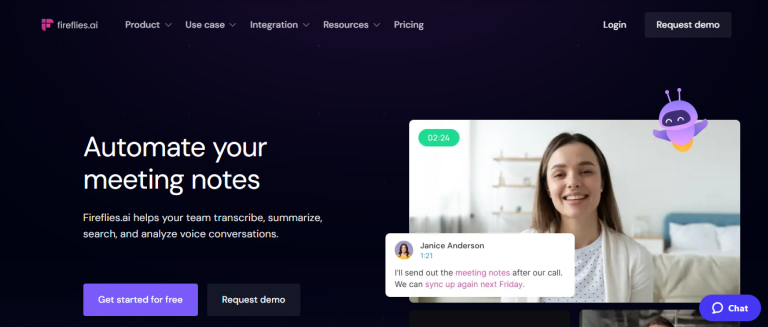
Fireflies.ai is an excellent option, especially for team collaboration. It records and transcribes meetings, but what really stands out is the task management feature.
It automatically identifies action items and assigns them to team members if you set it up that way. For me, this is a game-changer since I often miss out on tasks that come up in discussions.
Pros
Automated action item identification
Integration with tools like Slack and Trello
Searchable transcripts
Cons
Requires setup for optimized task tracking
Occasionally misses nuances in technical discussions
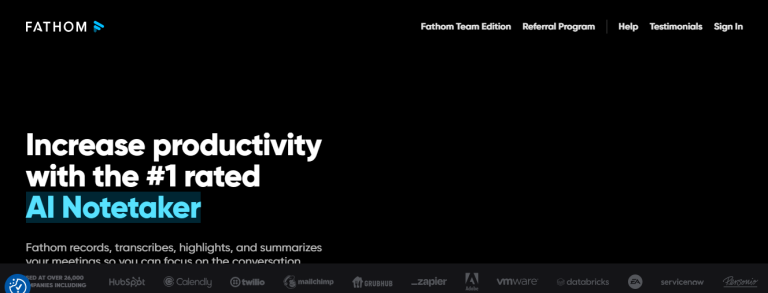
Fathom is a free app that integrates well with Zoom and captures key moments with just a click. During a meeting, I can press a button to mark key moments, and Fathom organizes these into a tidy recap at the end.
It doesn’t have all the bells and whistles of the other apps, but for free software, it’s excellent at identifying highlights, creating summaries, and keeping my notes organized.
Sembly is unique in its AI abilities; it’s not just for transcription but also analyzes the conversation to detect discussion topics and tone. I’ve found it particularly helpful for client calls, where sentiment and tone are key factors.
Sembly organizes my notes into digestible summaries and tags important points based on keywords or phrases, like “action item” or “follow-up.”
Pros
Advanced AI for sentiment and topic analysis
Detailed summaries with action items
Custom tagging of key phrases
Cons
Limited integration options outside of Zoom
Some inaccuracies in tone detection with multiple speakers
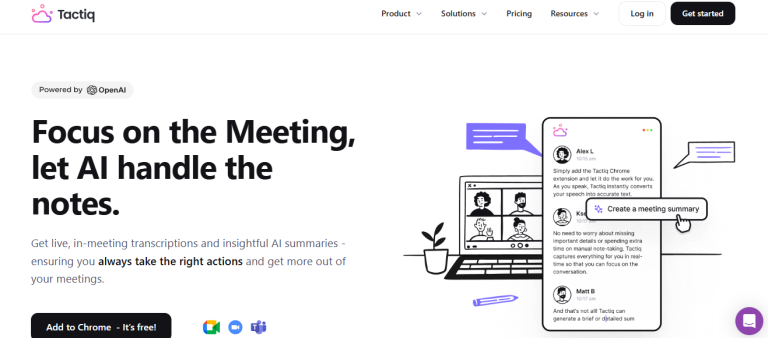
Tactiq is straightforward but highly effective for Zoom. It automatically transcribes meetings and highlights key phrases, like “action item” or “deadline,” to ensure I don’t miss important follow-ups.
It’s especially helpful for project-based meetings, where deadlines are crucial. It also lets me highlight specific sections during the call, which I find super helpful for marking my own talking points.
Pros
Real-time transcription with highlighted keywords
Easy-to-use interface with customizable highlights
Exportable to tools like Google Docs and Notion
Cons
Limited integration with non-Google tools
Lacks advanced AI-driven features compared to others
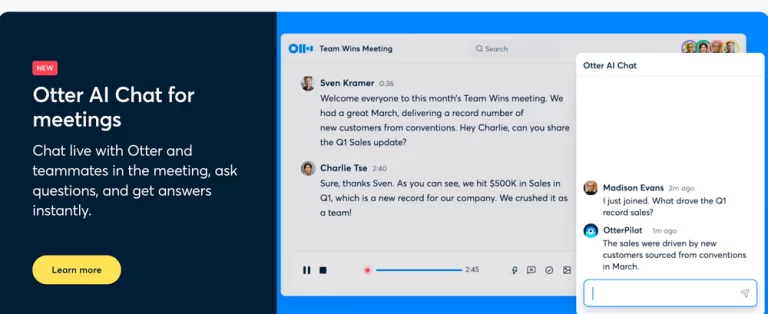
Otter.ai is one of my favorites. It transcribes meetings in real time, capturing all key points so I can focus on the conversation itself.
With Otter’s Zoom integration, I can also see a live transcript on the screen as we talk, which makes it easy to catch up if I zone out for a second. I love how Otter categorizes important points and generates a summary after each session.
Pros
Real-time transcription during meetings
Summary and highlights generation
Easy Zoom integration
Cons
Transcription accuracy varies with accents or technical jargon
Notedex takes note-taking to a whole new level by combining AI transcription with a unique card-based organization system. I like using it when I have multiple ongoing projects, as it lets me categorize and prioritize notes visually, almost like a digital index card system.
The Zoom integration is solid, and I can add tags and keywords to find my notes quickly later on.
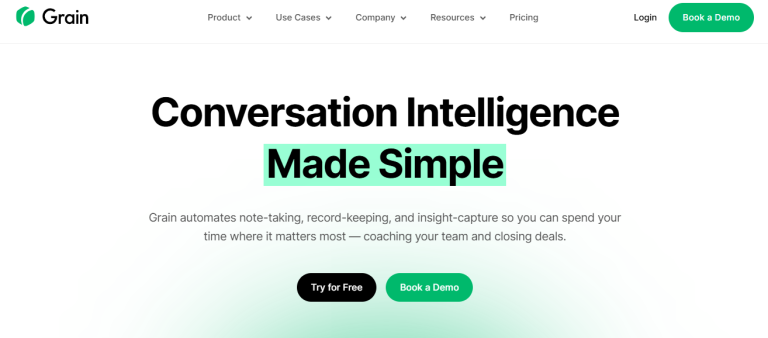
Grain is one of my newer discoveries, and I’m glad I found it! It’s especially useful if you need more than just a transcript. Grain lets me create short video clips from Zoom meetings, so if there’s a specific point someone made that I want to reference, I can save it as a video snippet.
I also love the “highlights” feature, which makes organizing long calls easier.
Pros
Video clipping for important moments
Real-time note and highlight generation
Collaborative sharing for team recaps
Cons
Video-based approach might not be ideal for all users
My Final Thoughts on Choosing the Right AI Note Taking App for Zoom
Each of these tools has its strengths, and picking one really depends on what you need. If you’re after straightforward transcription, Otter.ai or Fireflies.ai could be your best bets.
For those who prefer organization and multimedia options, Notedex or Grain are worth trying. And if budget is a priority, Fathom offers great free features.
Using AI note-taking apps has transformed how I handle meetings on Zoom. I no longer have to worry about missing key points or forgetting follow-ups.
Instead, I can stay present and trust that my notes and summaries are just a click away. Give one of these a try, and I bet you’ll feel the same!
BONUS: Get A List of the Top AI Tools On The Market 👇🏾
Conclusion
I hope my personal experience with these AI note-taking tools gives you some direction! Give one a try next time you’re on Zoom and see how it changes the way you handle your meetings.
Frequently Asked Questions
Can I use these apps with Zoom for free?
Some apps, like Fathom, offer free versions with basic functionality. Others, like Otter.ai and Fireflies.ai, have limited free options but require paid plans for advanced features.
Do these apps support languages other than English?
Yes, several of them, like Otter.ai, support multiple languages, though accuracy can vary by language and dialect.
Are these apps secure?
Most of these apps comply with data security standards and offer encrypted storage. However, always check the specific privacy policy to ensure your data is protected.
Which app is best for team collaboration?
For team-focused features, Fireflies.ai is a solid option due to its task management integration, and Grain is ideal for sharing highlights as video snippets.