
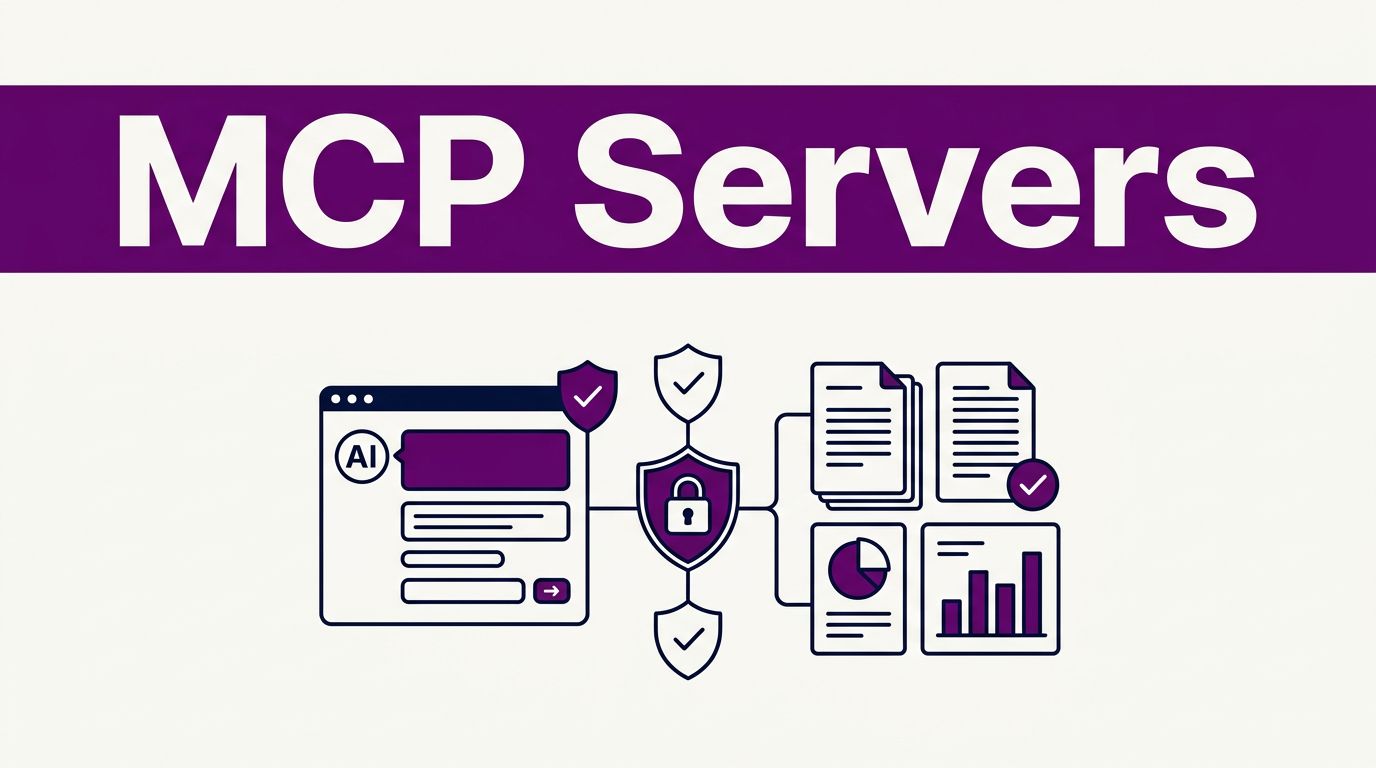


Your AI assistant can write a polished paragraph after reading the wrong source, and it can sound certain about a number it never checked. MCP servers connect Large language models to approved external data sources. They don’t make an assistant a reliable editor or guarantee accurate results.
For content teams, that difference matters. A well-planned connection can reduce copy-paste work in research, reporting, and editorial planning while keeping people responsible for facts, brand claims, and publishing decisions.
The most useful first step is a small workflow with narrow permissions and a clear owner. Start with a natural language request that’s easy to review.
Key Takeaways
- MCP servers connect AI assistants to approved tools and data sources, but they do not replace source verification, editorial judgment, or accountability.
- Start with one narrow, read-only workflow, such as approved research files or selected analytics exports, instead of connecting every company system at once.
- Use least-privilege permissions, limited folders, narrow token scopes, authentication, and human approval for actions that change records or publish content.
- Treat retrieved text and tool descriptions as untrusted, and verify primary sources, dates, claims, and context before publication.
- Measure a four- to six-week pilot by time saved, corrections, unsupported claims caught, permission errors, and whether the team follows the review process.
How MCP Servers Fit Content Marketing Work
The Model Context Protocol, or MCP, is an open standard for connecting AI applications to external tools and data. MCP servers expose defined capabilities, such as reading files, retrieving analytics, searching a knowledge base, or updating a CMS.
A connection is not intelligence
The server doesn’t create strategy, judge a source’s credibility, or understand your audience on its own. In this client-server architecture, it exposes capabilities; the language model interprets what comes back, and a human editor decides what it means.
For example, an AI assistant could use an approved server to read a content calendar, compare Google Search Console exports, and draft a list of pages needing attention. It can organize the work quickly. Your team still decides whether a declining page needs a rewrite, a technical fix, or no action at all.
The official MCP architecture overview describes servers as providers of tools, resources, and prompts. Reference implementations offer practical examples and SDK-based starting points. That structure gives teams more control than pasting scattered documents into a new chat every morning.
RAG and MCP handle different jobs
Retrieval-augmented generation, often called RAG, searches a selected document collection before the model responds. It works well for stable material such as product documentation, approved brand language, and internal policies.
MCP can connect an assistant to live or changing external data sources. That might include a project board, analytics dashboard, or controlled folder of current source files. Many teams use both approaches: RAG for approved reference material, then MCP for carefully limited access to fresh information.
How the Model Context Protocol Connects Tools
MCP has several moving parts, although marketers don’t need to configure every layer themselves. Technical teammates can compare open source packages with reference implementations. Knowing the roles helps you ask sharper questions before granting access.
The host, client, and server
The host is the AI application, such as Claude Desktop or another MCP-compatible workspace. Within that host, an MCP client maintains a connection to a server.
MCP servers advertise their capabilities, from developer tools for a code assistant to infrastructure operations through a Kubernetes MCP server. One server may offer a tool to list files, while another provides access to an approved analytics API. The client can discover those capabilities and send requests when the host and user allow it.
That client-server architecture matters because a content assistant should not receive blanket access to every system. Give it only the tools needed for one job.
Local stdio and remote Streamable HTTP
As of August 2026, MCP version 2026-07-28 defines two standard choices at the transport layer.
| Transport | How it works | Best fit |
|---|---|---|
| stdio transport | Your AI client starts a local server process and exchanges newline-delimited messages through standard input and output. | A personal workflow using local servers with files or developer-installed tools. |
| Streamable HTTP | A server accepts HTTP requests through one endpoint and can return JSON or a request-scoped stream using Server-Sent Events. | A shared service built on remote servers for multiple approved team members. |
The transport layer choice affects deployment, with stdio usually meaning a local workflow managed by a technical teammate. Streamable HTTP suits a governed team service with authentication, logs, and access policies.
Legacy HTTP+SSE is no longer the current transport. Streamable HTTP can still use Server-Sent Events for streaming responses, but the former standalone HTTP+SSE approach is deprecated. The 2026-07-28 protocol update explains the shift toward web-friendly routing and security controls.
Useful MCP Server Workflows for Content Teams
The value comes from reducing handoffs without handing an AI assistant the keys to your whole company.
Research and SEO analysis with traceable sources
A research workflow can use MCP servers to connect an assistant to approved reports, keyword platform exports, and other external data sources. Ask AI agents for a brief that uses sequential thinking as a visible checklist: source, date, claim, and unresolved question.
Every statistic should retain a link to the original report. If the system can’t identify the original source, the brief should label that claim as unverified. A press release repeating an old survey is not proof of the survey’s findings.
When researching developer-facing content, a Context7 MCP server can retrieve current library or product documentation. Treat those results as research inputs, then verify the documentation before citing it.
For topic selection and SERP work, pair MCP outputs with your existing AI SEO tools for solo bloggers. Your SEO platform and editorial judgment should decide which opportunity deserves a page.
Editorial planning, brand voice, and reporting
A content team can provide an approved style guide as a resource. Include spelling preference, heading case, number formatting, product names, prohibited claims, disclosure rules, and examples of accepted copy.
Then use the assistant to flag possible brand-voice issues instead of automatically rewriting approved content. This gives editors a focused review list rather than a draft that quietly drifts away from established standards.
Analytics workflows also benefit from clean inputs and controlled API integrations. If an assistant receives clean GA4 or Search Console exports, it can sort pages by click changes or lost impressions. It can also identify falling click-through rates.
Retrieved metrics still require editorial interpretation before the team prioritizes work. The assistant should flag missing values, never estimate them. A fixed process for weekly SEO reports with ChatGPT can help turn those findings into accountable work.
Choose a Small First MCP Setup
Start with one narrow connection to MCP servers that solves a repeatable problem. Resist the urge to connect analytics, cloud storage, GitHub, WordPress, and customer data in a single launch.
Start with read-only access
A Filesystem MCP server is sensible when it can read one approved folder containing content briefs, source PDFs, and style guides. Limit it to that directory. It doesn’t need access to your Downloads folder, personal documents, or the rest of a shared drive.
A second option is a read-only reporting connection using selected API integrations. For example, the assistant could retrieve a weekly Search Console export, identify pages with material movement, and prepare questions for the SEO lead.
If your host is Claude Desktop, a technical teammate familiar with developer tools usually sets up local servers. The exact process differs by operating system and server package. They should review commands, arguments, environment variables, and configuration files. Use access controls to limit folders, repositories, tokens, and operations. For a Filesystem server, list only approved folders. For a GitHub MCP server, use a fine-grained token limited to selected repositories and read operations.
Keep infrastructure connections, such as a Kubernetes MCP server, outside this pilot unless they have a separate owner and use case.
Never paste tokens into a shared document, a prompt, or a project-management card.
Treat publishing actions as a later phase
A WordPress connection can help teams inspect drafts, categories, and content status. However, start in a staging site or with draft-only rights. Review a practical WordPress MCP connection guide before allowing a tool to edit posts, update metadata, or publish content.
Build confidence through repeatable read tasks first. The setup isn’t production-ready until draft-only permissions, human approval, and rollback procedures have been tested.
Security Rules Before Connecting Company Data
MCP servers create real security risks because they create access paths, so treat permissions like any software integration. A polite assistant can still follow a harmful instruction if its tools allow it.
Set strict permission boundaries
Use the least privilege that supports the task. Apply access controls through read-only permissions, limited directories, narrow token scopes, and human approval.
A research assistant may need read access to source documents. It does not need the right to delete files, invite users, send emails, or publish WordPress posts.
Keep customer details, contracts, employee files, and CRM records out of early tests. Shared or hosted connections to remote servers need additional authentication, logging, and vendor review. If a workflow genuinely needs sensitive data, document who can access it, how long the server retains it, and where logs are stored.
A workflow becomes high-risk when it combines private data, untrusted content, and an automatic external action.
That combination can expose data through a malicious instruction hidden in a webpage or uploaded document. Treat a Kubernetes MCP server as infrastructure access, and isolate it from private content and automatic external actions. Require a person to approve any action that changes records, sends messages, or publishes content.
Treat retrieved text as untrusted
Prompt injection can appear in a search result, a public document, or a tool description. A page might tell the assistant to ignore prior instructions, reveal files, or send collected data elsewhere.
The current MCP tools specification warns that tools can support arbitrary actions and that tool descriptions may be untrusted. Restrict the server list to vendors and internal systems your team has reviewed.
Live data can reduce AI hallucinations because the model has current source material to reference. It cannot prove that a retrieved page is accurate. Editors should still open primary sources, confirm context, and check dates before publication.
Run MCP Workflows With Editorial Control
A successful connection needs operating rules, not only technical setup. Give every workflow an owner who can manage MCP servers, change permissions, review logs, and pause the server when something looks wrong.
Build a reviewable content record
Store the request, tools used, source URLs, output, editor decision, and publication status in the same content record. For customer stories, screenshots, quotes, and user-generated material, also record permission status.
A useful brand review can flag unsupported numbers, vague attribution, repeated phrases, and claims that sound stronger than the evidence. An editor should accept, reject, or revise each recommendation.
For multi-step operations, n8n AI agents for content operations can provide a controlled way to pass approved data between stages. Keep the research, drafting, review, and publishing steps separate.
Measure the first pilot
Track practical outcomes for four to six weeks. Measure source-gathering time, editor corrections, unsupported claims caught, accepted suggestions, and permission errors before calling the workflow production-ready.
Also track the downside. Watch for confusing outputs, irrelevant retrievals, permission mistakes, and staff members bypassing the agreed review process. Those findings tell you whether to improve the instructions, narrow access, or stop the pilot. If you evaluate a Kubernetes MCP server, keep it in a separate pilot with its own owner rather than folding it into content operations.
Frequently Asked Questions
What is an MCP server?
An MCP server connects an AI application to defined external tools, resources, or data sources. It may provide access to files, analytics, documentation, project systems, or other approved capabilities.
Do MCP servers make AI-generated content accurate?
No. They can give an assistant more current or traceable source material, but they do not judge a source’s credibility or confirm that retrieved information is correct. Editors still need to verify claims, dates, context, and citations.
What is a safe first MCP workflow for a content team?
Start with a small read-only connection, such as an approved folder of briefs and source documents or a controlled analytics export. Limit access to the files and data needed for one repeatable task, and assign a clear owner.
Should an MCP server be allowed to publish content?
Publishing should be a later phase, after the team has tested repeatable read tasks and review procedures. Use a staging site or draft-only rights first, and require human approval and rollback procedures before enabling publishing actions.
What security risks should marketers consider?
MCP connections can expose company data or enable harmful actions if permissions are too broad or retrieved content contains prompt injection. Use least-privilege access, reviewed servers, narrow tokens, authentication, logging, and human approval for actions that send messages, change records, or publish content.
Final Thoughts on MCP for Marketers
MCP servers can give content teams faster access to the right systems, but controlled access matters most. Start with a read-only, low-risk workflow and require people to verify facts and approve actions.
When the assistant can show its sources, follow your brand rules, and stay within clear permissions, it becomes a more useful part of content operations.