
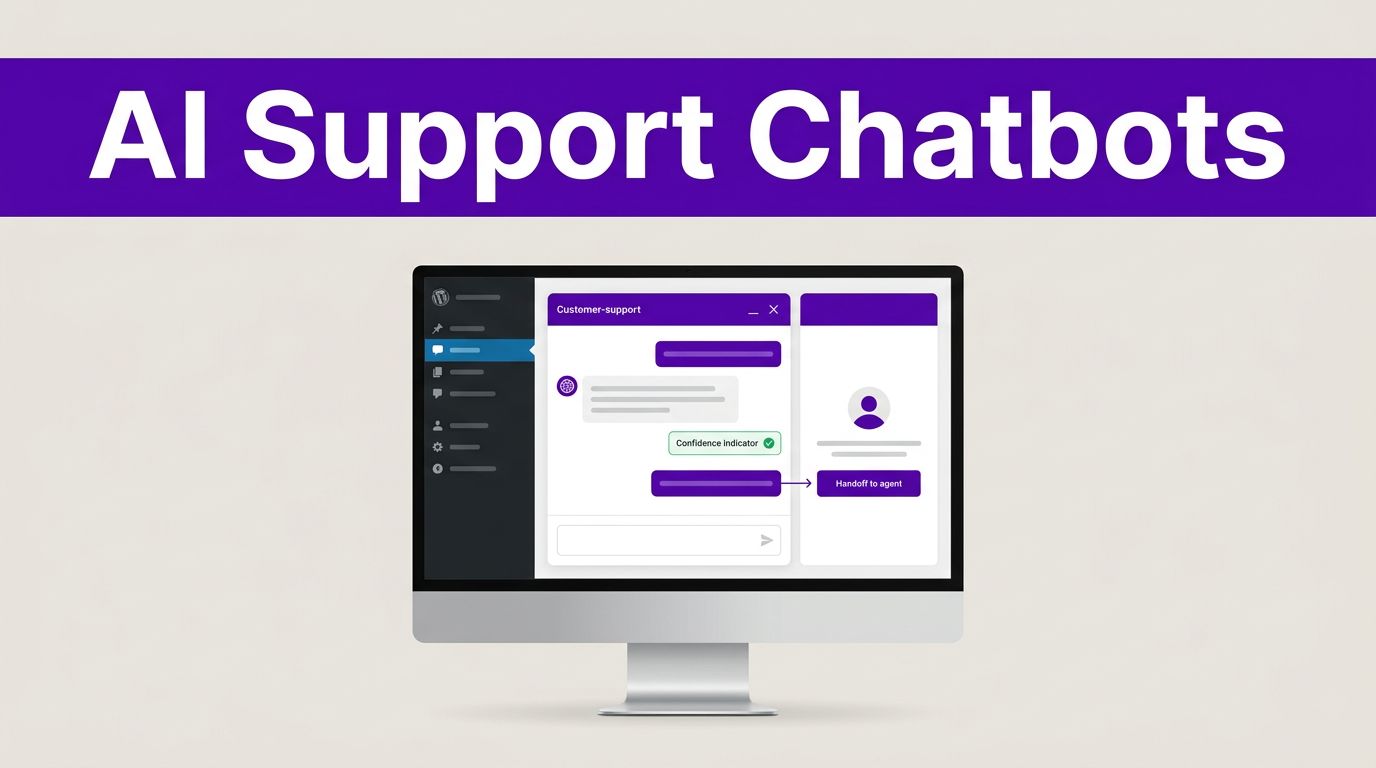


A chat widget can either reduce repetitive support work or create a new queue of confused customers. The difference comes down to answer quality, human routing, and whether the bot knows your business well enough to stay within its limits.
The strongest WordPress AI chatbots handle common questions quickly, collect useful lead details, and pass complex cases to a person with the right context. They don’t replace your support team. They give that team more time for conversations that need judgment.
The right platform depends on whether you run a store, a SaaS product, an agency, or a content-led business.
What separates a support bot from a basic website widget
Many chat tools can greet visitors and collect an email address. A customer support bot needs a much higher standard. It must find accurate answers in approved content, recognize when it lacks confidence, and avoid inventing policies, product details, or account information.
Accurate answers need controlled source material
A useful bot draws from a maintained FAQ, help center, product pages, shipping policy, and support documentation. It should answer, “Where is my order?” differently from, “What is your return policy?” because one request needs private order data and the other uses a public policy.
Before purchasing, test each platform with 15 to 20 real customer questions. Include vague questions, misspellings, refund requests, and questions that have no answer in your documentation. A polished demo rarely exposes weak retrieval or poor guardrails.
Human routing must be built into the conversation
AI should not trap customers in a loop. Look for handoff options that transfer the full chat history, customer details, page URL, and stated issue to your team.
Set routing rules for refunds, billing disputes, safety concerns, contract questions, technical outages, and any request involving personal account access. That approach gives agents a useful starting point instead of forcing customers to repeat themselves.
A chatbot should be allowed to say “I don’t have enough information to answer that” before it guesses.
Best WordPress AI chatbots at a glance
These tools fit different support operations, so there is no single winner for every WordPress site.
| Platform | Strongest fit | WordPress setup | Pricing approach |
|---|---|---|---|
| Tidio with Lyro | Small businesses and ecommerce stores | Official WordPress plugin | Plan and AI conversation limits |
| HubSpot Customer Agent | Teams using HubSpot CRM | HubSpot plugin or tracking code | Per resolved conversation |
| Intercom Fin | SaaS and product-led support teams | Messenger embed | Seats plus AI outcomes |
| Zendesk AI Agents | Established help desk operations | Messaging widget embed | Support plan plus outcomes |
| Chatbase | Content-driven FAQs and custom site bots | Official plugin or embed | Subscription and usage credits |
The best choice is usually the tool that fits your current help desk and CRM, not the one with the most AI features. Consider the cost of agent seats, AI resolutions, usage credits, and required add-ons before comparing monthly prices.
Plan details change often. Review live pricing, included conversations, and overage rules before you commit.
Tidio and Lyro for WordPress-first support
Tidio is a practical choice when you want live chat, basic automation, and AI support inside a familiar WordPress setup. Its official plugin makes installation easier than systems that require custom scripts or developer involvement.
Where Tidio fits best
Tidio works well for small support teams, WooCommerce stores, local services, and agencies managing client sites. Lyro can answer repetitive questions using approved business content, while a staff member can take over the chat when the issue needs attention.
For a broader view of tools in this category, compare these customer service chatbot platforms before deciding whether Tidio’s approach fits your workflow.
The tradeoff is support depth. Tidio can manage website conversations well, but a company with complex ticket queues, service-level agreements, or extensive account history may outgrow it.
Watch Lyro conversation allowances
Tidio separates its core chat plans from Lyro AI usage. The platform offers a small free Lyro allowance, while higher conversation volumes require paid capacity. That structure can work well for predictable traffic, but it can surprise businesses during a product launch or seasonal rush.
Review Tidio’s current plan details and estimate usage based on real support volume. Count conversations that could be resolved by public documentation, then add room for traffic spikes. Don’t assume every chat can be safely automated.
HubSpot Customer Agent for lead capture and CRM context
HubSpot Customer Agent is a strong option for teams already using HubSpot for contacts, deals, marketing, or service tickets. It connects support conversations to the CRM record, which helps sales and service teams work from the same customer history.
A better fit for qualified leads
For SaaS firms, consultants, and B2B service companies, the agent can answer basic questions and qualify visitors before they reach sales. It can capture a company name, role, use case, budget range, or product interest without treating every visitor as a support ticket.
The value comes from follow-up context. A sales rep can see what the visitor asked, which pages they viewed, and whether they match a defined qualification rule. That is more useful than an isolated chat transcript.
Understand HubSpot’s resolution billing
HubSpot prices its customer agent at $0.50 per resolved conversation. Its definition of a resolution matters: a conversation qualifies when the agent provides support and isn’t handed to a human within the stated period, or when it qualifies a lead.
Read HubSpot’s customer agent pricing closely before projecting costs. A successful bot can raise your usage bill because more conversations qualify as resolved. That is not a flaw, but it requires a realistic budget model.
Intercom Fin and Zendesk AI for larger support teams
Intercom Fin and Zendesk AI Agents are stronger fits when customer support already runs through a formal help desk. Both give teams broader controls for tickets, knowledge sources, reporting, and agent workflows than a simple WordPress chatbot plugin.
Intercom Fin works well for SaaS support
Intercom Fin suits product-led SaaS companies that support users in a web app, not only on marketing pages. Its Messenger can appear on a WordPress site and inside the product, which helps keep pre-sales and customer support conversations connected.
As of August 2026, Fin usage starts at $0.99 per outcome. Intercom also charges for agent seats, so the total price combines human team access with AI activity. Check Intercom’s current pricing before comparing it with lower-cost chat tools.
Fin is a good fit when your knowledge base is detailed and your team needs more than web chat. However, smaller businesses may find its combined seat and outcome model expensive.
Zendesk AI Agents fit mature ticket operations
Zendesk AI Agents make sense for companies that already rely on Zendesk tickets, help center articles, agent groups, and reporting. The platform can automate common requests while retaining a structured path to human support.
Zendesk states that AI agents are included with Support and Suite plans, with charges tied to successful outcomes. Its public plans begin at a lower entry price, yet actual costs depend on the plan, staff seats, and automated outcomes. Review the Zendesk AI agent details alongside your current support workload.
Choose Zendesk when support governance matters more than the quickest WordPress installation. It is built for teams that need consistent workflows across chat, email, tickets, and help center content.
Chatbase and WordPress-native chatbot plugins
Chatbase is a flexible option for teams that want to create a knowledge-based website bot without moving their whole support process into a large help desk. It can work well for public FAQs, product education, onboarding questions, and content discovery.
Chatbase is strongest with clean public documentation
A WordPress site with clear product pages, policy pages, tutorials, and FAQs can give Chatbase useful material. The platform also has an official WordPress installation path, outlined in its WordPress chatbot setup guide.
It is less suitable as the only support system for sensitive account changes, subscriptions, returns, and complex order tracking. Those conversations often require authenticated data and agent judgment.
Chatbase’s published 2026 pricing guide lists a free tier and annual-billed plans beginning with Hobby at $32 per month, followed by Standard and Pro levels. Because AI model credits and limits affect cost, use its AI support agent pricing overview as a starting point, then confirm current limits before buying.
Don’t confuse plugin installation with support readiness
Many WordPress chatbot plugins install in minutes. That convenience does not automatically provide ticketing, CRM records, permission controls, reliable reporting, or thoughtful escalations.
Review the provider’s data policy, knowledge-source controls, conversation export options, and support integrations. A lightweight plugin may be enough for pre-sales questions. It may create gaps when customers expect email follow-up, order visibility, or case ownership.
How to choose WordPress AI chatbots for your business
Start with the support problem you want to reduce. The tool should fit that job and the systems your team already uses.
- Choose Tidio when your WordPress or WooCommerce site needs quick installation, live chat, and a practical AI layer for common questions.
- Pick HubSpot Customer Agent when lead qualification, CRM records, and sales follow-up matter as much as ticket deflection.
- Consider Intercom Fin if you run a SaaS product and want support conversations to continue inside your application.
- Select Zendesk AI Agents when a larger team already depends on ticket workflows, service reporting, and a full help center.
- Use Chatbase when you need a public-facing knowledge bot and have strong documentation, but don’t need a full service desk.
Price models vary widely. Some vendors charge per seat, others charge per AI resolution, conversation, outcome, or credit. A 2026 support-automation pricing comparison can help you compare those models before you estimate annual costs.
Run a short pilot with one high-volume topic first, such as shipping, password resets, plan details, or appointment booking. Measure the result before connecting more systems.
Protect customers from hallucinations and poor handoffs
Language models can produce confident but incorrect answers. This risk rises when a chatbot sees outdated docs, conflicting policies, thin product descriptions, or broad prompts that invite it to fill gaps.
Limit what the bot is allowed to answer
Give the chatbot a narrow initial scope. It can handle publicly documented questions and gather information for everything else. Block it from making promises about refunds, delivery dates, legal terms, medical advice, security incidents, or custom pricing unless it retrieves an approved answer.
Write escalation prompts in plain language. For example, tell the bot to transfer refund requests to a human agent, rather than trying to interpret exception rules itself.
Keep source material organized by topic. A 70-page PDF with six old policies creates worse answers than short pages for returns, pricing, cancellations, service areas, and troubleshooting.
Treat chat data as customer data
Visitors may share emails, order numbers, account details, and personal problems in a chat window. Before launch, confirm data retention periods, model-training terms, access permissions, data-processing agreements, regional hosting needs, and deletion procedures with the vendor.
Also add a clear privacy notice near the chat entry point. Restrict chatbot access to the minimum systems needed. A bot that only answers public FAQ questions does not need unrestricted access to your inbox, CRM, customer database, and payment records.
Install and train the chatbot on WordPress
The technical installation is often the shortest part of the project, and our guide to building a WordPress AI chatbot without code walks through the provider, content, and setup decisions. The work that follows determines whether customers trust the answers.
Prepare a small, reliable knowledge base
Start with pages your team already trusts. Include current FAQs, product documentation, return rules, delivery information, service terms, and troubleshooting steps. Remove duplicate articles and update old pricing before importing anything.
Then define the bot’s role in writing. It should state when it lacks information, avoid guessing, request only needed details, and offer a human option. If your bot needs to query a CRM or trigger workflows, review this guide to building a chatbot with an LLM agent before granting system access.
Test its answers against real transcripts. Keep a record of wrong answers, missing pages, and escalation failures. Those results should drive the next documentation update.
Add the widget without harming site performance
Use the vendor’s official WordPress plugin when it is maintained and compatible with your site. Otherwise, place the supplied script through a trusted header or tag-management method. Test the widget on mobile, checkout pages, logged-in areas, and cached pages before publishing.
Avoid loading the chat widget everywhere by default. For example, a store may need it on product, cart, and support pages, while a long-form blog may need it only on product and contact pages.
Finally, connect your CRM with clean field mapping. A completed chat should create or update the right contact, store a useful summary, assign an owner, and trigger follow-up only when appropriate.
Measure results and maintain the knowledge base
A chatbot isn’t a set-and-forget project. Monitor it every week during launch, then review performance monthly as traffic and policies change.
Track quality, not only deflection
Track the percentage of chats resolved without an agent, but pair it with customer satisfaction, repeat contacts, human takeover rate, time to first response, abandoned chats, and lead-to-meeting conversion.
Review transcripts where customers ask the same question twice. That pattern often shows that the answer was vague, the source content was missing, or the bot misunderstood intent.
For lead-focused sites, connect qualified conversations to reliable routing. Zapier Agents for lead qualification can help turn an approved chat result into a CRM task, owner assignment, or follow-up workflow.
Keep answers current as the business changes
Update chatbot sources after policy changes, new product releases, price updates, and recurring support issues. Assign one owner to approve changes and one person to review risky responses.
Your knowledge base is the bot’s operating manual. Better documentation improves customer answers, while outdated content multiplies errors at scale.
The right choice depends on your support workflow
The best WordPress AI chatbot is the one that answers approved questions accurately and brings in a human at the right moment. A low monthly price means little if customers receive outdated answers or cannot reach support.
Tidio is a strong starting point for many WordPress and ecommerce sites. HubSpot fits CRM-led lead capture, while Intercom and Zendesk suit deeper SaaS and service operations. Chatbase works well for public knowledge-based conversations.
Start with a narrow use case, test real customer questions, and expand only when the bot delivers reliable support.