

I spent time testing SITE123 to see how fast I could go from blank slate to a functioning site. SITE123 aims to make website creation simple: pick a type, provide a few details, and let the builder generate pages and content suggestions. I used a mock golf instructor blog as my test case to put the core features through their paces.
Table of Contents
- Overview
- Getting started: from idea to site
- Editing, AI suggestions, and templates
- Publishing and domains
- Pros
- Cons
- Who SITE123 is good for
- Pricing and final verdict
Overview
SITE123 targets people who want a no-fuss, guided experience. The platform has clear flows for websites, online stores, blogs, and landing pages. Instead of forcing you into complex themes and settings, it provides AI-generated copy and a set of editable sections so you can focus on content rather than layout plumbing.
Getting started: from idea to site
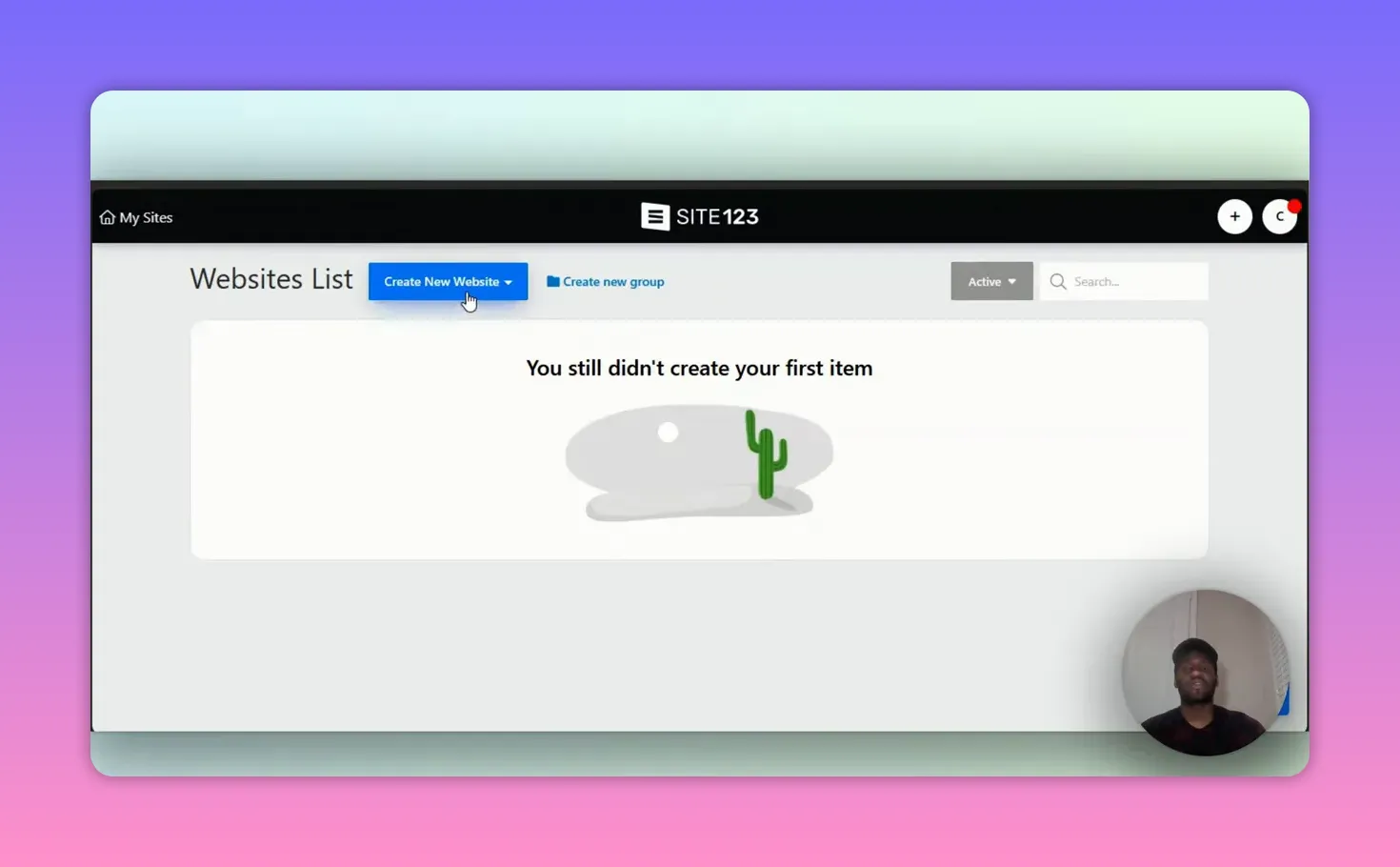
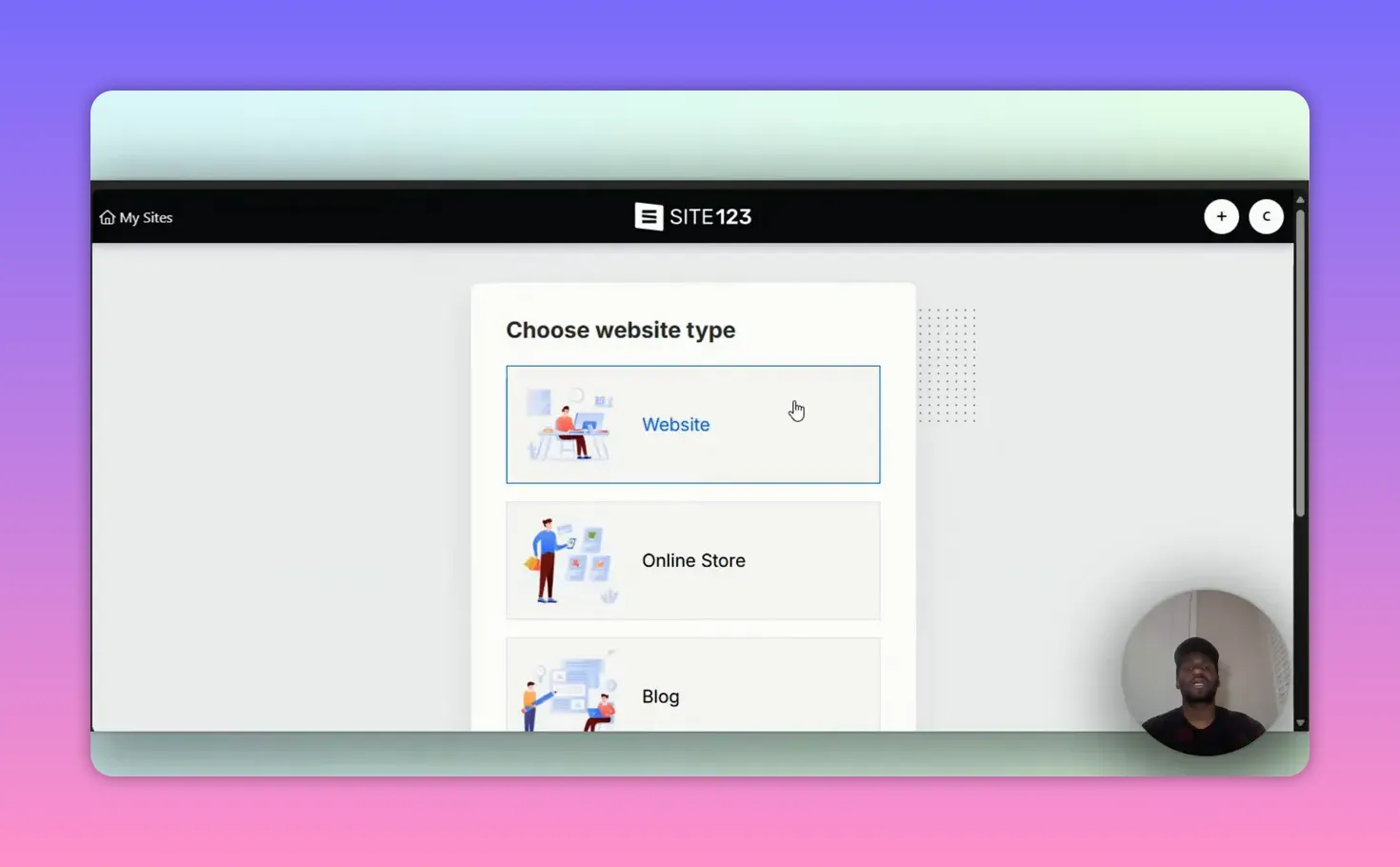
Setup is straightforward. I clicked Create New Website, chose Blog, typed a category and name, and SITE123 built the initial structure automatically. Within moments I had an About page, Services, Testimonials, Contact with a map, and a Blog section ready to edit.
The onboarding includes suggested text and section templates so you are not staring at an empty canvas. That approach gets you a usable skeleton fast, which is ideal when you want to publish quickly.
Editing, AI suggestions, and templates
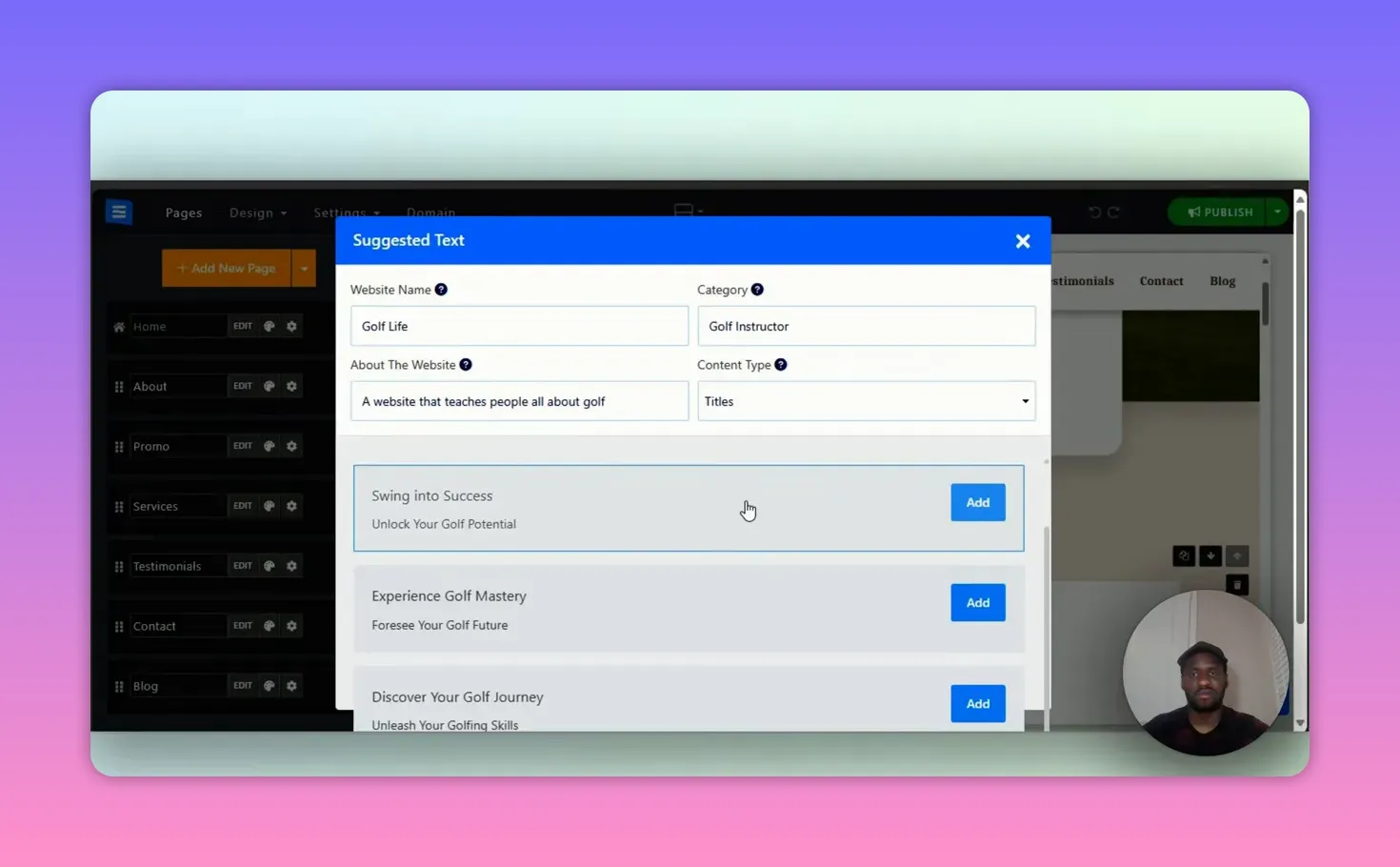
One feature I appreciated is the suggested text generator. Click a section and SITE123 surfaces editable copy for headings, paragraphs, and calls to action. This saved time when I needed initial copy for a golf instructor site.
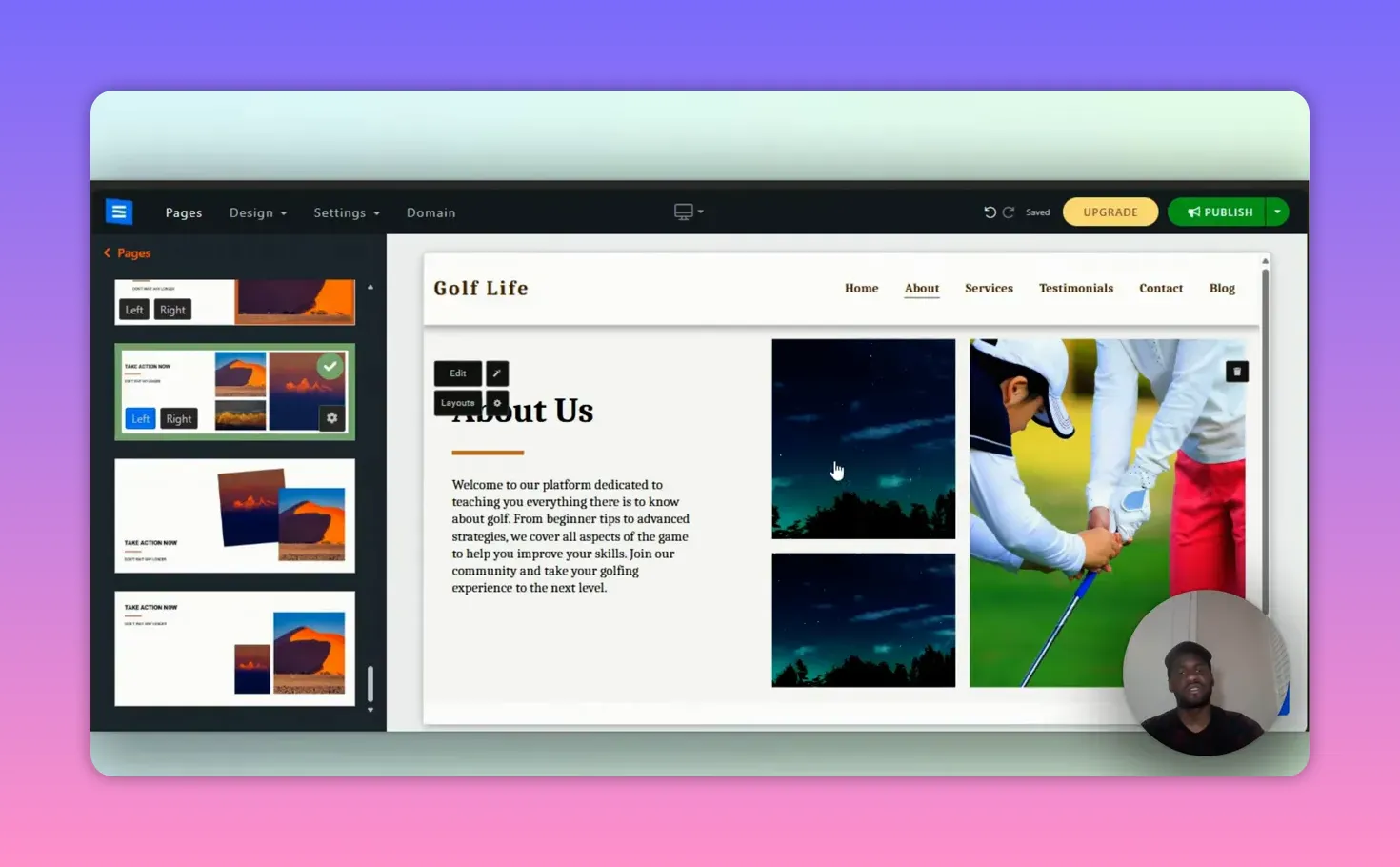
Layouts are flexible. You can swap section layouts with a couple of clicks and rearrange images. I swapped the About layout for a three-image style and replaced placeholder images instantly. The editing interface stays focused on content blocks rather than wrestling with dozens of obscure settings.
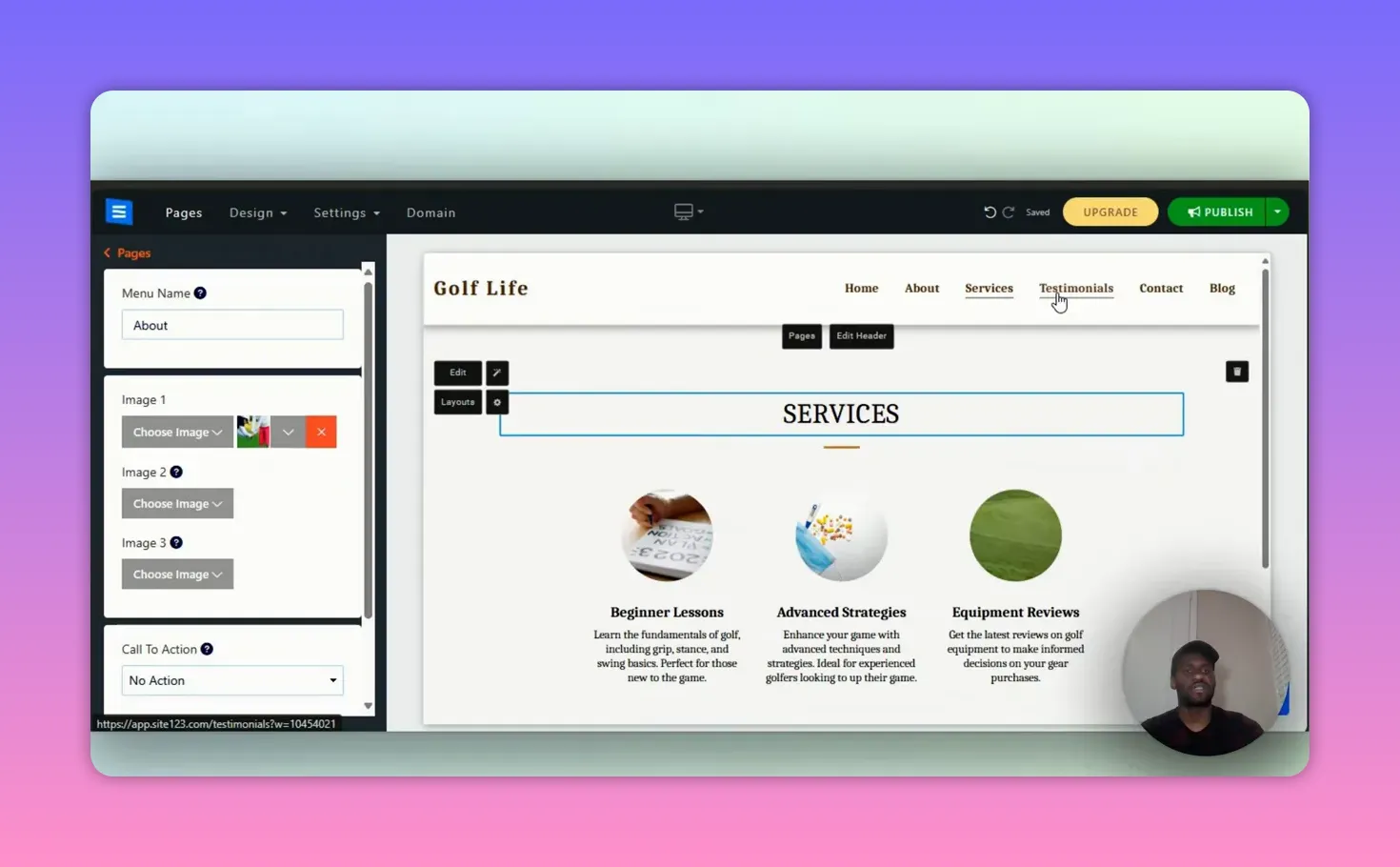
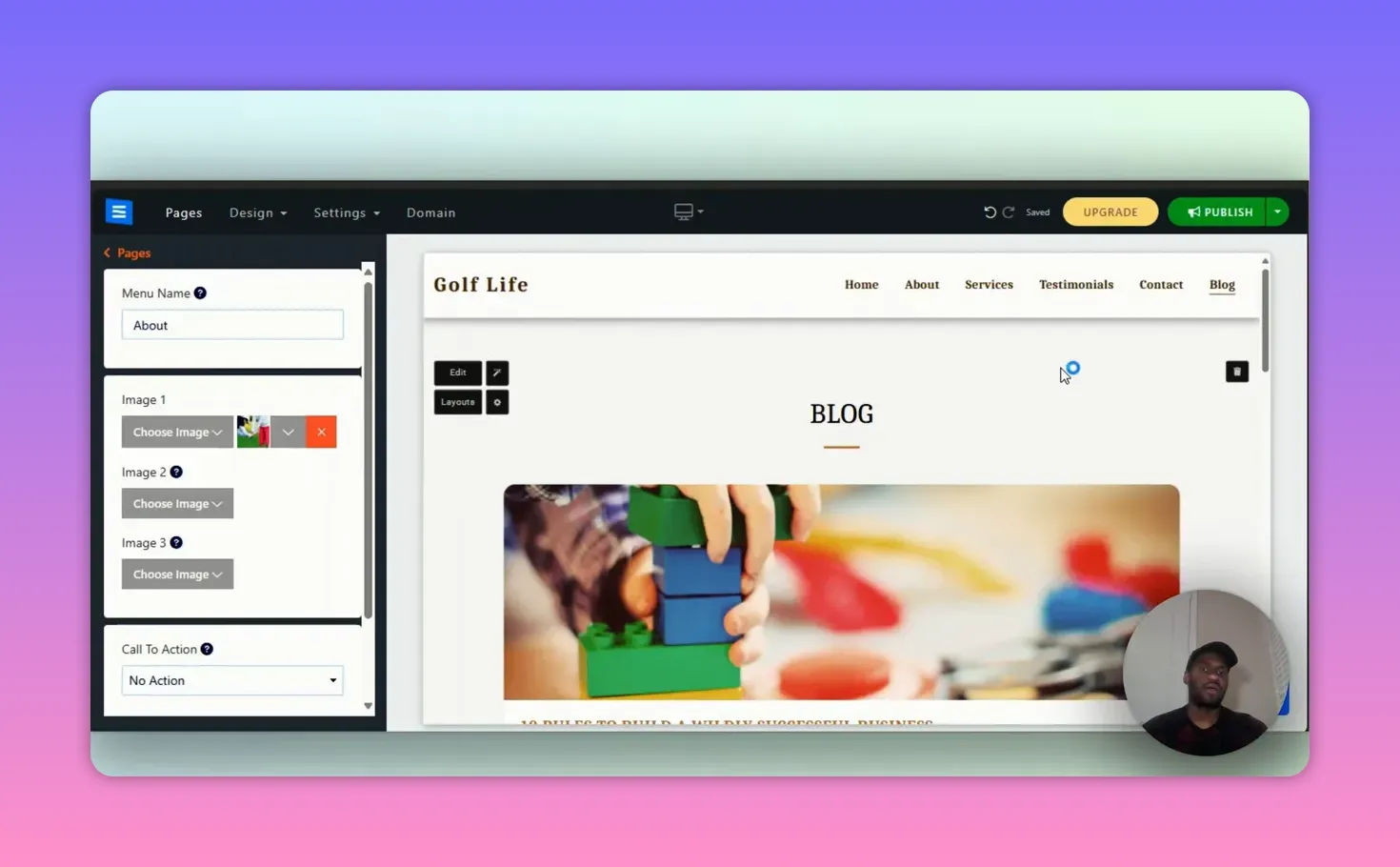
For Services and Blog sections, SITE123 provides ready-made categories such as Beginner Lessons, Advanced Strategies, and Equipment Reviews. Those are perfect starting points if you plan to sell courses or publish regular posts.
Publishing and domains
Publishing is simple: connect your domain and hosting or buy a domain through SITE123’s interface. The platform bundles the typical steps—DNS setup, hosting choices, and SSL configuration—into a guided flow. That makes the path to going live easier than many DIY setups.
Pros
- Speed: Very fast to get a site up and running because of template-driven pages and AI suggestions.
- Usability: Editing focuses on content blocks; no steep learning curve.
- Helpful defaults: Built-in sections like contact maps, testimonials, and services reduce decision fatigue.
- Domain and hosting options: You can purchase and connect without leaving the builder.
Cons
- Less design freedom: If you want pixel-perfect control or complex custom layouts, SITE123 is limiting.
- Content depth: Generated copy is short and often needs expansion to be unique and SEO-friendly.
- Scaling: For large sites or advanced e-commerce stores, you may outgrow the feature set.
Who SITE123 is good for
Choose SITE123 if you want a fast, guided way to publish a small business site, personal blog, or simple portfolio. It works nicely for people who prefer content-first editing rather than theme tinkering. If you need advanced design flexibility or a complex online store, consider other platforms.
Pricing and final verdict
SITE123 offers a free trial and paid plans that include domain, hosting, and additional features. The exact price varies, but the value proposition centers on convenience. I recommend SITE123 for beginners or busy creators who want a clean, quick setup and are happy to trade off deep customization for speed.
In short, SITE123 delivers on its promise to simplify website building. It gets you from idea to live site with minimal friction while providing enough structure and suggestions to build a professional-looking presence.
How long does it take to create a basic site with SITE123?
You can have a basic site ready in under an hour. SITE123 provides templates and AI-suggested copy that jumpstarts the process, so initial setup is usually very fast.
Can I use my own domain and hosting with SITE123?
Yes. You can connect your own domain and choose hosting, or purchase domain and hosting through SITE123. The platform guides you through DNS and SSL setup.
Is SITE123 suitable for online stores?
SITE123 supports online stores and simple e-commerce needs, but if you plan a large catalog or need complex integrations, you may need a more advanced platform.
Does SITE123 provide SEO help?
SITE123 includes basic SEO tools and content suggestions, but for competitive keyword strategies and deeper optimization, you should expand generated copy and use external SEO practices.
Is SITE123 the right choice for absolute beginners?
Yes. SITE123 is designed for beginners and people who prefer a guided, low-technical approach to building a website.