

Publishing more posts will not fix a scattered site. When your content does not connect, readers bounce, crawlers miss context, and AI search systems see fragments instead of a clear body of knowledge. This lack of organization creates a weak website structure that prevents your site from gaining topical authority.
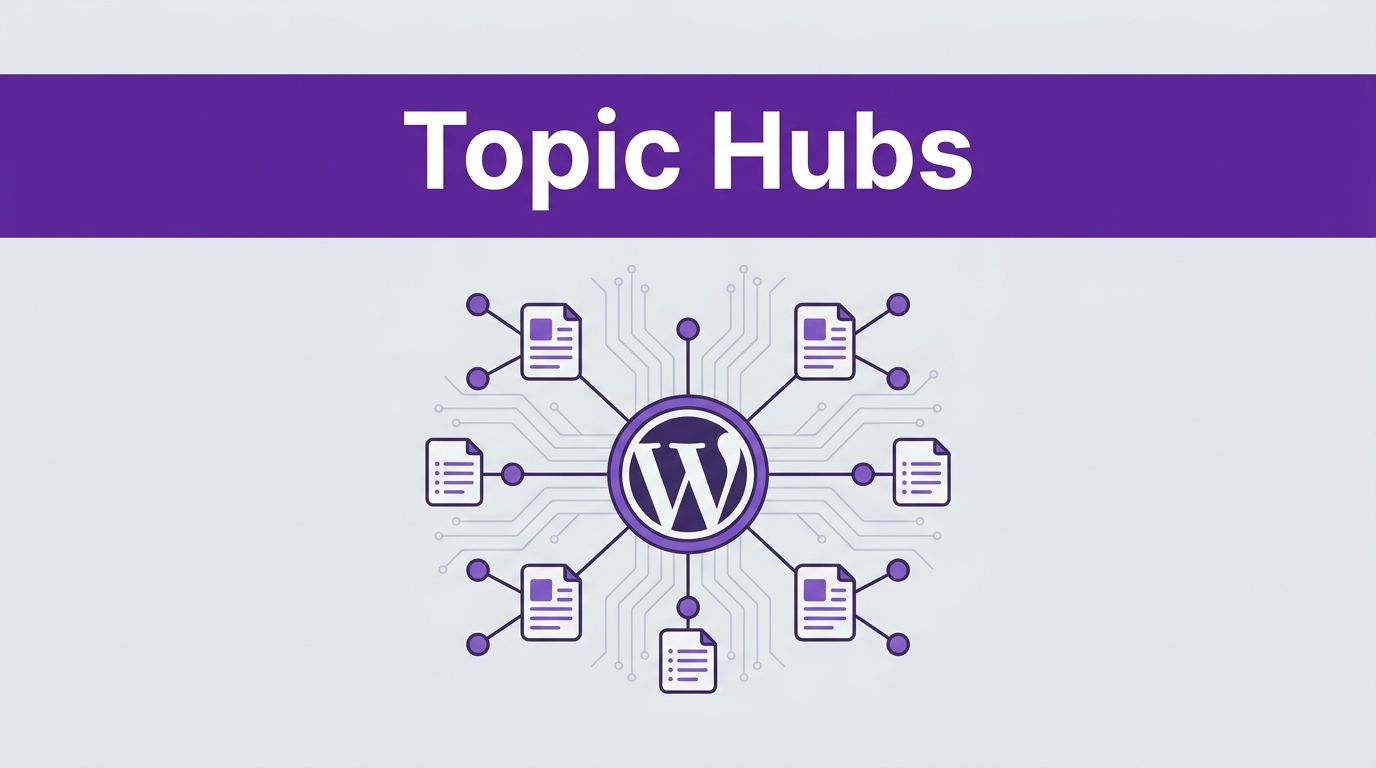
A strong topic cluster hub gives your WordPress site a center. One main page explains the topic, while supporting pages answer narrower questions and link back with purpose. That structure helps people find the next step, and it helps machines understand how your content fits together. By organizing your information in this way, you create a robust content strategy that is essential for performing well in AI search.
Start with the job your hub page needs to do.
Key Takeaways
- Structure for AI Search: Unlike traditional SEO, AI models require a clear, hierarchical map to distinguish between main explanatory hubs and specific supporting evidence for accurate summarization and citation.
- Build Hubs as Guides: A successful WordPress content hub should be published as a Page rather than a post, featuring a clear definition of the topic, a table of contents, and manually curated links to supporting content.
- Purposeful Clusters: Each supporting cluster page must solve a distinct, narrower problem without repeating the hub’s content, preventing internal competition and cannibalization.
- Strategic Linking: A cluster succeeds only when the internal linking strategy connects the hub to the cluster, the cluster back to the hub, and the cluster pages to each other to demonstrate topical relationships.
Why topic cluster hubs matter more in AI search
A topic cluster hub is more than just a pillar page with a few links. It is the definitive page that frames the main subject, organizes subtopics, and directs users toward the appropriate level of depth at the right time.
While traditional search engine optimization has always relied on clear internal linking and comprehensive content to signal relevance, AI search adds a new layer of complexity. Systems that summarize, retrieve, and cite pages need to distinguish which URL is the main explainer and which URLs provide specific details. In 2026, topic clusters have become essential because they help these systems understand how ideas relate to one another. By building these hubs, you demonstrate the topical authority that AI systems look for when choosing which sources to cite in their responses.
A clean cluster improves crawl paths, distributes authority across your site, and aligns better with user intent. It also helps answer engines connect entities, such as tools, methods, platforms, and use cases, across multiple pages.
A hub does not guarantee rankings or citations on its own. Instead, it gives your content a coherent shape. That structure makes it significantly easier for search engines and AI models to crawl, compare, and verify what your site knows.
If you are working on getting your content cited in AI overviews, topic clusters make that work easier because your evidence pages sit close to the main guide rather than floating alone. By using internal links effectively, you create a logical map that guides AI models directly to the information they need.
For a broader perspective, SEO Topic Clusters in the Age of AI provides useful context on why organized content is easier for modern systems to process and index.
Choose the pillar topic before you open WordPress
Most cluster problems start before a single page is built. The pillar page is often too broad, too narrow, or too fuzzy. Your process should begin with thorough keyword research, and AI keyword clustering tools can group a raw query list into focused page opportunities before you select a viable core topic.
Pick a subject that can support at least six strong supporting pages in the coming months. At the same time, keep it focused enough that one hub can explain the subject without turning into a giant encyclopedia entry.
For a WordPress marketing site, “SEO” is too broad. “Technical SEO for WordPress sites” is much cleaner. In this context, narrower terms like “WordPress XML sitemaps” or “Schema markup implementation” serve as valuable subtopic keywords. While a hyper-specific phrase might work as a cluster page, it is usually too narrow for a primary hub.
The best core topics sit at the overlap of audience need, business value, and content depth. Look at Search Console queries, support tickets, sales call notes, internal site search, and the posts that already attract links or impressions. These signals identify opportunities to target long-tail keywords while matching the specific search intent of your audience.
Next, map the entity relationships around your topic. For a hub on “AI search for WordPress,” your related entities might include schema markup, internal links, crawlability, canonicals, AI Overviews, citation behavior, and semantic HTML. This step matters because semantic SEO is not only about words on the page. It is also about how terms, concepts, and page roles connect across the site to build authority.
Keep each planned page tied to one dominant intent. If two page ideas answer the same need, combine them or change the angle. A clean cluster is essential for effective search engine optimization, as it ensures your site remains authoritative rather than bloated.
Build the hub page as a guide, not a post archive
In WordPress, your content hub usually works best as a Page rather than a standard blog post. Using a Page gives you more control over your layout, URL structure, and evergreen updates, all of which are essential for maintaining a high-quality content hub.
Use the block editor to create a page that explains your core topic first. By prioritizing user experience, you can craft a guide that serves readers immediately. Route your audience to deeper pages with short, descriptive summaries rather than a bare list of links. When you aim for 10x content quality, your hub feels like a valuable resource, even if the reader never clicks away to another page.
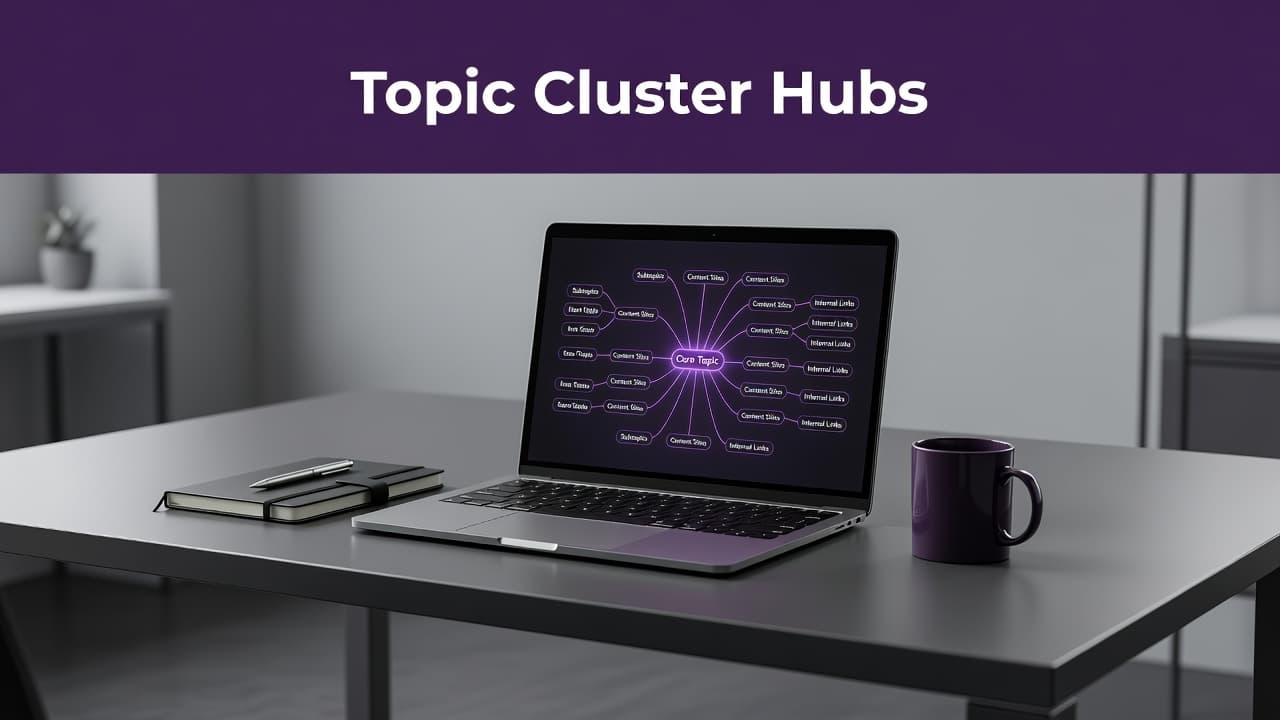
A strong content hub answers the main question first, then sends readers to the best next page.
Most effective content hubs include a few standard sections that improve user experience and help AI models understand your expertise:
- A short opening definition of the core topic and an explanation of who the page is for
- A table of contents with jump links
- A plain-English overview of the subject
- A section that introduces the key subtopics
- Curated links to each cluster page, paired with a one or two sentence summary
- A short FAQ or common mistakes section
- A visible last updated date if the information changes often
Keep the main content indexable and easy to parse. Do not bury your key explanations inside tabs, sliders, or JavaScript-heavy widgets. If your theme supports breadcrumbs, turn them on. They assist users in navigating your site and reinforce the logical structure of your content hub.
For the links pointing to your cluster pages, manual curation usually beats automatic related-post widgets. You can use Query Loop blocks, but only if the category or custom taxonomy is tightly focused. Otherwise, WordPress may surface pages that share a tag but fail to align with the specific intent of your core topic. By manually selecting the best cluster content, you ensure that your hub delivers the high-level quality that search engines and AI models expect from 10x content.
Write cluster pages that add depth, not noise
The job of your cluster pages is simple. Each supporting article should answer one narrower question better than the hub page can.
This means every page must target specific subtopic keywords while providing its own unique angle, examples, and payoff. A page on “how to add breadcrumbs in WordPress” should not repeat your full hub on site architecture. Instead, it should solve the specific breadcrumb problem and then link back to the hub for the bigger picture. This approach ensures your content marketing efforts remain focused and purposeful.
This is where many sites lose the plot. They publish ten short articles that all cover the same ground with only slight wording changes. That pattern creates content overlap, weak signals, and internal competition.
Instead, give each page a clear role within your strategy. One page might explain the best practices for choosing anchor text. Another might cover how to fix orphan pages. A third might show how to audit crawl depth. These pages support the hub because each one adds a missing piece of information.
Keep terminology consistent across the cluster to help build topical authority. If you refer to a concept as “entity SEO” on your hub, do not switch to different labels on your supporting pages unless those terms have distinct meanings. Consistency helps readers and helps AI search systems accurately match concepts across your various URLs.
For sites that cover many recurring definitions, glossary pages for topic clusters can strengthen semantic connections. A concise glossary page can define a core term, link up to the hub, and point sideways to related articles to further boost your site authority.
If you want a practical content example, a site in the AI tools space could build a hub around “AI writing tools.” Supporting cluster pages might cover AI rewriters, summarizers, prompt frameworks, comparison methods, and API setup guides. Each page stands alone as a valuable resource, yet each one makes the overall hub stronger.
Use internal links like a map
The hub model fails when your internal linking strategy is incomplete. While WordPress makes it easy to publish pages, it does not build your site structure for you automatically.
Every cluster page should link back to the hub using descriptive anchor text. The hub should also link out to every cluster page that matters. Related cluster pages should link to each other when the connection is natural, as this third type of internal link is where topical understanding improves most rapidly. If your page about AI Overviews mentions crawlability, link to your crawlability page. If your entity SEO guide references glossary design, link there. These sideways links demonstrate relationships rather than just hierarchy, which is a fundamental pillar of modern search engine optimization.
Anchor text should name the destination clearly. Using “internal linking patterns for hubs” tells both the reader and the crawler far more about the topic than a generic “read more” link. Keep your anchors varied, but ensure the destination remains obvious.
Audit your older posts as well. Many sites build a new hub and forget that legacy articles still point nowhere useful. Adding contextual links from relevant older content into the cluster often produces the quickest lift in crawl efficiency and discovery.
You should also check for pages that have no inbound links at all. If you have those, fix them before you call the cluster complete. Identifying and resolving WordPress orphan pages is one of the fastest ways to improve your overall website structure.
One warning matters here. Automatic internal-link plugins can save time, but they also create junk links if you let them run wild. Always review the suggestions. Link for meaning first to ensure your site remains organized for both users and search engines.
The WordPress setup that makes hubs easier to manage
You do not need a complicated technical stack to build effective topic cluster hubs in WordPress. A clean, lightweight setup always beats a pile of unnecessary plugins. By streamlining your foundation, you improve the user experience for both your human readers and the search engine bots crawling your site.
Start with one SEO plugin, not three. Tools like AIOSEO, Rank Math, and Yoast can all handle the essential search engine optimization needs, such as titles, XML sitemaps, canonicals, schema basics, and breadcrumbs. Pick one reliable option, configure it correctly, and move on.
For hub layouts, the native block editor is enough for most teams. Using patterns helps you keep section order, summary cards, and callout blocks consistent across multiple hubs. If you need more control, GenerateBlocks or Kadence Blocks make reusable sections easier to manage without turning the page into a slow, complex visual builder maze.
A table of contents plugin or block is a smart addition, especially for long, evergreen content. It improves navigation and provides an AI-friendly structure with clear heading anchors. Keep the heading hierarchy clean, because a broken order makes long pages difficult for both users and machines to scan.
For large sites, consider implementing a custom content taxonomy labeled “Topic” or “Content Hub.” This strategy helps you group related content behind the scenes, build filtered archive views, and avoid category sprawl. However, do not let your taxonomy replace human editorial judgment. A cluster is a deliberate content design choice, not just a tag.
Finally, track performance using Search Console and your analytics platform. Watch for impressions, internal clicks originating from the hub, crawl activity, and assisted conversions. These signals help you verify whether your content hub is becoming a high-performing system or simply remaining a static page.
Traditional SEO benefits and AI search benefits are not the same
Topic clusters help both standard search and AI-assisted search, but the payoff is a little different in each case.
| Outcome | Traditional search benefit | AI search benefit |
|---|---|---|
| Crawlability | Clearer internal paths help bots find and revisit important pages | Better retrieval paths help systems find supporting evidence around the main topic |
| Relevance | Stronger topical coverage can improve ranking signals for a broad SEO strategy | Stronger topic framing helps answer engines understand page roles and subtopic relationships |
| Internal links | Link equity moves toward core pages more efficiently | Linked pages provide a web of context that helps summarization and citation decisions |
| Content quality signals | Reduced overlap lowers cannibalization and mixed intent | Consistent terminology and entity naming improve machine understanding across pages |
The shared win is better structure. The difference is how the system uses that structure. Search engines may reward it with stronger rankings through traditional search engine optimization over time. AI systems may use it to choose the right page, pull a clean explanation, or compare your content with other sources.
That is also why messy clusters underperform. If five pages on your site all compete for the same concept with thin differences, both humans and machines get mixed signals.
For another outside perspective on clustered architecture, Whitehat’s topic cluster overview is a useful comparison point when building your own topic clusters.
Two cluster models you can copy
To successfully organize your content, you should adopt a hub and spoke structure. This architecture helps search engines map your site authority while allowing you to capture a featured snippet for high-intent queries. Here are two ways to implement this model effectively.
An AI tools publisher
A site like Success Tech Services could build a content hub called AI Writing Tools. This central hub page defines the category, explains common use cases, compares tool types, and links to deeper pages.
Supporting pages might include AI rewriter tools, AI summarizer tools, how to compare writing assistants, prompt templates for marketers, and API setup for AI content workflows. You should also add a glossary page for recurring terms such as token limits, fine-tuning, hallucinations, and retrieval. This works because the hub provides a broad category overview, while the cluster pages provide specific answers to targeted questions.
A WordPress SEO agency
An agency might build a hub called WordPress Technical SEO. The hub should frame the topic around critical areas like crawlability, site speed, rendering, architecture, and reporting.
Supporting pages should follow the buyer’s journey, covering topics like orphan pages, XML sitemaps, canonicals, breadcrumbs, faceted navigation, and schema markup. You could also include a guide on how to audit internal linking for large sites. This model is highly effective for lead generation because the hub attracts early research traffic, while the supporting pages capture task-based searches that demonstrate clear intent. By structuring your site this way, you demonstrate high E-E-A-T to both users and search engines, which is essential for establishing authority in a competitive niche.
A simple workflow for your first hub
You do not need a six-month content project to start. One focused build is enough.
- Pick one pillar page with clear business value and a core topic that offers room for at least six supporting pages.
- Audit your existing WordPress content and group pages by intent, not by category label.
- Choose the main hub URL and build it as an evergreen Page.
- Draft the first version with a clear intro, table of contents, topic overview, and curated links.
- Publish three to six cluster pages that each solve one narrow problem.
- Use internal links to connect your hub-to-cluster, cluster-to-hub, and cluster-to-cluster pages using descriptive anchor text.
- Update older related posts so they feed authority into the new hub.
- Review Search Console, internal click data, and crawl behavior after 30 to 60 days, then fill the gaps.
Start small, but keep the pattern strict. A compact set of topic clusters with real depth beats a giant map of half-finished pages. This approach serves as a reliable and repeatable content strategy.
Frequently Asked Questions
Why should I use a Page instead of a blog post for my topic hub?
A WordPress Page offers more control over URL structure, layout, and evergreen maintenance, which is essential for a central resource. Pages allow you to craft a static, authoritative guide that remains independent of your chronological blog feed.
How many supporting cluster pages do I need to launch a hub?
While you can start with three to six focused pieces, aim for a core topic that can support at least six distinct subtopics over time. Quality is more important than quantity, so ensure every piece provides unique value rather than just filling a quota.
Should I use plugins to automate my internal linking?
It is generally better to avoid fully automated internal linking plugins as they often create irrelevant or “junk” links. Manual curation or tightly focused Query Loops provide higher precision, ensuring both users and search engines see logical, helpful connections between your content pieces.
Can I use existing blog posts in a new topic cluster?
Yes, auditing and incorporating legacy content is one of the fastest ways to improve your site structure. By linking older, relevant articles into your new cluster and updating their anchor text, you can immediately feed authority into your new hub.
Conclusion
Publishing more content is not the answer when your site lacks a clear direction. A well-organized website structure is what turns individual articles into a cohesive body of work that readers, search crawlers, and AI systems can easily follow.
By focusing on effective topic clusters, you can create a hub that explains a specific subject with authority. Add supporting pages that each serve a distinct purpose, connect them with care, and maintain consistent language throughout. One strong cluster can organize your entire content strategy for the year ahead and ensure every new page you publish has a clear, logical place within your site.
This post may contain affiliate links. If you make a purchase through these links, I may earn a small commission at no extra cost to you.