

Search engine results pages are increasingly crowded, and standard links often fail to capture a user’s attention. If you publish review content in WordPress, pros and cons schema can help Google understand the strongest points on your page and display them directly in search. By utilizing these visual product snippets, you can provide a more engaging experience that frequently leads to higher click-through rates.
This functionality only works when the markup accurately reflects a genuine editorial review. The good news is that you do not need to be a developer to implement this correctly in 2026, and the safest path to optimization is much simpler than most people expect.
Key Takeaways
- Editorial Context is Essential: Pros and cons schema is designed specifically for authentic editorial reviews and affiliate content; it should not be used on merchant product pages or general e-commerce listings.
- Visible Text is Mandatory: Google requires that all pros and cons defined in your structured data must be clearly visible and readable within the body of your article.
- Prioritize Plugin-Based Implementation: Using a reputable SEO plugin is the most efficient and error-free way to implement schema, provided you avoid using multiple conflicting tools on the same page.
- Consistency is Key: The wording used in your schema markup must exactly match the bulleted points on your live page to ensure validity and avoid penalties.
- Validation is Required: Always test your live URLs using Google’s Rich Results Test to confirm your markup is recognized and that no duplicate schema entities are present.
When pros and cons schema is the right fit
Pros and cons schema markup is tied to editorial product review structured data. It is not a general-purpose add-on for every page on your site. Google has been clear about that in its pros and cons structured data announcement.
For WordPress site owners, that means a blog post featuring product reviews, an affiliate review, or a hands-on assessment can be a good fit. This approach is intended for content creators rather than merchant listings found in the Google Merchant Center. If your page sells the item directly, skip this markup.
Google also expects the pros and cons to be visible on the page. The structured data cannot invent points that readers never see. In addition, the markup has to match the text on the page, and you need at least two statements total. That can be one pro and one con, two pros, or two cons.
This quick table keeps the rules straight:
| Page type | Use pros and cons markup? | Reason |
|---|---|---|
| Single-product editorial review | Yes | This is the intended use case |
| Affiliate review with hands-on analysis | Yes | It is still editorial content |
| Merchant product page | No | Google does not treat this as editorial review content |
| Customer review page | No | User opinions are not the target for this feature |
| Roundup post with no clear review text | No | There is no product review context to support the markup |
The main point is simple. Use it where you are writing product reviews as a publisher, not where you are selling items directly as a retailer.
Google may detect pros and cons on its own, but published markup gives it cleaner signals. Still, rich results are never guaranteed. Valid schema only makes the page eligible.
The easiest WordPress method is using schema plugins
Using schema plugins is the fastest route for most people, because these tools handle the JSON-LD output for you automatically. But do not start inside the plugin settings. Instead, begin your work directly on the page itself.
Write a visible “Pros” section and a visible “Cons” section first. In the block editor, a pair of headings with short bullet lists works best. Put them near your summary, verdict, or scoring box so both readers and search engines can find them quickly.
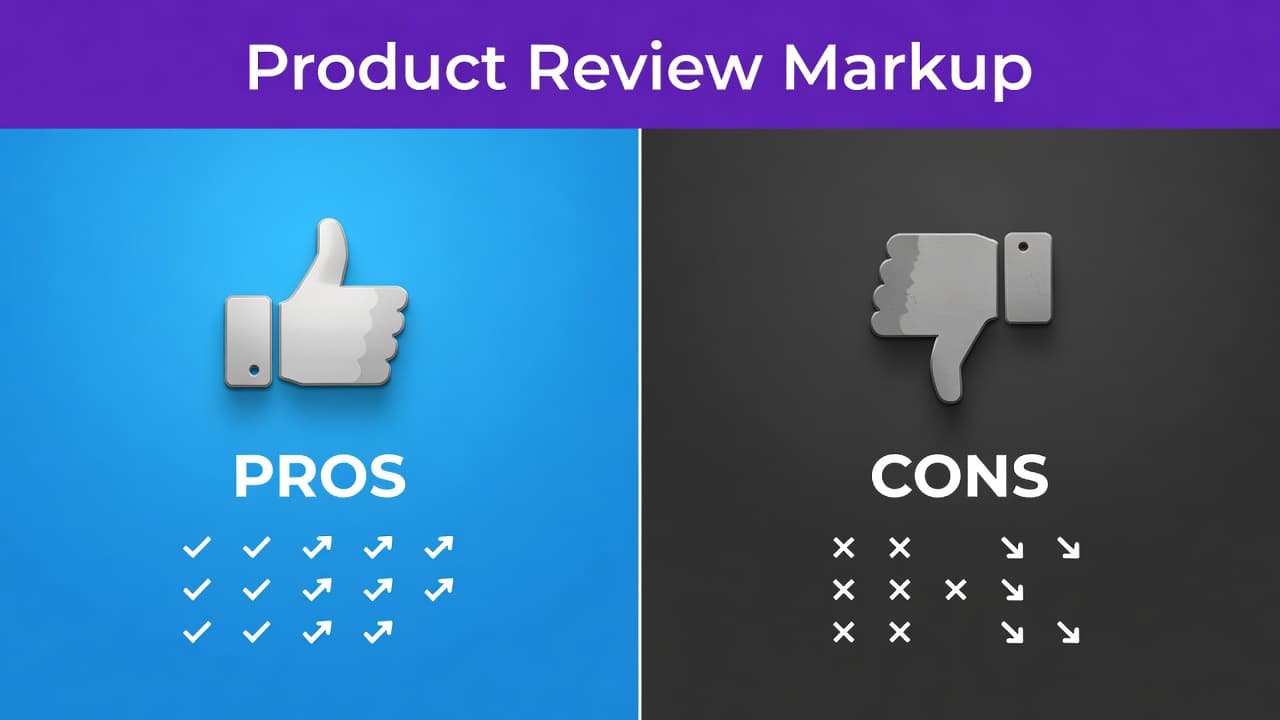
Clear on-page pros and cons make the markup easier to trust and validate.
Then, follow these steps for your markup implementation:
- Open the post you want to edit in WordPress.
- Ensure the article is a genuine review rather than just a sales page.
- Add the visible pros and cons list in the content area.
- Open the review or schema settings inside your SEO plugin.
- Choose the review or product-review schema option that fits the post.
- Enter the exact pros and cons that already appear on the page to ensure your schema markup matches the visible text.
- Save the post and test the live URL.
If you use Rank Math, its guide to adding pros and cons schema shows the field layout and menu path. If you need more advanced control, Rank Math PRO offers extended features for those managing complex site structures. If you still need the plugin configured first, this walkthrough on configuring schema defaults is a helpful starting point.
A few practical rules matter here. First, do not let the plugin generate schema markup that differs from your article text. Second, do not activate two separate tools that both output Product or Review data for the same post. Conflicts and duplicates are common, and they can break otherwise valid code.
Comparison posts need extra care. If your roundup includes short reviews for several products, only add pros and cons to sections that are genuine editorial reviews. Generic lines like good value or popular choice are weak signals and poor review copy.
If your current plugin only adds star ratings and lacks support for positive or negative notes, manual JSON-LD is the next logical option.
Manual JSON-LD gives you more control
Manual markup is an excellent choice when your plugin lacks native support for pros and cons, or when you want more precise control over your output. Using JSON-LD is the preferred format for implementing this structured data because it is clean, easy to manage, and preferred by search engines. In WordPress, the safest beginner-friendly method is page-level placement. Simply add the script in a Custom HTML block on your post, or use a code snippets tool that injects the script only on that specific page.
If you have never added custom code before, this guide to implementing FAQ markup uses the same basic placement method within the editor. It is important to note that this is different from local business schema, which is intended for physical locations rather than product reviews.
A common setup uses Product markup via schema.org with a nested Review object. Within this structure, the pros and cons live in positiveNotes and negativeNotes fields. Keep your text short, accurate, and identical to the visible bullet points on your page.
This sample displays the necessary structure, not a finished review template. Replace the product name and note text with your actual content. Be sure to keep the list item positions in order, and do not include any points that are not explicitly stated on the page.
Manual JSON-LD has one significant pitfall. If your SEO plugin already outputs Product or Review schema, adding a second manual block can create duplicate entities. This often leads to confusing test results. Before you paste any code, check the page source or your plugin documentation to see if review markup is already present.
For most users, the safest manual workflow is to use a plugin for your main schema if it supports reviews, then add custom JSON-LD only when that plugin cannot output pros and cons at all. One clean schema graph always performs better than two messy, conflicting ones.
Validate the markup before you count on it
After you publish, test the URL in Google’s Rich Results Test. That confirms whether Google can read the structured data and whether the required fields look valid.
Then inspect the live page, not only the draft or preview. Cached pages, optimization plugins, and template conditions can change the final output. A page that looks fine in the editor may render different schema on the front end. Once your rich results start appearing in search, monitor their performance and any potential issues using Google Search Console.
Check these points before you move on:
- The page is an editorial product review.
- The pros and cons are visible in normal page content.
- The schema markup matches the wording on the page.
- There are at least two statements total.
- Only one clean set of review-related schema appears on the page.
Valid markup makes a page eligible. Google still decides whether to show the rich results or display them as product highlights.
Avoid spammy shortcuts. Don’t mark up shipping perks, refund policies, or store promises as product pros. Don’t apply review markup to tag pages, category pages, or generic lists with no real review text. Also, don’t stuff the list with vague praise. Short, concrete points like “Battery lasts two days” are better than filler like “Great quality.”
If a page fails validation, fix the source, not the symptom. Remove duplicate plugins, correct mismatched text, and simplify the schema until the output is clean.
Frequently Asked Questions
Can I add pros and cons schema to a roundup post?
You can use this schema in a roundup post only if the individual products have dedicated, substantial editorial review sections. You should not add this markup to generic lists or roundup posts that lack detailed analysis of each specific item.
Does adding this schema guarantee rich snippets in Google search?
No, implementing valid schema only makes your page eligible for rich results. Google ultimately decides whether to display these snippets based on various quality factors and the relevance of your content to the user’s search query.
What should I do if my SEO plugin does not support pros and cons?
If your plugin lacks this feature, you can implement the schema manually by using a Custom HTML block or a code snippet tool to inject JSON-LD. Just ensure that you check your site for existing schema to avoid creating conflicting or duplicate data.
Why are my schema markup points not showing up in search?
Search engines may take time to crawl and index your updated markup, and they often choose not to display rich results for every page. Ensure your structured data passes the Rich Results Test and verify that your on-page text perfectly matches the data provided in the schema.
Final Thoughts
Pros and cons markup works best when it mirrors a real review, line for line. Put the visible list on the page first, then add the schema with a plugin or a small JSON-LD block, and validate the final URL.
That order keeps your WordPress setup clean and keeps your review eligible for rich snippets. When the page and the structured data agree, pros and cons schema can help your review earn more attention on search engine results pages. By providing this extra detail directly in the listings, you can effectively boost your click-through rates and capture more interest from your target audience.
This post may contain affiliate links. If you make a purchase through these links, I may earn a small commission at no extra cost to you.