
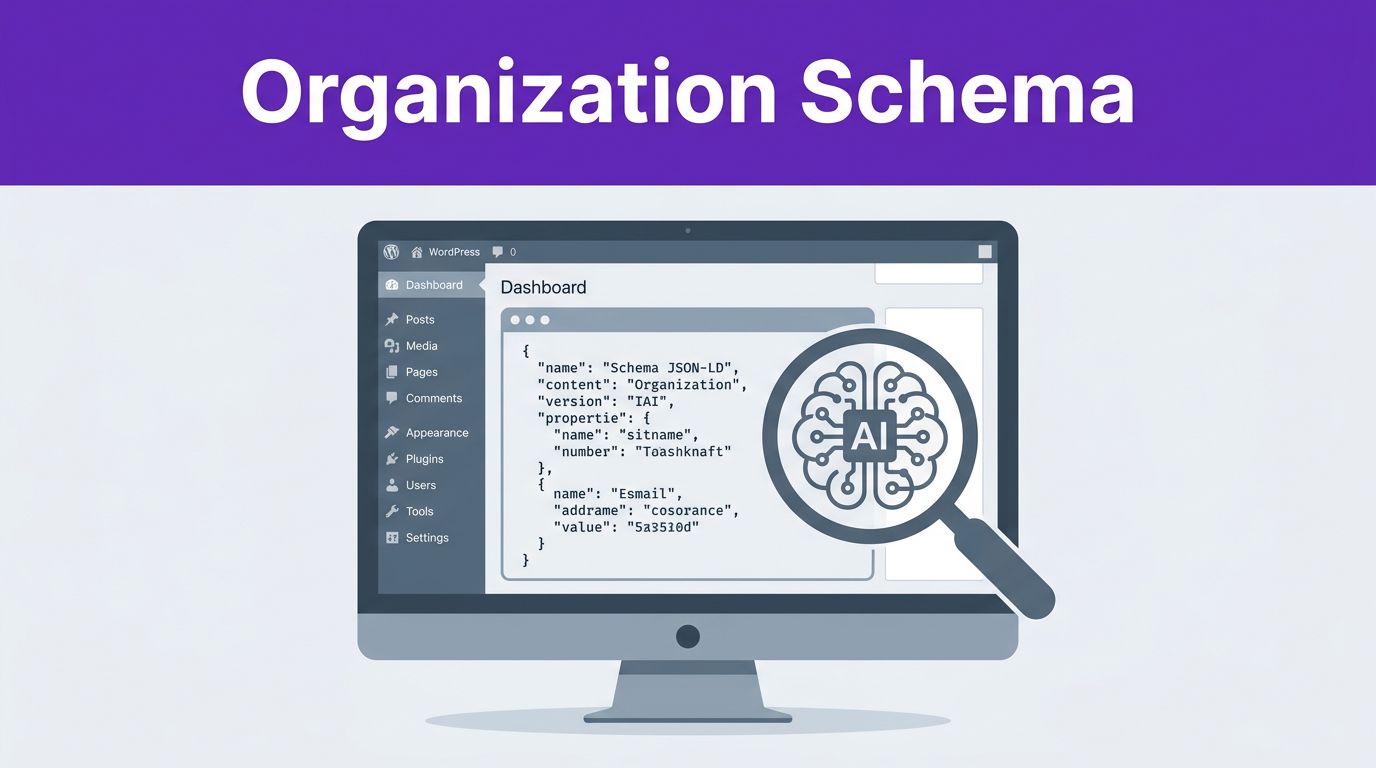

Can an AI system tell that your site, logo, and social profiles all belong to the same brand? If that answer is fuzzy, your site is leaving context on the table.
Adding organization schema in WordPress gives search engines and AI systems a cleaner view of who you are. By using this type of structured data markup, you help Google and AI-driven search tools connect your brand details with much higher confidence, which is a vital step in modern search optimization.
Key Takeaways
- Identity Signals for AI: Organization schema provides search engines and AI models with the clear, structured data needed to confidently verify your brand identity and entity.
- Maintain Consistency: Accuracy is critical; ensure your legal name, logo URL, and NAP (Name, Address, Phone) details match exactly across your website, social profiles, and external business listings.
- Avoid Duplicate Markup: Conflicts often arise when themes, multiple plugins, or manual snippets output competing schema data, which can confuse search engines and dilute your authority.
- Prioritize JSON-LD: Using the JSON-LD format is recommended for its clean implementation, broad compatibility with crawlers, and ease of maintenance in WordPress environments.
Why organization schema matters for AI search
Search has evolved significantly. While Google continues to analyze page copy, links, and overall structure, modern AI systems specifically scan for clean entity signals. By implementing structured data markup, you feed the knowledge graph, which allows search engines to better categorize your business and display your site more effectively within search engine results pages.
In 2026, this level of detail matters more than ever. Beyond standard rankings, this brand layer helps your site populate your brand knowledge panel and can earn you valuable rich snippets, which often leads to a higher click-through rate for your organic listings. If you are working on getting cited in AI search results, this foundation is essential for building digital authority.
The best place for your main organization markup is usually the homepage, as that is where search engines expect to find your primary brand identity. We recommend using the JSON-LD format for this implementation because it is clean, easy to update, and widely supported by all major crawlers.
There is one common mistake worth avoiding early. If your company has a physical location that customers visit, plain Organization schema may be too broad. In that case, a LocalBusiness type or a more precise subtype is better because it allows you to include specific details like your postal address, phone number, business hours, and map data.
Schema helps machines understand your brand. It does not act like a ranking switch.
That difference matters. You are not adding markup simply to manipulate rankings. You are providing machines with a clearer map of your business so they can confidently connect your site with the brand people already know.
Gather your brand details before you touch WordPress
Schema works best when the data is boringly consistent. Your company name should match the name on your homepage, your footer, your about page, and your social profiles. Small mismatches create doubt, especially when AI systems try to reconcile brand data across the web.
Before you add anything, collect the core fields you want to publish:
- Organization name: Use the exact legal or trading name of your business.
- Your canonical website URL.
- Corporate logo: Ensure you have the direct URL to your high-resolution brand image.
- A short brand description.
- Social media profiles: Include only official links, as these populate the sameAs property to help search engines connect your entity to your external presence.
- Your service area, if you focus on a country, region, or city.
If you are a local business, also collect your NAP details, which means name, address, and phone number. Keep them the same everywhere. A different suite number, phone format, or spelling across pages can weaken trust in the data.
Be selective with social profiles. Only include official profiles that you actively manage. A half-finished account on a random platform does not help. Neither does a directory listing you do not control.
Also decide what your main entity is. Some sites publish under a brand name, but the SEO plugin is set to Person. Others show one company name in the header and another in the schema. Fix that before publishing. Your organization schema wordpress implementation should match the real brand users see on the page.
The easiest way to add it with a WordPress plugin
For most site owners, using an SEO plugin is the fastest path to implementing structured data. Popular options like Rank Math, Yoast SEO, and All In One SEO already include dedicated fields for business identity, social URLs, logos, and schema types. If you already use Rank Math, this guide on how to set up Rank Math Pro shows exactly where those settings live. If you want a broader overview of how to manage these features through a standard SEO plugin, WP Engine also has a useful guide to schema in WordPress.
This quick comparison helps you choose the right path.
| Method | Best for | Tradeoff |
|---|---|---|
| SEO plugin | Most WordPress sites | Less control over exact output |
| Manual JSON-LD | Custom setups and advanced control | More maintenance |
For beginners, a plugin-based setup is usually sufficient. The key is to fill in the fields carefully and avoid duplicate markup.
- Open the site identity or schema settings within your chosen SEO plugin.
- Set the site type to Organization or LocalBusiness if that fits your business model better.
- Input your exact organization name, homepage URL, logo, and links to your various social media profiles.
- Save the settings, then check the source code of your site to confirm the markup appears.
- Ensure you turn off duplicate schema from other sources, such as secondary plugins, your theme, or manual snippets, and verify that your contact information is consistent across all platforms.
Most technical problems happen in step five. A theme may output its own site identity schema, or WooCommerce extensions may inject store markup. If two tools publish different names, logos, or URLs, search engines get mixed signals.
Always treat your website homepage as the primary home for the main organization entity. From there, let page-level schema handle specific content types, such as Article, FAQ, Product, or Person. If your site relies on expert authors, pairing your publisher markup with using Person schema to build authority gives AI systems a clearer picture of who publishes the content and who actually writes it.
Manual Organization schema in WordPress with JSON-LD
Manual structured data markup is a powerful way to take control of how search engines perceive your site. It is an essential component of technical SEO that makes sense when you want full control, or when your plugin output is too generic. It also helps on custom themes, headless builds, or sites where you want to keep schema separate from your primary SEO plugin.
Add the code to the homepage head area with a snippets plugin, a header script tool, or a child theme. Ensure you are using the JSON-LD format for optimal compatibility with search engines. Do not edit a parent theme directly, because theme updates can wipe out the change.
Here is a simple example you can adapt. Note how the logo property is included to help search engines identify your brand identity visually:
{ “@context”: “https://schema.org“, “@type”: “Organization”, “name”: “Success Tech Services”, “url”: “https://www.successtechservices.com/“, “logo”: “https://www.successtechservices.com/path-to-logo.png“, “description”: “AI-focused educational content and tools for beginners, marketers, and tech enthusiasts.”, “sameAs”: [ “https://www.youtube.com/@yourchannel“, “https://www.linkedin.com/company/yourcompany” ], “areaServed”: “US” }

This is a starting point, not a fill-every-field template. Only publish values you can support on the page and across the web. If your site has a real office or store, use LocalBusiness on the right pages and include address, telephone, opening hours, geo, and price range where appropriate.
The sameAs property deserves extra care. These links help search engines connect your brand to official profiles. Use your real LinkedIn, YouTube, X, Facebook, or other active profiles. Skip third-party pages you do not control.
You can also expand the graph later by incorporating different schema.org types. For example, some sites add specific contact points, founders, or parent company details to provide more context. When setting this up, ensure your organization name is consistent across all platforms. While expanding is helpful, only do so after the basics are right. One clean, accurate organization schema in WordPress, which may include relevant local business information, is better than a giant graph full of weak or outdated fields.
Validate your schema and fix common conflicts
After you publish, test your homepage using the Schema Markup Validator and the Google Rich Results Test to ensure your implementation is error-free. You should also view the page source and search for Organization, LocalBusiness, or sameAs tags. This simple check often reveals duplicates or formatting errors right away.
Look for these common issues:
- Two plugins output different organization names
- The theme injects outdated logo markup
- The schema URL uses a different domain version than your canonical URL
- Social links point to unofficial or inactive profiles
- Your website postal address and contact information do not match the data provided in the schema
- The footer contact details differ from the structured data
Visible content still matters. If the homepage says one brand name and the JSON-LD says another, the code loses value. The same goes for local data. Your address and phone number should consistently match your contact page, your Google Business Profile, and other trusted online listings.
If you find that your markup is frequently breaking, consider using a reliable schema generator to ensure your JSON-LD code remains accurate and standard-compliant. It is also a good habit to periodically review the official Google Search Central documentation to stay updated on any changes to how search engines process structured data.
If you want a beginner-friendly walkthrough before testing your own markup, this schema markup video tutorial is a useful primer.
Keep the output clean over time. Site redesigns, rebrands, domain changes, and plugin swaps often break schema quietly. Review your organization data whenever you change your logo, your business name, or your main social profiles.
Frequently Asked Questions
Do I need to be a developer to add organization schema?
No, you do not need coding skills. Most WordPress users can effectively implement organization schema by using popular SEO plugins like Rank Math, Yoast SEO, or All In One SEO, which provide dedicated fields for your brand details.
Should I use Organization or LocalBusiness schema?
If your company has a physical location that customers visit, LocalBusiness is the better choice as it supports specific details like business hours, address, and phone numbers. Use the generic Organization type only if your business operates primarily online or does not have a public-facing physical location.
How do I check if my schema is working correctly?
Once your markup is live, use the Google Rich Results Test or the Schema Markup Validator. These free tools will scan your homepage and report any errors, warnings, or missing properties that could prevent search engines from reading your data properly.
Can schema markup help my site rank higher?
Schema is not a direct ranking factor, but it helps search engines better understand your site’s content and brand authority. By enabling features like rich snippets and brand knowledge panels, it can significantly improve your visibility and click-through rates in search results.
Final Thoughts
AI search still needs clear identity signals, even when your content is strong. A clean organization schema on your homepage not only helps search engines connect your site and profiles to one brand, but it also provides significant local SEO benefits by helping your business appear in specialized map packs and location-based queries. By committing to accurate structured data markup, you ensure that search engines understand your entity authority.
Start with the basics by confirming your organization name and including the mandatory logo property to boost your visibility. When implemented correctly, this foundation helps your site stand out in search results, often leading to improved click-through rates via rich snippets. If your WordPress setup avoids duplicate or conflicting code, you are giving Google and AI systems a much better read on who you are and what you offer.
This post may contain affiliate links. If you make a purchase through these links, I may earn a small commission at no extra cost to you.