
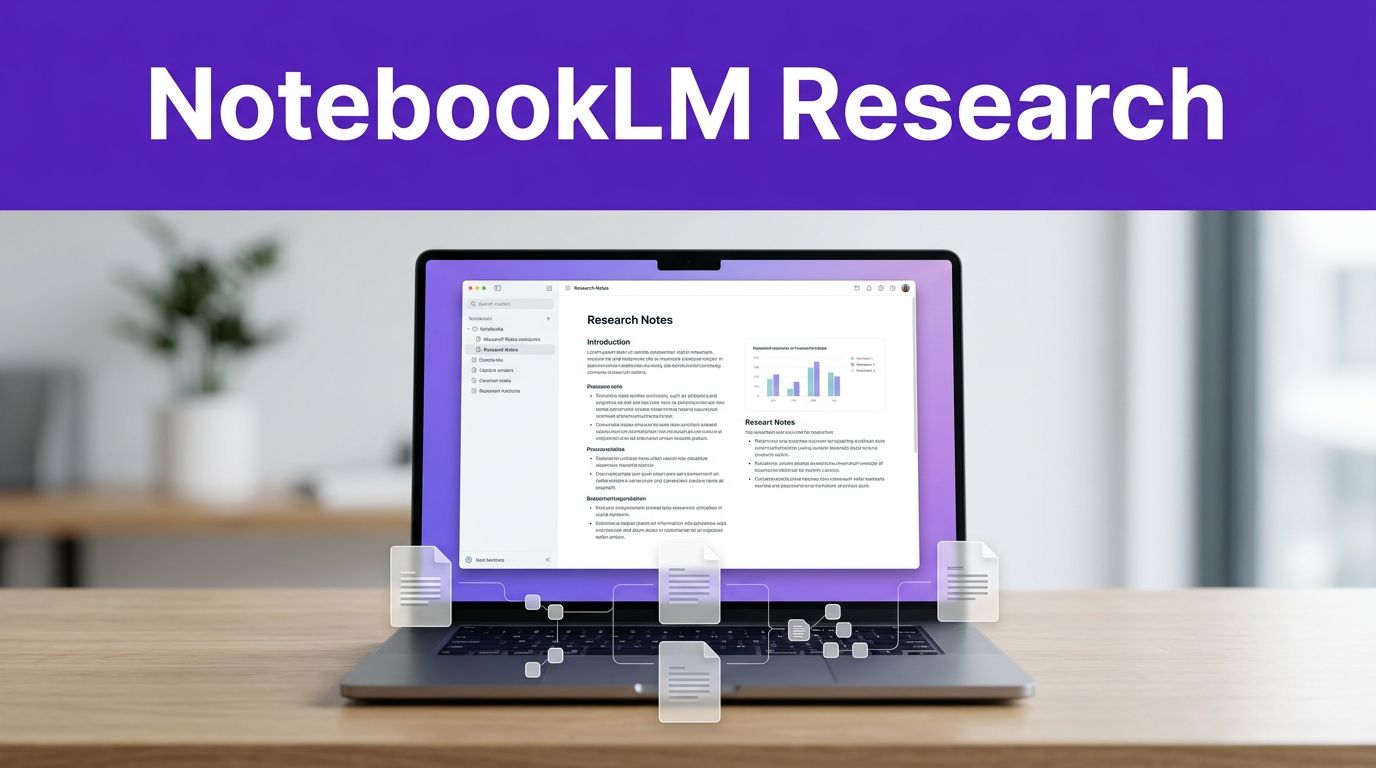

Most blog research breaks down for one simple reason: the facts are scattered. You open too many tabs, lose the good sources, and end up with a draft that feels thin or repetitive. As an advanced AI research tool, NotebookLM helps you organize these fragments effectively. While many writers struggle to manage the output of generative AI, NotebookLM excels at keeping your information grounded in the sources you provide.
In 2026, NotebookLM is much better at turning that mess into working material. If you use it well, it can summarize sources, compare documents, flag weak spots, and help you shape a brief that is faster to write from. The key is giving it the right inputs, then checking its output like an editor.
Key Takeaways
- Source-Grounded Research: NotebookLM differentiates itself from general AI by anchoring all responses in your uploaded documents, minimizing hallucinations and ensuring accuracy.
- Versatile Data Ingestion: The platform supports a wide array of file types and web sources, allowing you to synthesize diverse content like YouTube videos, transcripts, PDFs, and Google Drive files in one workspace.
- Focus on Analysis Over Drafting: For the best results, use NotebookLM to compare documents, identify content gaps, and build structured briefs rather than asking the AI to write full blog posts.
- Human-in-the-Loop Workflow: Success requires a human editor to verify citations, confirm the article’s unique angle, and inject original insights that AI alone cannot provide.
What NotebookLM does well for blog research in 2026
As of June 2026, NotebookLM has evolved significantly, handling much more than simple PDFs and notes. It now supports Google Docs, Google Sheets, Google Drive files, Word files, images, EPUBs, YouTube videos, and direct web sources. Powered by advanced Gemini models, the platform now includes Deep Research, which can search the web, create a comprehensive research plan, gather sources, and turn them into a detailed report you can add to your notebook.
This versatility is crucial because effective blog research rarely relies on a single source type. You might need to synthesize interview transcripts, a feature spreadsheet, a customer FAQ, competitor posts, or a study in PDF form. NotebookLM is strongest when all of your materials live in one place and the answers remain firmly tied to those sources. If you want a quick feature refresher, DigitalOcean’s NotebookLM overview provides a solid snapshot of the current toolset.
For bloggers and content teams, the biggest win is source-grounded synthesis. A general chatbot can sound confident while mixing facts, guesses, and old training data. NotebookLM works best when it pulls from your uploaded material or from a Deep Research report you approved first. That makes it a reliable choice for NotebookLM blog research, especially when factual accuracy is a priority. Additionally, you can utilize the Audio Overview feature to transform your documentation into an interactive podcast. This allows you to listen to research summaries on the go, providing a new way to digest your data before you begin writing.
Still, the tool has limits. If your source set is weak, biased, outdated, or full of copycat articles, the output will reflect that. Deep Research helps uncover new insights, but it still requires human review. You should treat NotebookLM as a research assistant with a good memory, not a final editor with perfect judgment. If you want to compare it with other creator tools in your stack, this roundup of AI tools for content creators is a useful next read.
Build a notebook that gives better answers
Good results start before your first prompt. NotebookLM does not fix a fuzzy topic or a bad source pile.
Use this setup process for each article:
- Start with a narrow article goal. Write one sentence that names the audience, the topic, and the angle. “Blog post about email marketing” is too broad. “Email welcome sequence tips for local service businesses with small lists” is better.
- Add a mix of source types. You can use NotebookLM to discover sources that add depth while you build your notebook. Include your own notes, client docs, transcripts, product pages, studies, support docs, and strong third-party articles. For most blog projects, 6 to 12 solid sources beat 30 weak ones.
- Rename sources so they are easy to scan. Use labels such as “primary study,” “competitor post,” “customer interview,” or “internal sales notes.” When you ask comparison questions later, clean labels save time.
- Use Deep Research only where your notebook has clear gaps. You might use the Chrome extension to quickly import relevant web sources to fill those voids. Ask the tool to gather fresh information for missing angles, then review the report before keeping it. Do not dump web research straight into your draft process without checking it.
- Create one note called “working brief.” Add the target reader, the search intent, the main claim, questions you need answered, and any claims that need citation.
This prep work changes the quality of every answer that follows. NotebookLM is much better when it knows what the post is trying to do. If you cover research-heavy topics with papers and formal citations, a hands-on Scispace review can help you decide when you need a tool specifically built for academic research or a complex literature review alongside NotebookLM.
Prompts that help you summarize, compare, and find gaps
Once your notebook is set, stop asking for a full article. Ask for analysis first.
Summarize sources without flattening them
A weak prompt asks for a summary of these sources. That usually gives you bland overlap. Effective summarization requires structure, differences, and direct evidence.
“Summarize each source in 4 bullets. Keep numbers, dates, direct claims, and any limits or caveats. Include citations for every point and provide deep links to the original material so I can verify the context.”
This works well because it preserves what makes each source useful. You can also ask, “What does this source claim, what evidence does it use, and what does it leave unanswered?” That extra step is helpful when a blog topic has lots of recycled advice and very little proof.
Human review still matters here. Open the cited passage, confirm the quote or number, and check whether the source is current enough for 2026.
Compare documents side by side
Comparison prompts are where NotebookLM saves real time. If you upload PDFs, competitor posts, customer interviews, and feature sheets, you can ask it to find overlap and disagreement fast.
Try this prompt: “Compare these sources on onboarding software for small teams. Show where they agree, where they conflict, what each one ignores, and which claims are supported by primary evidence.”
That prompt does two jobs at once. First, it surfaces pattern matching that would take longer by hand. Second, it shows where your eventual post can add something fresh. If you prefer a visual refresher on the current interface, this 2026 NotebookLM walkthrough is a handy reference.
Find content gaps before you outline
Content gaps are not only missing subtopics. Often, the real gap is missing proof, missing examples, or missing objections. To help you master the material before you write, you can even ask NotebookLM to generate study guides or flashcards based on your uploaded documents.
Ask NotebookLM questions like these:
“Act as an editor. Using only these sources, list five claims I can support, five claims I cannot support yet, and the kinds of sources I still need.”
You can also ask, “What questions would a skeptical reader still have after reading these materials?” or “Which common points in competing blog posts are not well supported in my notebook?” Those prompts are useful because they stop you from writing a polished draft around weak reporting.
For NotebookLM blog research, this is the step that keeps your outline honest. You are not only gathering information. You are testing whether you have enough to publish something worth reading.
Turn NotebookLM research into a blog brief you can trust
After completing your comparison and gap analysis, ask for a structured brief rather than a finished post. This keeps your unique voice in the process and significantly lowers the chance of publishing generic copy. It is important to remember that this tool is much more than just a standard note-taking app; it is a powerful assistant for shaping your editorial strategy.
Start by exploring various angle options. A prompt like this works well: “Based on these sources, suggest three article angles for freelance writers. For each angle, include the reader problem, the likely promise, and the strongest supporting sources.” You should always pick the final angle yourself. Do not let the tool dictate your specific point of view.
Next, ask for an outline that ties claims to evidence. Try: “Build a blog outline with H2s and H3s. Under each section, note the claim, the supporting source, and the missing evidence I still need.” That gives you a working structure and a reliable fact trail. Before you start writing, you can also use the Audio Overview feature to turn that brief into an interactive podcast, which is a great way to perform a final vibe check on your arguments.
This quick view shows where the technology helps and where you still need to make editorial calls:
| NotebookLM can draft | You still decide |
|---|---|
| Source summaries | The article’s angle |
| Comparison notes | What is original enough to publish |
| Gap lists | Which claims stay or go |
| Outline suggestions | Tone, hook, examples, citations, and final wording |
The pattern is simple. Let the software compress your research, but keep strategy and final judgment in human hands.
One final warning is essential. Do not publish the tool’s report or its generated blog post output with only light edits. That shortcut usually leads to a flat structure, borrowed framing, and weak originality. Use the draft as a brief, then add your own reporting, personal examples, customer insights, and editorial judgment. By focusing on manual verification of citations and original thought, you ensure your content stands out. If your next step is turning that brief into a high-ranking piece, this Scalenut review covers a tool built for outlines, coverage, and on-page writing support. By combining the efficiency of NotebookLM and Deep Research with your own expertise, you create content that is both well-researched and uniquely authoritative.
Frequently Asked Questions
How is NotebookLM different from other AI chatbots?
Unlike general-purpose chatbots that rely on broad training data, NotebookLM is designed to provide answers based exclusively on the specific files and sources you upload. This creates a grounded research environment where every claim can be traced back to your own provided documents.
Can NotebookLM perform research on the live internet?
Yes, the platform features a Deep Research capability that allows it to search the web, create a comprehensive research plan, and gather fresh information. However, users should always verify the imported web sources before integrating them into their final drafts.
Is it safe to publish content generated directly by NotebookLM?
No, you should never publish the AI’s output directly. Use the tool to synthesize your research and create a brief or outline, then add your own professional voice, unique examples, and manual fact-checking to ensure the content is high-quality and original.
What is the best way to handle ‘content gaps’ in my research?
Use specific prompts to ask the AI to identify missing evidence or questions that remain unanswered after reviewing your current sources. Once the tool highlights these gaps, you can perform targeted follow-up research to fill them before you begin the writing process.
Conclusion
NotebookLM works best when your notebook is clean, your prompts are precise, and your standards stay high. While this AI research tool excels at processing information, the real speed gain comes from better research decisions rather than asking for a one-click article.
For most writers in 2026, the smartest use of NotebookLM is clear: gather strong sources, compare them, find the missing evidence, and build a brief from that work. By leveraging generative AI to synthesize your materials, you create a source-grounded foundation that streamlines your entire workflow. As your dedicated research assistant, the platform handles the heavy lifting of data organization, but human review remains the final safeguard for accuracy, originality, and editorial quality.
If your research feels messy now, start with one live article and one focused notebook. You will quickly see where this technology saves time and where your own judgment ensures your content meets the high standards of academic research. Start building your knowledge base today to see the difference in your final output.
This post may contain affiliate links. If you make a purchase through these links, I may earn a small commission at no extra cost to you.