
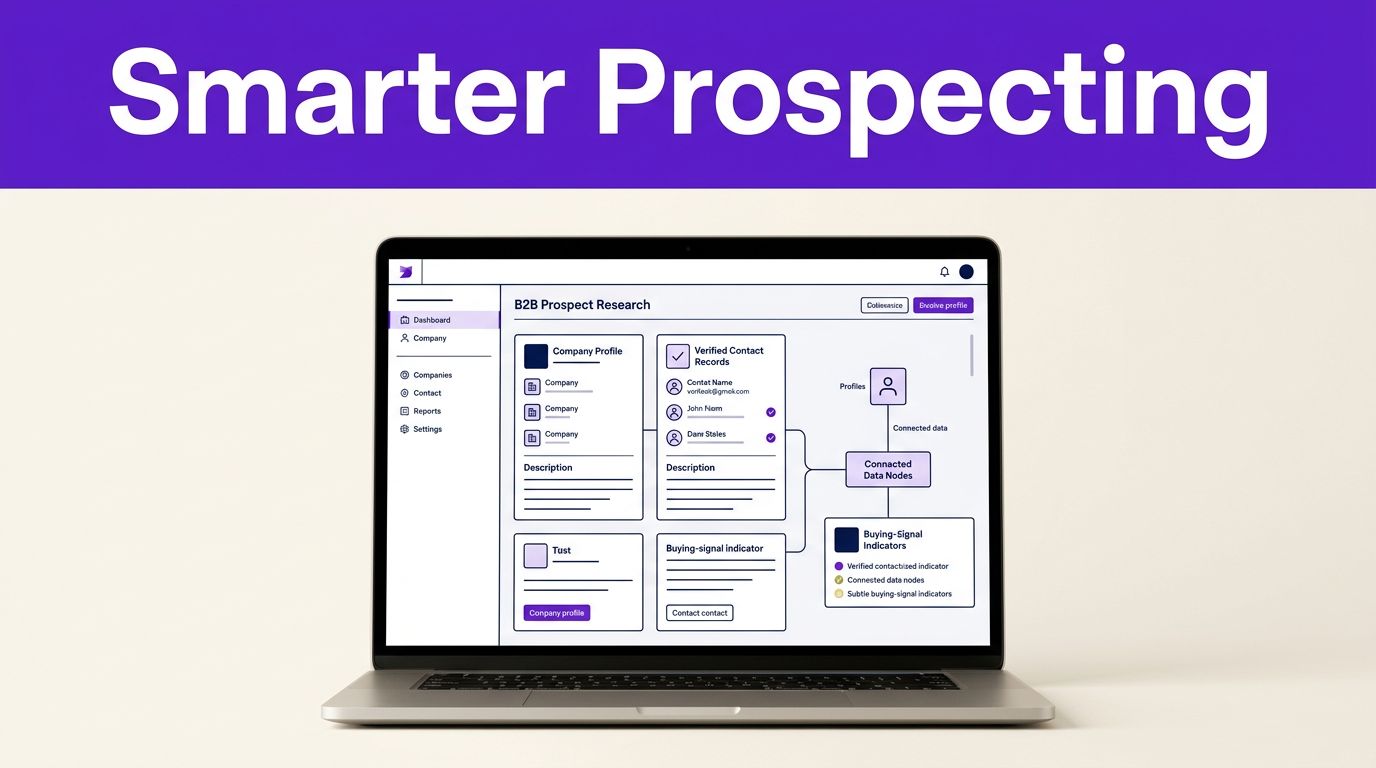

Most cold outreach fails because the message gives the buyer no reason to care. Clay AI prospect research helps you replace vague personalization with verified contact details, account context, and timely buying signals.
The platform can save hours of tab switching. Reliable AI sales prospecting still depends on disciplined inputs, prompts, and human review. Start with a small, measurable workflow before you point it at your entire market.
This post may contain affiliate links. If you make a purchase through these links, I may earn a small commission at no extra cost to you.

Key Takeaways
- Clay AI prospect research combines data enrichment, AI-generated research, and verification to create more relevant B2B outreach.
- Start with ICP-qualified accounts, enrich companies before contacts, and use domains as the primary key to reduce duplicates.
- Use waterfall enrichment and paid-research gates to improve data coverage while controlling credits and workflow costs.
- Treat Claygent outputs as research leads, not proof. Require source URLs, evidence quotes, and human review before outreach or CRM routing.
- Measure verified contacts, positive replies, meetings, opportunities, and cost per reachable contact to determine whether the workflow improves sales ROI.
How Clay AI Prospect Research Works
Clay is a data enrichment platform for B2B sales prospecting. You build tables of companies or contacts, then enrich, score, research, and route records with connected data providers and AI workflows.
That makes Clay different from a single sales intelligence platform. A provider such as Apollo or ZoomInfo gives you access to its own dataset. Clay coordinates several providers through a multi-source data model, so you can set rules for what happens when one source lacks a work email, direct dial, technology detail, or company attribute.
A well-designed setup uses workflow automation to separate three jobs that teams often blur together:
| Job | What it produces | How to use it |
|---|---|---|
| Data enrichment | Structured fields such as company size, job title, email, or location | Filter your list and identify likely buyers |
| AI-generated research | Summaries of public pages, hiring activity, product messaging, or news | Find a relevant reason to start a conversation |
| Verification | Checks for accuracy, deliverability, and source support | Decide whether a record is ready for outreach |
The Claygent AI research agent handles the research job. In a limited sense, it functions like an AI web scraper. It inspects public web sources and returns a structured answer from your instructions, rather than only pulling a field from a static database. For example, it can look for open roles, recent announcements, pricing language, or a stated product focus.
Still, an AI answer isn’t proof. Ask Claygent to retain a source URL and a short evidence quote whenever the result will affect outreach, lead scoring, or CRM routing.
A data provider can find a contact. A research agent can add context. Neither replaces a final check before an email reaches a real person.
Build a Clay AI Prospect Research Table Around Your ICP
Begin with accounts that already match your ideal customer profile. Upload a CSV from your CRM, export a target segment from LinkedIn Sales Navigator, or start with company domains. Check firmographic data such as industry, employee range, headquarters, and geography first, so lead generation stays focused. A domain is the strongest starting key because it reduces duplicate-company problems.
Add only the columns that will change a sales decision. For many teams, that means industry, employee range, headquarters, current technology, target department, seniority, verified work email, and one research-backed trigger.
Technical teams can use GTM engineering to build and maintain this table, then follow the sequence with workflow automation:
- Enrich the company first. Filter out accounts that miss your geographic, industry, size, or technology requirements before you spend on contact data.
- Use contact enrichment within qualified accounts. Look for the roles that own the problem you solve. A broad “VP” search creates noise and burns credits.
- Collect custom signals from public sources, including job listings, product launches, funding announcements, and new leadership hires. Intent signal detection helps organize these indicators, but treat them as conversation starters, not automatic proof of buying intent.
- Use lead scoring for the account and person separately. An ideal company with the wrong contact should not receive the same priority as a well-matched account with a verified decision-maker.
- Research only the top tier. Deep web research on every row is expensive and rarely improves conversion for weak-fit accounts.
For Claygent prompts, use prompt engineering to set a source boundary, clear output format, and rule for missing information. For limited public-page research, a source-limited AI web scraper can help enforce that boundary. A strong instruction might read: “Review the company website and careers page. Return one recent business priority that relates to data security. Include the source URL. If no evidence appears, return ‘No verified signal.'”
That last condition matters. It prevents the model from filling an empty field with a plausible guess.
Use AI to draft personalization insights, then keep your outbound structure consistent. Approved hooks can support AI sales prospecting, sales automation, and automated outbound campaigns, but retain human review. Use a static opening, research-backed middle, and direct call to action to keep the outbound pipeline consistent. For testing outreach angles and prompt variations, these Free AI Tools can help you produce initial drafts faster.
Use Waterfall Enrichment Without Wasting Credits
This sequence checks providers in order until it finds a required field. Rather than paying every source for every record, you ask a lower-cost or higher-match provider first. Only unresolved records move to the next source.
A well-designed waterfall improves coverage, but it needs rules. The waterfall enrichment approach is a workflow automation pattern with a defined role and stopping condition for each provider.
For a 100-account pilot, set up your flow like this:
| Stage | Records included | Goal |
|---|---|---|
| Company enrichment | 100 accounts | Confirm ICP fit before contact spending |
| Contact enrichment | Top 60 qualified accounts | Find and verify one or two reachable buyers |
| Claygent research | Top 25 priority accounts | Capture a relevant public signal |
| Human review | Records ready for outreach | Remove weak claims and mismatched contacts |
Order sources based on your own match rates, data quality, and per-record costs. A vendor that performs well for US software firms may produce poor coverage for European manufacturers. Test a representative list before you hard-code the order.
Also set conflict rules. If two providers return different titles, prioritize the most recent source or flag the record for review. If a company has changed domains, keep the domain that matches its current website and email records.
Traditional providers can remain part of your stack. The practical choice is not always Clay versus ZoomInfo or Apollo. Clay can coordinate the data sources you already trust, while a direct subscription to a sales intelligence platform such as Apollo or ZoomInfo may still make sense for your highest-volume dataset. A Clay, ZoomInfo, and Apollo enrichment comparison can help frame those differences before you commit.
Control Clay Costs and Measure Research ROI
Clay’s official starting rates list Launch at $185 per month and Growth at $495 per month. Those headline prices don’t tell the full story. Actual spend depends on data credits, actions, providers, and table run frequency.
The most cost-effective Clay workflow uses a gate before every paid step. First, filter accounts with inexpensive company data. Next, find and verify contacts only for accounts that pass. Finally, reserve agent-based research for records your team plans to contact.
Track these numbers after every pilot:
- Total data and workflow spend per verified, reachable contact.
- Percentage of enriched accounts that meet your ICP.
- Percentage of verified contacts that enter a sequence.
- Positive replies, meetings, and qualified opportunities by research tier and custom signals.
A list with 90 percent email coverage can still be a poor investment. Most contacts may lack role relevance. Conversely, a smaller list of researched accounts may create more meetings because each message has a credible reason to exist.
Keep a simple campaign calculation: subtract data, sending, and labor costs from the gross profit tied to meetings and opportunities. Use that figure as a benchmark for each outbound pipeline and to judge whether a richer workflow earns its credit consumption.
Turn Research Into Outreach, Then Fix Workflow Failures
Write emails around evidence, not summaries
Don’t paste a Claygent summary into a cold email. Use personalization insights from one verifiable detail tied to a problem you solve, since buyers spot generic AI language fast.
A hiring page may show that an account is expanding its security, RevOps, or customer success team. A funding announcement may point to growth pressure. A new integration page may reveal a technical environment. Confirm each detail on the original source before you send it.
Keep the first line short and avoid pretending you know more than the public evidence supports. Cold email deliverability also depends on verified work addresses and restrained sending practices, not personalization alone. Good personalization is accurate, restrained, and tied to the recipient’s likely responsibility.
Troubleshoot webhooks and research loops in small tests
When workflow automation fails at a webhook, test one row before rerunning the table. Check the response status, required field names, authentication header, and payload format. A single missing field can cause an entire CRM handoff to fail.
Use a unique record ID when sending data to HubSpot, Salesforce, or a connected sales intelligence platform. This tech stack integration step prevents retries from creating duplicate contacts. Route only records that passed your selected verification checks, so automated outbound campaigns use verified records.
For multi-step web scraping loops, constrain the AI web scraper to the company domain and named public pages. Use prompt engineering to enforce those boundaries, limit the page count, and require a clear “no evidence found” output. Save the source URL in its own column beside each custom signal, so a rep can inspect each claim before outreach.
Frequently Asked Questions
What is Clay AI prospect research?
Clay AI prospect research uses Clay’s connected data providers and AI workflows to enrich accounts, identify contacts, and find relevant public buying signals. The goal is to give sales teams accurate context for more specific outreach.
How does Claygent support prospect research?
Claygent researches public web sources based on your instructions and returns structured findings such as hiring activity, product priorities, or recent announcements. Ask it to include a source URL and return “No verified signal” when it cannot find supporting evidence.
How can teams reduce Clay enrichment costs?
Filter accounts for ICP fit before paying for contact enrichment, then reserve deep Claygent research for the highest-priority records. Waterfall enrichment also reduces waste by checking providers in order instead of using every source for every record.
Is Clay AI research accurate enough for automated outreach?
AI research can surface useful conversation starters, but it should not be treated as proof without verification. Review the original source, confirm contact details, and remove unsupported or mismatched records before adding them to a sequence.
How should companies measure the ROI of Clay prospect research?
Track spend per verified, reachable contact, ICP match rate, sequence entry rate, positive replies, meetings, and qualified opportunities. Compare these results by research tier and signal type to determine whether deeper research improves campaign profitability.
Make Clay Research a Repeatable Sales Habit
Clay works best when it supports a focused AI sales prospecting process rather than replacing one. Start with a narrow ICP, use waterfall enrichment to control spend, and reserve deep AI research for accounts that deserve attention.
The strongest Clay AI prospect research workflows create useful signals, preserve their sources, and give reps enough context to write a human message. After review, approved, source-backed signals can move into sales automation. When a record cannot meet those standards, leave it out of the sequence.