
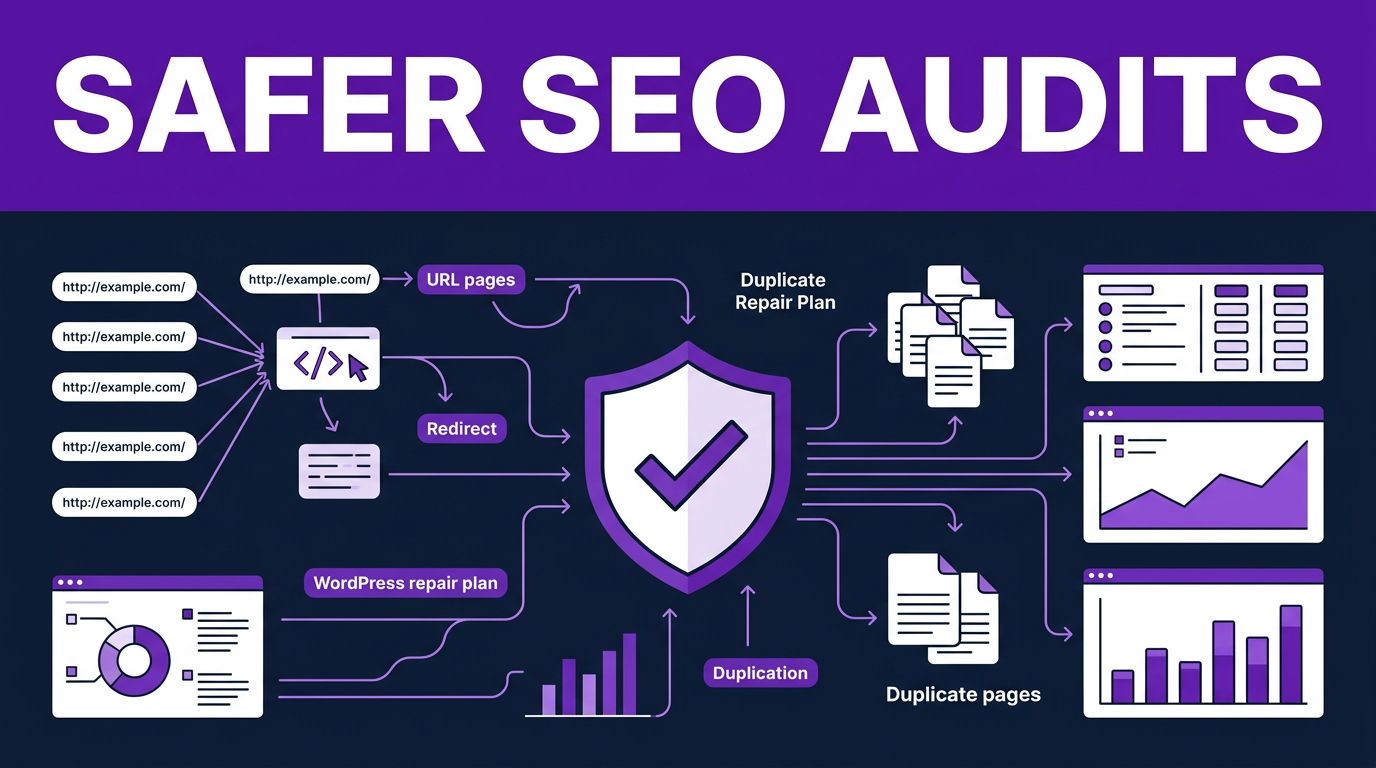

A WordPress technical audit often produces a long spreadsheet but no clear repair plan. This workflow turns evidence into a safer repair plan when you provide real crawl data, firm access limits, reversible changes, and a defined review process.
Instead of manually sorting duplicate titles, redirect chains, template errors, and Search Console exports, you can ask the agent to group evidence, find patterns, and prepare fixes for review. It can save serious time, but it can’t replace a crawl, access WordPress without credentials, or approve production changes for you.
The strongest workflow keeps AI fast and your release process controlled. The same evidence, review, and release discipline supports technical audits and AI search optimization.
This post may contain affiliate links. If you make a purchase through these links, I may earn a small commission at no extra cost to you.
Key Takeaways
- Claude Code can organize crawl, Search Console, performance, rendering, and WordPress evidence into a prioritized technical SEO backlog, but it cannot replace those data sources.
- Start with read-only access, staging, backups, version control, and a clear
CLAUDE.mdpolicy before requesting any WordPress changes. - Divide the audit into focused tracks and require every finding to include affected URLs, proof, suspected cause, severity, ownership, and a validation step.
- Treat redirects, canonicals, schema, metadata, and code patches as drafts that require human review, staging tests, and a documented rollback path.
- Validate releases with recrawls, browser and PageSpeed testing, Search Console monitoring, and field data rather than relying on AI recommendations alone.
Claude Code technical SEO: What It Adds to WordPress Workflows
Claude Code is a command-line interface agent that can inspect local files, run approved commands, and organize WordPress evidence. For WordPress, it helps turn scattered SEO evidence into a prioritized backlog.
It can compare a Screaming Frog export with Google Search Console data. It can trace repeated canonical problems to a theme template, write a redirect-map draft, or prepare Schema.org markup for specific page types. It also explains patterns in plain English for content and development teams.
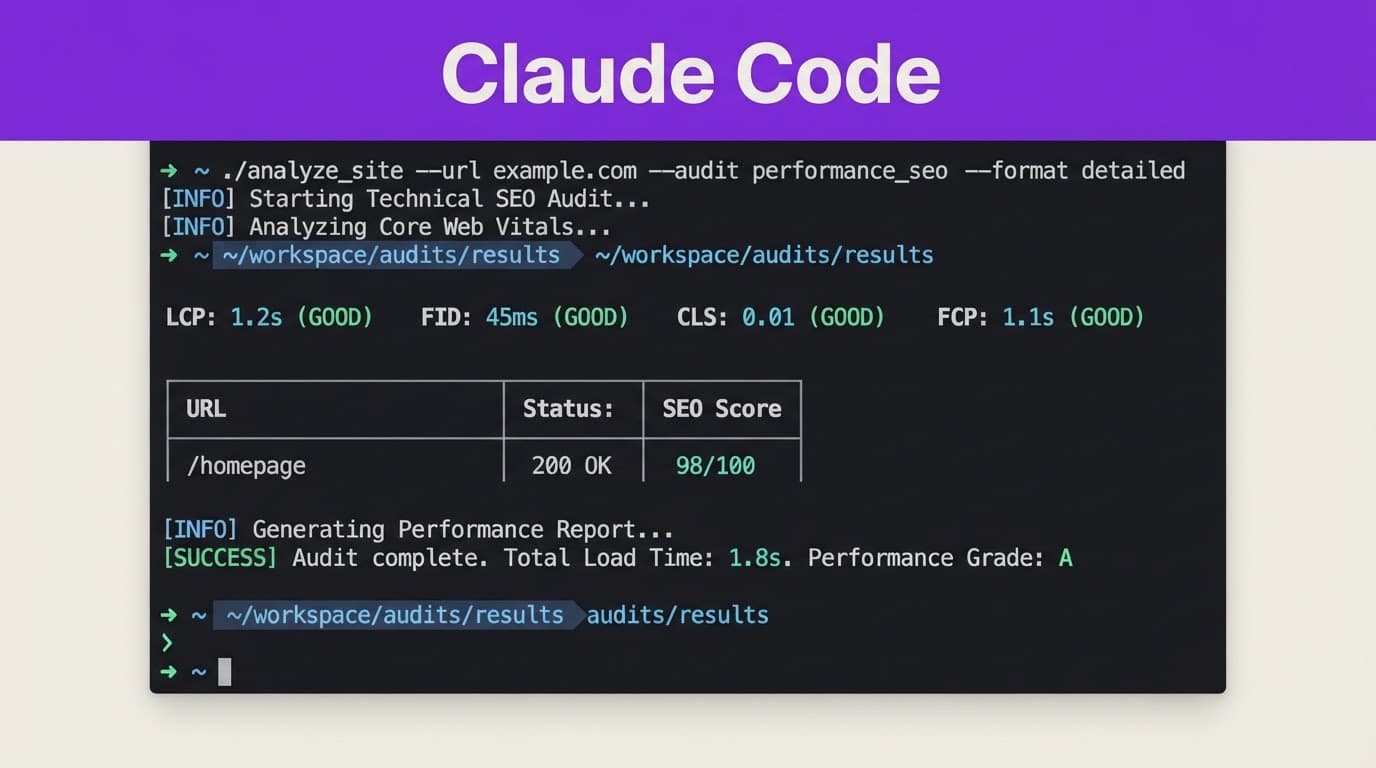
However, Claude Code doesn’t become a search crawler because you install it. It needs source material from tools such as Screaming Frog, Sitebulb, PageSpeed Insights, server logs, or browser automation. A technical SEO audit that combines Screaming Frog and AI gives Claude a much stronger evidence base than a prompt based on a homepage URL alone.
The division of work should stay clear:
- Claude Code can analyze files, generate drafts, identify patterns, and propose commands or patches.
- A human with WordPress admin access must approve user permissions, plug-in updates, metadata changes, redirects, and publishing actions.
- A crawler and live-site validation sources verify whether the fix appears on the live site and affects indexation as intended.
That boundary protects the site from polished but incorrect changes.
Start With a Reversible WordPress Setup
Treat your first Claude Code session as a read-only investigation. Production access should never be the starting point, especially for a site with established rankings, ecommerce traffic, or frequent publishing.
Use this sequence before connecting data sources or requesting changes:
- Create a local Git repository from your custom theme, child theme, or plug-in code. Then create a staging copy protected by authentication and configured not to index. Keep staging inaccessible to crawlers, and never test redirects or canonical rules on a public clone that Google can crawl.
- Save a baseline before changing anything. Export your current crawl, record important landing pages and their status codes, download Search Console performance data, and create fresh database and media backups. These records provide a factual before-and-after comparison and support recovery if needed.
- Install Claude Code on a workstation with Node.js 18 or later. The standard global installation command is
npm install -g @anthropic-ai/claude-code. Use a dedicated WordPress account when the workflow needs API access, and create an Application Password over HTTPS. Give that account the lowest role that can complete the approved task. - Add a project-level
CLAUDE.mdfile. State the CMS version, active SEO plug-in, redirect method, staging URL policy, coding standards, and forbidden actions. A useful rule is: “Inspect and report first. Do not write files, call WordPress write endpoints, alter redirects, or install plug-ins unless I explicitly approve the proposed change.” - Work in a feature branch. Claude can prepare a patch, but you should inspect the diff, test it in staging, document a rollback path, and approve the change before merging it through your normal deployment process.
A WordPress MCP connection is not a substitute for permission management. Application Passwords can let a tool call the WordPress REST API, so revoke them when a project ends or a contractor leaves. Store credentials in environment variables or a secrets manager, never in CLAUDE.md, a Git commit, or an exported audit folder.
Give automated analysis broad read access only when needed. Give write access one narrow task at a time, then revoke it.
Connect the Right MCP Servers and Data Sources
The Model Context Protocol, or MCP, lets Claude Code call structured tools instead of guessing from partial context. There is no single mandatory MCP stack for SEO. The right connections depend on whether you need crawl evidence, search data, browser rendering, WordPress updates, or keyword and link metrics.
A practical WordPress SEO stack looks like this:
| Need | Useful connection | Safe access level |
|---|---|---|
| Crawl URLs, status codes, titles, and canonicals | Screaming Frog or Sitebulb export | Read-only file access |
| Render JavaScript pages and inspect DOM output | Playwright or Puppeteer MCP server | Browser access to staging or public pages |
| Analyze clicks, impressions, queries, and indexing signals | Google Search Console export or MCP connection | Read-only OAuth scope |
| Review engagement and conversions | GA4 export or connector | Read-only OAuth scope |
| Compare rankings, SERPs, and links | Optional Ahrefs MCP integration, DataForSEO, or SerpAPI connection | Restricted API key |
| Draft or update WordPress content and fields | WordPress MCP server with Application Password | Limited, task-specific write access |
For a self-hosted WordPress site, MCP options include WordPress-focused adapters, AI Engine MCP, and custom REST API servers. WordPress.com sites can use the hosted WordPress.com MCP endpoint. Start with read-only connections and a limited staging user before you let any agent touch post metadata. Any SEO health score should summarize documented issues and data coverage, not conceal missing URL-level evidence.
A Claude, MCP, and Sitebulb audit workflow shows why connected sources matter. A model can summarize an audit report, but it needs a trusted source to identify a broken canonical or a blocked resource.
API limits deserve planning too. Request small date ranges from Search Console, cache exports locally, and avoid sending thousands of URL-level requests during a single run. If a connector returns incomplete data, Claude should flag the gap instead of estimating missing results.
Before adding another subscription or API key, compare the best AI SEO tools against the jobs you already perform. A team can assemble an open-source SEO toolkit from exports, scripts, and restricted connectors. Claude Code works best as the analysis layer around reliable data, not as a replacement for every specialized tool.
Run a Full Technical SEO Audit in Focused Tracks
A broad request such as “audit my site” often creates a vague answer. Divide the work into separate, evidence-based tracks for a useful technical SEO audit. Separate parallel AI sub-agents may analyze those tracks, provided each has a narrow task, isolated context, and no production write permission.
A complete audit should inspect:
- Crawlability and indexability, including orphan pages, broken internal links, crawl depth, internal linking opportunities, XML sitemap coverage, robots directives, and redirect chains.
- Indexability, including accidental
noindextags, canonical conflicts, soft 404s, parameter duplicates, paginated archives, and pages blocked byrobots.txt. - On-page template signals, such as duplicate titles, missing descriptions, multiple H1 tags, incorrect language tags, pagination rules, and image-alt gaps.
- Performance and rendering, including render-blocking assets, oversized images, unused JavaScript, layout shift sources, and client-side rendering failures.
- Structured data, including invalid JSON-LD, incomplete Schema.org markup, mismatched visible content, missing required fields, and duplicate schema injected by multiple plug-ins.
- Security and technical headers, including HTTPS redirects, mixed content,
x-robots-tagconflicts, and basic header checks. - Content quality patterns, including thin archive pages, duplicate intent, outdated pages, and topic gaps that affect internal-link structure. Treat this as content engineering: use one keyword research workflow to distinguish duplicate intent from genuine topic gaps, then feed the findings into the SEO content strategy and internal-link plan.
Ask Claude to assign each track a distinct evidence source and owner. The report should include the affected URL, proof, suspected cause, severity, recommended owner, and validation step. That format prevents a long list of warnings from becoming a list of untested changes.
Handle JavaScript and SPA Hydration With Extra Care
WordPress sites increasingly use headless setups, page builders, delayed scripts, and JavaScript-heavy filters. Playwright browser automation can compare the raw response, rendered DOM, and final page state after network activity settles. A source-code check can miss content that appears after hydration, while a screenshot can hide incomplete HTML or delayed internal links.
Then check whether key copy, canonical tags, headings, product data, and internal links appear consistently. Track failed scripts, blocked API requests, and hydration errors for every affected template.
A Puppeteer MCP audit walkthrough shows how a Puppeteer MCP server can support browser-level checks. Still, browser automation is a diagnostic source, not proof that Google indexed the rendered content.
A page that looks correct in your browser can still deliver incomplete content to search engines when scripts fail, APIs time out, or hydration starts too late.
Turn Audit Findings Into Safe WordPress Fixes
Claude Code earns its place after the audit when it converts findings into small, testable work items. Each item should pass content quality gates covering factual accuracy and user intent. It should also list the problem, affected URLs, proposed change, SEO risk, rollback steps, and exact test that proves success.
For example, a redirect audit may reveal internal links that still point to old URLs through a 301 hop. Claude can prepare a CSV of direct replacement URLs and identify the theme files, menus, or post records that contain them. You should review the targets before applying edits. A wrong redirect can send traffic to an irrelevant page and create a poor user experience.
For canonical issues, ask Claude to inspect the active theme, SEO plug-in settings, pagination logic, and query parameters before it suggests code. If a category archive has thin content, a self-referencing canonical alone may not solve the problem. The page may need useful copy, consolidation, or a deliberate noindex decision.
Generate Schema, Then Validate It
Claude Code’s JSON-LD generation can draft Schema.org markup for Article, Product, Organization, BreadcrumbList, FAQPage, LocalBusiness, and other valid types. It can also compare schema across templates to find duplicate markup from a theme and an SEO plug-in.
Human review remains necessary. Check that every claimed rating, offer, author, image, date, and business detail is visible or supported on the page. Complete structured data validation with Google’s Rich Results Test and inspect the rendered source. Schema helps systems interpret strong content, but it cannot rescue inaccurate page copy.
If Rank Math manages your metadata, sitemaps, redirections, and schema, use a tested configuration rather than allowing ad hoc code changes to overlap with plug-in output. This Rank Math Pro setup guide covers the settings worth checking before you add custom logic.
Standalone Claude SEO skills and broader growth kits also deserve different expectations within a content engineering workflow. A standalone skill usually supplies prompts, audit logic, scripts, or report formats for one task. A multi-workflow kit may coordinate crawls, keyword data, content briefs, analytics exports, and reports. The larger setup can save time for a team, but it also creates more credential, API limit, and review obligations. A published SEO auditor skill definition is a useful reminder to inspect a tool’s stated scope before granting access.
Validate Performance and Search Results After Release
Core Web Vitals need field data and patience. Google’s “good” thresholds are a Largest Contentful Paint of 2.5 seconds or less, Interaction to Next Paint of 200 milliseconds or less, and Cumulative Layout Shift of 0.1 or less at the 75th percentile.
INP replaced First Input Delay as the responsiveness metric in 2024. It measures the delay across user interactions, not only the first one. Claude Code can inspect JavaScript bundles, event handlers, long tasks, and third-party scripts that may contribute to poor interaction responsiveness. It cannot claim an INP improvement until Chrome user data has had time to accumulate.
Use this release sequence after an approved fix:
- Crawl staging and confirm the intended HTML, canonical tags, redirects, schema, and response codes.
- Test representative templates in PageSpeed Insights and a real browser, including mobile navigation, forms, filters, and ecommerce actions where relevant.
- Release during a monitored window with a rollback path.
- Re-crawl the live URLs, request indexing only for priority pages, and watch Search Console coverage, enhancements, and Core Web Vitals reports over the following weeks.
Google Search Console’s field reports use a rolling 28-day window. Don’t confuse successful lab page performance analysis with confirmed field improvement. Keep the baseline report and compare the same URLs and templates after the data refreshes as part of SEO drift monitoring.
Pair Traditional SEO With AI Search Optimization
Search engine optimization focuses on crawling, indexing, relevance, rankings, and clicks. Generative Engine Optimization, often called GEO, focuses on whether AI answer tools can accurately extract, attribute, and cite your information.
The overlap is large. A fast, indexable WordPress page with clear headings, valid schema, internal links, and accurate sources supports AI search optimization as well as traditional search visibility. GEO adds another standard: each important passage should make sense when quoted outside the page.
Put a direct answer near the top, then support it with concrete details, clear limitations, and nearby citations. Keep author information current, link primary evidence where possible, and make claims transparent. That visible E-E-A-T content quality supports AI Overviews optimization, but no format guarantees a citation in Google AI Overviews, ChatGPT, Gemini, or Perplexity. Clear source material gives those systems more confidence to use your work.
For content teams, Free AI Tools can help with research organization and first-pass editing. AI citation tracking can monitor whether answer systems extract or attribute the site’s material. Final claims, sources, links, and WordPress publishing decisions still need an editor who understands the site and audience.
Frequently Asked Questions
Can Claude Code perform a complete WordPress technical SEO audit by itself?
No. Claude Code can analyze exports, files, and connected data, but it still needs evidence from crawlers, Search Console, performance tools, server logs, or browser automation. Human review and live-site validation remain necessary.
Should Claude Code have write access to a production WordPress site?
Production write access should not be the default. Use read-only access first, then apply narrow, task-specific permissions on staging with backups, version control, and explicit approval before releasing changes.
What WordPress SEO tasks can Claude Code help with?
It can identify duplicate metadata, trace canonical and redirect patterns, draft redirect maps, inspect templates, prepare Schema.org markup, and organize technical findings. These outputs should be reviewed and tested before changing content, code, redirects, or plug-in settings.
How do you validate a Claude Code SEO fix after release?
Crawl staging and the live site, inspect representative templates in a real browser and PageSpeed Insights, and verify redirects, canonicals, schema, and response codes. Continue monitoring Search Console and Core Web Vitals because field improvements may take weeks to appear.
Build Speed Without Losing Control
Claude Code technical SEO works when it shortens the distance between evidence and a well-tested fix. Give it real crawl and performance data, assign narrow tasks, and require reports that name URLs and validation steps.
Keep WordPress writes behind staging, backups, version control, and human approval. Your scripts, exports, and connectors can form an open-source SEO toolkit. Together, these controls support technical fixes and AI search optimization. That discipline lets you move faster without putting your site’s visibility at risk.