
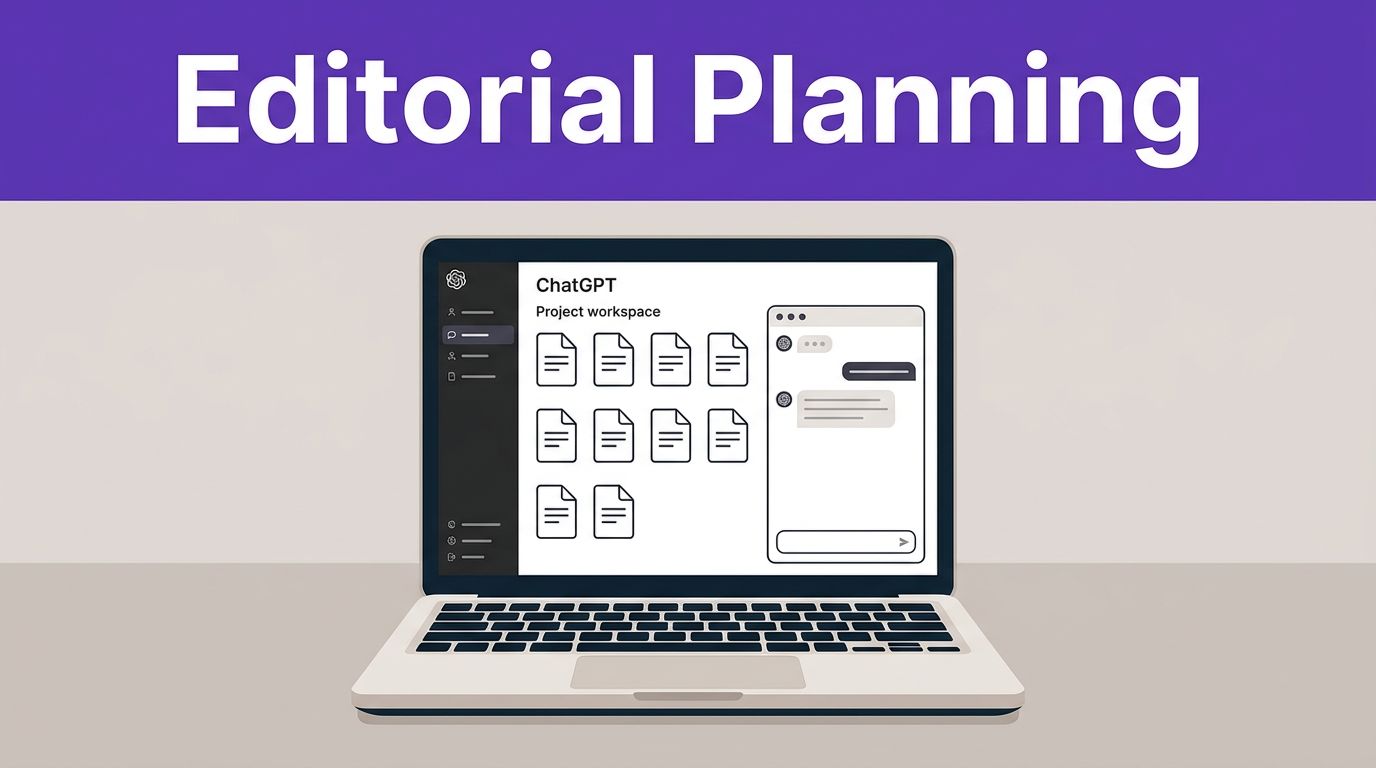

A messy editorial calendar rarely starts with weak ideas. It starts with scattered context.
If your team keeps briefs in Docs, notes in Slack, and strategy in old chat threads, work slows down fast. ChatGPT Projects gives you one place to hold source files, instructions, and planning chats, transforming the way you approach creative projects. By organizing conversations within a dedicated space, you ensure that editorial work moves with less friction throughout your entire workflow.
The win is not better prompting alone. The win is building a repeatable planning system around the tool.
Key Takeaways
- Persistent Context vs. Ephemeral Chats: Unlike standard one-off threads, ChatGPT Projects maintain a dedicated workspace where source files, brand voice, and strategy are stored, eliminating the need to re-explain project goals for every task.
- Standardized Editorial Structure: Success requires building a repeatable system; by grouping editorial efforts into dedicated projects—such as campaign hubs or thought leadership series—teams create a single source of truth that improves consistency.
- Reduced Workflow Friction: Projects enable teams to streamline everything from ideation and keyword research to brief creation, allowing for faster, more accurate outputs that reflect specific market realities rather than generic AI suggestions.
- Collaborative Governance: To scale effectively, teams must establish clear project naming conventions, file governance, and human review processes, ensuring that AI-assisted workflows remain secure, brand-aligned, and professional.
Why ChatGPT Projects work better than one-off chats
One-off chats are fine for quick drafts, but they are often inadequate for long-term editorial planning. Because standard chat history is ephemeral and isolated, it frequently leads to lost context and repetitive setup tasks. Relying on basic chat history forces you to re-explain your goals for every new task, which creates a fragmented workflow.
ChatGPT Projects solve this by keeping your working materials together in a dedicated space. An editor can store audience notes, product messaging, style rules, and campaign goals as persistent context, ensuring that every new prompt is informed by the right information from the start. Furthermore, shared projects make collaboration seamless, allowing your team to work from a single source of truth.
In 2026, these features became even more practical for organizations. According to the release notes for ChatGPT Enterprise and other tiers, Projects now support deep research, voice mode, shareable links, and mobile file upload. Since feature access can vary by workspace, verify your current plan before you redesign your internal processes.
Project-only memory is one of the most useful controls for marketing teams. It keeps your editorial work separate from unrelated threads, which is vital if you manage multiple brands or client accounts. That separation reduces context bleed and lowers the risk that yesterday’s product launch accidentally influences today’s unrelated brief.
One-off chats are quick notes. Projects are working environments.
Build a reusable project structure first
Most teams fail to capture the full value of Projects because they open one, ask a few questions, and never define the operating rules. A better setup starts with creating dedicated spaces that function as a central knowledge base for your editorial efforts.
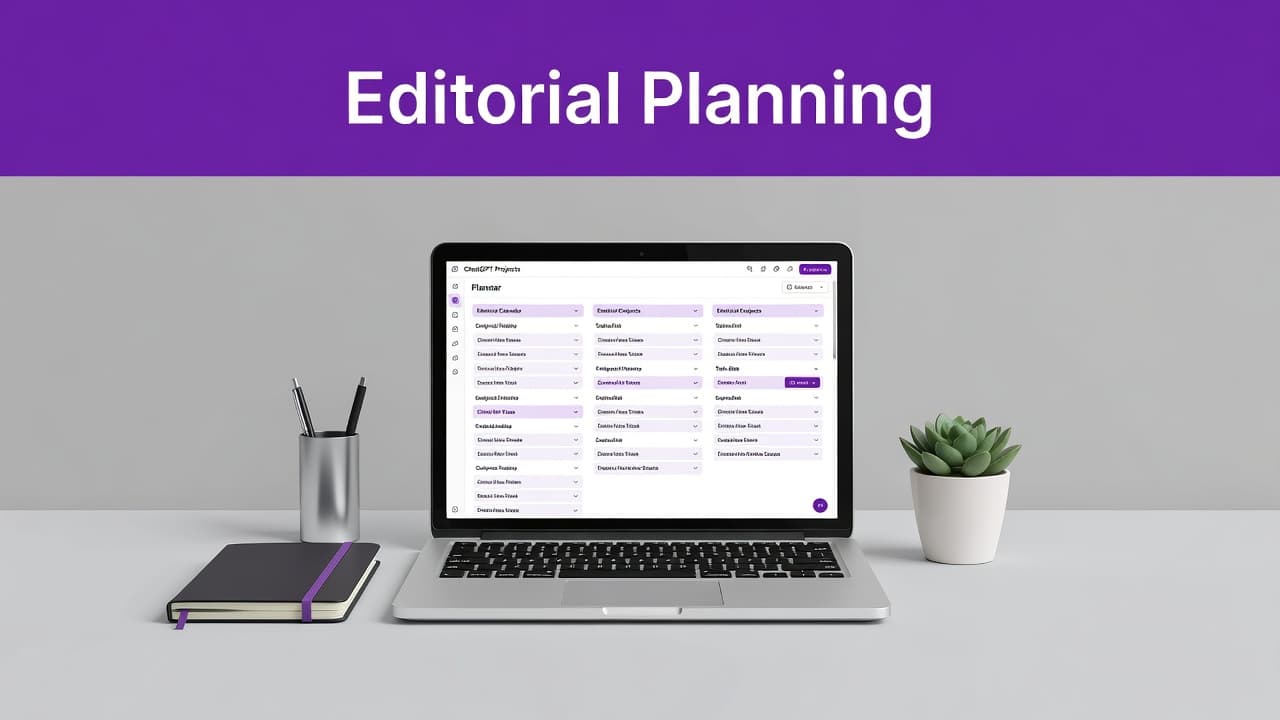
Create projects around real editorial units. That could mean one project for a brand-level content program, one for a quarterly campaign, or one for a thought leadership series. Keep the naming consistent, such as “Brand X Editorial Q3 2026” or “Product Launch Content Hub.”
This simple model for data organization works well for most teams:
| Project type | Core files | Repeated outputs | | | | | | Editorial hub | Voice guide, personas, content pillars, product notes | Topic ideas, monthly calendars, article briefs | | Campaign project | Launch docs, offer messaging, channel plan, deadlines | Asset lists, channel copy, stakeholder summaries | | Executive thought leadership | Interview notes, past posts, positioning docs | Angles, outlines, repurposed posts, ghostwriting briefs |
Inside each project, add four kinds of material. First, upload files containing permanent context, such as brand voice, audience segments, editorial standards, and legal do’s and don’ts. Next, add current planning inputs, such as quarterly goals, campaign themes, sales objections, customer research, and event schedules. Then, define your standard outputs, including brief formats, calendar fields, and approval stages. Finally, write custom instructions that tell ChatGPT how your team wants answers structured.
Using reference files beats pasting a long prompt over and over. When you save these instructions within the project, it also makes handoffs easier when another editor steps in. By relying on these clear instructions, your team ensures consistency across every piece of content.
For adjacent drafting and cleanup tasks, the site’s Free AI Tools can help before ideas move into your main planning project.
Use Projects across the editorial workflow
A strong setup pays off because the same project supports every stage of your content workflow, from initial brainstorming to a finalized brief.
Turn scattered research into better content ideas
Start your ideation process by uploading the inputs your team already has. Good source material includes customer interviews, support tickets, webinar transcripts, search insights, CRM notes, sales call summaries, product roadmaps, and competitor pages.
Then ask the project to group ideas by audience pain point, buying stage, or campaign theme. By leveraging ongoing context from your uploaded files, the model provides much more value than a generic request for blog topics. These context-aware responses ensure the output reflects your actual market reality rather than surface-level observations.
Deep research can help when you need a longer analysis across several sources. Use it to summarize themes, compare claims, or surface gaps in your coverage. Still, check every fact against the original material before an idea becomes a brief. For a complete walkthrough on turning Deep Research output into writer-ready briefs, see my ChatGPT Deep Research for Content Briefs guide.
If your content program also depends on keyword planning and coverage analysis, pair Projects with an AI SEO writing platform. Planning and optimization often work better together than inside one tool alone.
Build content calendars and campaign plans faster
Projects are strong at turning strategy into a publishing schedule. Feed the project your campaign goals, launch dates, key channels, and resource limits. Then ask for a monthly or quarterly calendar with owner, asset type, target audience, CTA, and dependencies.
This is where marketers save real time. A product webinar can quickly become a preview article, a landing page brief, a nurture email, a LinkedIn post, a short video script, an FAQ update, and a follow-up case study outline. Because everything sits in one project, ChatGPT can map those pieces back to the same campaign goal.
Voice mode and the ChatGPT app also help after meetings. An editorial lead can speak through decisions right after a standup, then ask the project to turn those notes into updated deadlines and action items. Mobile uploads help when someone leaves an event, uploads notes from a phone, and wants the project to fold them into the next planning cycle.
For a practical look at this kind of setup, see these project-based content workflow examples.
Create briefs and reduce version sprawl
Once a topic is approved, use the same project to streamline your writing and editing process by drafting the brief. Ask for a brief that includes the angle, target reader, main claim, source requirements, objections to address, internal links to consider, CTA, distribution notes, and review checklist.
Because the project already knows your tone and campaign context, the first draft is usually closer to publishable. That saves editors from rewriting the same background section on every assignment.
Shareable project links are useful here. Instead of copying chunks of chat into email, you can share the project with a content manager, writer, or client stakeholder and keep ownership of the workspace. That does not replace your project management tool, but it cuts down on duplicate documents and long approval threads.
If you want to watch a live demonstration of a marketing-oriented setup, this workflow video for marketing teams gives a useful starting point.
Standardize the work without making it stiff
Editorial planning falls apart when every strategist prompts in a different way. Projects help because they let you keep prompt patterns inside the workspace instead of in someone’s private notes.
Create a small prompt library inside each project. Keep it short and practical. You can use formal instructions to define how the AI should approach different tasks, or leverage custom instructions to bake brand voice and formatting preferences directly into the project logic. One prompt can generate a weekly planning summary from recent chats and uploaded notes. Another can turn a topic into a full article brief. A third can review draft copy against your style rules and campaign goal. A fourth can repurpose a long article into email, social, and sales enablement assets.
That approach standardizes the work without flattening judgment. Editors still choose angles, reject weak ideas, and adjust for timing. The project simply handles the repetitive setup.
If your plan includes workspace agents, reusable Skills can add another layer of consistency for recurring editorial routines. Availability within your workspace depends on your tier and admin settings, so treat that as an enhancement, not the starting point.
Teams that separate planning from high-volume copy production workflow may also use a dedicated generator beside Projects, such as the one covered in this Copy AI review for marketers.
Set limits, governance, and approval rules early
Projects are useful, but they do not replace editorial judgment. They can still overstate a claim, flatten a brand voice, or miss a legal nuance in a regulated category. Human review stays non-negotiable.
Set governance before the tool spreads across the workspace. Decide who can create projects, what naming format you will use, which files are allowed, and what approval steps every AI-assisted brief must pass. For client work or sensitive planning, use project-only memory to ensure your data organization remains secure and focused. You should also define specific instructions within the project settings to govern how prompts are handled by your team.
Privacy and admin controls matter more as usage grows. The current OpenAI business plans include tiers for teams that need stronger controls, including ChatGPT Enterprise for larger organizations. These options provide the security necessary to scale your editorial efforts safely. Public pricing and seat minimums can change, so verify current terms before budgeting around them.
Also keep one technical limit in mind. While ChatGPT Projects organize work well, they do not act like a native workflow automation hub. If you need direct connections across a CMS, analytics stack, and approval system, you may still need other tools or a Custom GPT setup with broader integration options.
Frequently Asked Questions
How do ChatGPT Projects differ from standard chat history?
Standard chats are isolated and ephemeral, meaning you must repeatedly provide context for new tasks. Projects function as dedicated working environments that store persistent documents, instructions, and past strategy, allowing the AI to remain consistently informed about your specific brand needs.
What type of files should I upload to my editorial project?
You should upload documents that define your core strategy and constraints, such as brand voice guidelines, audience personas, content pillars, product roadmaps, and previous high-performing content. These files act as the foundational context that shapes all subsequent AI-generated ideas and briefs.
Can ChatGPT Projects replace my current project management software?
No, projects are designed to organize creative planning and drafting, not to act as a task-tracking or automated workflow hub. They work best when integrated alongside your existing tools, providing a smarter, context-aware environment for brainstorming and writing before final tasks are managed in your project management system.
Who should have access to these projects within a team?
Access should be managed based on your team’s organizational structure, ensuring that those responsible for strategy, content production, and stakeholder approval have visibility. You should define clear governance rules early to control who can create or modify project instructions to maintain consistency and security.
Conclusion
The biggest gain from ChatGPT Projects is not just faster prompts. It is the power of persistent context.
When you store strategy, source files, instructions, and planning conversations in one place, your editorial workflow becomes significantly easier to manage and scale across a team. Start by organizing a single program, build a clean structure, and refine your governance rules before applying this approach to all of your creative projects.
A well-built project turns editorial planning from a scramble into a reliable operating system.
This post may contain affiliate links. If you make a purchase through these links, I may earn a small commission at no extra cost to you.