
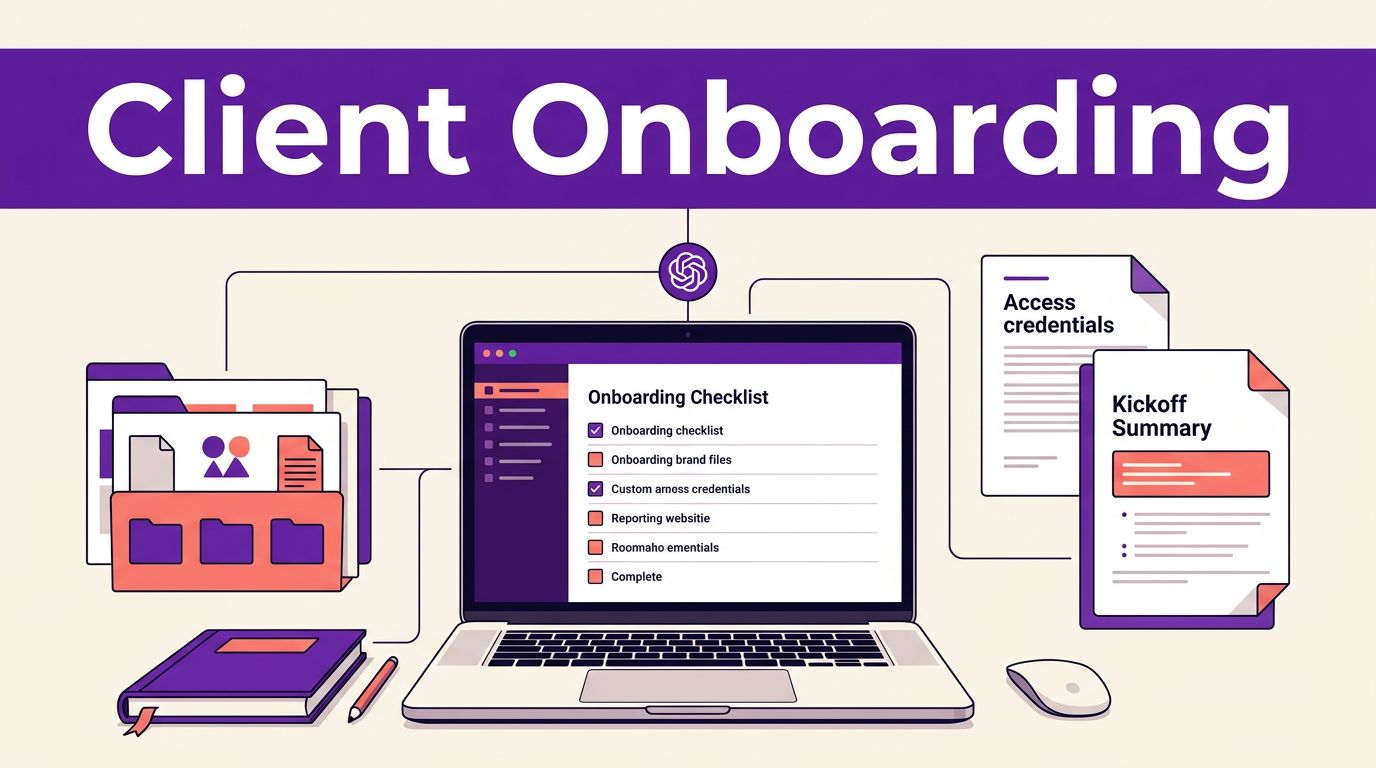

Client onboarding often stalls in the same places: unclear project goals, missing access, scattered brand files, and repetitive questions. Agencies can search the GPT Store for assistants that support client workflows or create their own, giving them a practical way to guide each client through a consistent intake conversation without starting from a blank page every time. ChatGPT Custom GPTs give agencies and consultants a practical way to guide each client through a consistent intake conversation without starting from a blank page every time.
A well-built GPT collects the right details, explains your process in your voice, and produces a usable kickoff summary for your team to review. It reduces repetitive admin work while keeping the relationship personal.
This post may contain affiliate links. If you make a purchase through these links, I may earn a small commission at no extra cost to you.
Key Takeaways
- Build each Custom GPT around one clear onboarding task, such as collecting a website brief or preparing a paid media kickoff summary.
- Use direct instructions, one-question-at-a-time conversations, follow-up rules, and a defined output format to collect useful, consistent answers.
- Upload only approved, relevant knowledge and protect client information with consent, data minimization, privacy reviews, and intentional access controls.
- Connect the GPT to external tools cautiously, using human approval gates before creating records, sending messages, or assigning project work.
- Test the GPT with realistic client scenarios and keep human judgment involved in scope, strategy, deadlines, compliance, and relationship management.
Why ChatGPT Custom GPTs Fit Client Onboarding
A Custom GPT is a version of ChatGPT with its own instructions, knowledge files, capabilities, conversation starters, and optional custom actions. Built-in capabilities such as web browsing, along with pre-configured conversation starters, let the assistant fit your agency’s onboarding workflow instead of offering generic advice.
For example, a web design agency can create an intake GPT that asks about the client’s business model, target audience, website goals, brand assets, preferred examples, decision-makers, and launch date. A marketing consultant can create one that gathers campaign objectives, past performance, audience details, ad budget, and approval rules.
The client gets a guided conversation rather than a long form with vague fields. Meanwhile, your team receives answers in a repeatable format that is easier to turn into a brief, project board, or kickoff agenda.
ChatGPT Custom GPTs work best when they handle the predictable first layer of onboarding. They can answer common questions about timelines, explain what documents to prepare, and identify missing details before the kickoff call.
For internal workflows, you can keep a GPT private or publish it within your organization instead of sharing it as a public tool on the GPT Store. That makes it easier to control who can access your process, knowledge files, and client-facing instructions.
They should not replace discovery. A skilled consultant still needs to probe for conflicting priorities, vague goals, political issues inside the client’s team, or unrealistic deadlines. The GPT prepares the room. Your people run the meeting.
If your team is still learning the platform, this guide to using ChatGPT features covers useful tools such as file uploads, web search, and customization.
Build ChatGPT Custom GPTs Around One Clear Job
Avoid building an all-purpose “agency assistant.” Broad instructions create broad answers. Give each onboarding GPT one defined job, such as qualifying a new SEO client, collecting a website redesign brief, or preparing a paid media kickoff summary.
In ChatGPT, open the GPT area from the sidebar and choose Create to launch the custom GPT builder. The custom GPT builder usually includes a conversational setup flow and a Configure area for detailed settings. Interface labels, plan access, capabilities, and sharing options can differ by account and workspace.
Start with these elements:
- Name the GPT for the client task. “Website Project Intake” is clearer than “Growth Assistant.” The name should tell clients what the conversation will help them complete.
- Write a direct description and set custom instructions. State who should use it, what it collects, and what it produces. For example: “Answer project questions and gather information for a website redesign brief.” Use the Configure tab to define how the assistant should ask questions, handle incomplete answers, and format its output. This is also where you can load approved files into its knowledge base.
- Set clear conversation starters. Use prompts that mirror real entry points, such as “I need a new website,” “I want to improve an existing site,” or “I need help preparing for our kickoff.”
- Upload only approved knowledge. Add your client-ready process guide, a redacted sample brief, an FAQ, and a current asset checklist. Avoid uploading every document your company owns.
- Set default capabilities with restraint. Code interpreter can help review a client-provided spreadsheet, while image generation may support a visual brief when that is part of the agreed scope. Web search may help when research is required. Don’t turn on features that don’t support the onboarding task.
- Set access intentionally. Keep the GPT private while testing. After approval, use the sharing option that fits your client relationship and workspace policy.
A simple first version can take less time than rewriting the same welcome email for every new project. Start with the highest-volume service you sell. Once it works, adapt the structure for other offers.
Write Instructions That Collect Useful Answers
The custom instructions are the operating manual. They need more than “be helpful” and “ask questions.” Use prompt engineering techniques to define the sequence, explain what good answers look like, and specify when the GPT should stop.
For a website project, direct the GPT to ask one question at a time. It should wait for a response, briefly restate what it understood, and then move forward as an interactive tutor through more complex questions. That approach feels more conversational and gives clients room to correct a misunderstanding.
Include hard rules for incomplete answers. If a client says their target audience is “everyone,” the GPT should ask for customer types, industries, roles, locations, or buying situations. Strict guardrails help prevent hallucinations when clients ask for missing project facts, so the GPT should never fill the gap with invented assumptions.
Use custom instructions like this:
Ask one intake question at a time. If an answer is vague or incomplete, ask a focused follow-up question. Do not create a project brief until the client types “READY.”
That final instruction matters. It prevents the GPT from producing a polished-looking brief before it has enough information.
Also tell it how to handle client-facing language. A financial advisor’s onboarding assistant should avoid investment guidance. A healthcare marketing GPT should not make compliance claims. A consultant working with regulated sectors should flag those topics for a human owner.
Your output format should be equally clear. Ask for headings such as Business Overview, Primary Goal, Audience, Scope, Required Assets, Stakeholders, Risks, Open Questions, and Recommended Kickoff Topics. The result becomes a reviewable draft instead of a loose transcript.
For teams that want to test other writing workflows alongside ChatGPT, these Free AI Tools can help with early drafts, summaries, and prompt experiments.
Protect Client Data Before You Upload Knowledge
Client onboarding often involves sensitive material. A proposal may include pricing. A brand folder may contain customer data. A discovery document might reveal product plans, credentials, or internal strategy. Treat every upload to the assistant’s knowledge base as a decision that needs a business reason.
Don’t upload sensitive client data without documented client consent, a security review, and plan settings that meet your contractual and legal requirements. Review your workspace privacy settings, retention policies, workspace permissions, and sharing controls, and opt out of model training where that option is available before using a GPT with client materials. Security rules may also differ for enterprise customers using dedicated organizational workspaces, so confirm the controls that apply to your plan.
Use data minimization. If the GPT only needs a service package, a public brand guide, and a sample deliverable, don’t add a full CRM export or an unredacted contract. When uploading custom datasets, use retrieval-augmented generation to pull relevant context from the knowledge base without exposing unnecessary internal strategy.
A safer knowledge pack often includes:
- A client-ready description of your service and delivery stages.
- A redacted onboarding checklist that lists required assets and deadlines.
- An approved FAQ with answers your account team already uses.
- One or two anonymized sample briefs that show the quality of detail you expect.
Human review remains necessary after every completed intake. Check factual details, commercial terms, promised deadlines, and statements about scope before you send a summary to a client or assign work internally.
The same rule applies to the GPT’s claims. It can summarize what a client said from its knowledge base, but it cannot verify that a promised conversion target is realistic or that a stakeholder has approval authority.
Connect the GPT to Your Actual Handoff Process
A Custom GPT can guide a conversation and generate a structured onboarding brief. However, it does not automatically create a project, send an email, or update your CRM unless you connect it to external workflow platforms through approved actions and tools or a separate automation workflow.
Custom actions can use actions and tools to connect a GPT to external APIs through custom OpenAPI schema definitions. This can help draft records in CRMs and workspaces such as HubSpot or Notion. Yet integrations with external APIs need careful controls. A mistaken project folder, email, or task assignment creates cleanup work and can expose client information. Track integration changes with version history so your team can review and restore earlier logic when needed.
Use a review gate for any action that affects the client or a production system.
| GPT output | Recommended next step |
|---|---|
| Completed intake summary | An account manager checks scope and missing details |
| Draft kickoff email | A human approves the wording and recipients |
| Proposed project tasks | A project lead confirms owners and due dates |
| CRM or project record | An approved workflow creates or updates it |
Many teams connect form submissions to Gmail, project management tools, and storage folders after validation. A practical AI onboarding walkthrough shows the kind of connected workflow agencies can build, including how actions and tools can send approved data to external APIs. Your own process needs testing before client use.
Keep automation narrow at first. Generate a draft brief, prepare an internal task list, or create a follow-up queue. Once the team trusts the results, add integrations where they remove a proven bottleneck.
Test the Client Experience Before Sharing It
Test the GPT as if you are a rushed client with incomplete information. Use a fresh chat or browser session so old conversation context doesn’t mask weak instructions, and include mock interactions that test capabilities such as code interpreter and web browsing when those features are enabled.
Run at least 10 realistic test conversations. Include vague answers, contradictory goals, missing files, a client who wants to skip questions, and a client who asks something outside your scope.
Watch for three common problems: the GPT asks too many questions at once, it accepts weak answers, or it creates a final brief too early. Refine the system prompts through iterative prompt engineering, then use version history to compare changes against prior iterations. Add an approved example when you want a consistent answer format.
A Reddit user’s onboarding automation time comparison is useful as a reminder that time savings vary by workflow. Your results depend on how much follow-up, judgment, and system access the work requires.
Ask your team to review the first several client outputs together. Their comments will reveal where the GPT needs better questions, clearer scope boundaries, or stronger escalation rules. Before sharing the link externally, re-verify the privacy settings and confirm that the GPT isn’t exposing sensitive instructions or client information.
Frequently Asked Questions
What is a ChatGPT Custom GPT for client onboarding?
A Custom GPT is a tailored version of ChatGPT configured with specific instructions, knowledge files, conversation starters, and optional capabilities. For onboarding, it can guide clients through intake questions and produce a structured summary for your team to review.
What information should an onboarding GPT collect?
It should collect details relevant to the specific service, such as goals, audience, scope, required assets, stakeholders, deadlines, and open questions. Keep the GPT focused and avoid requesting sensitive information that is not necessary for the onboarding task.
Can a Custom GPT replace a discovery call?
No. It can handle predictable questions, identify missing information, and prepare a useful draft before the call. Human team members still need to investigate vague goals, conflicting priorities, unrealistic expectations, and sensitive business issues.
Is it safe to upload client information to a Custom GPT?
Only upload information when you have the required client consent, security review, and privacy controls in place. Use data minimization, redacted or anonymized examples, restricted sharing, and plan settings that meet your contractual and legal requirements.
Can a Custom GPT update a CRM or project management tool?
It can connect to external systems through approved actions, tools, or automation workflows, but these integrations require careful testing and access controls. Use a human review gate before the GPT creates records, sends emails, assigns tasks, or changes production data.
Make Onboarding Easier Without Making It Impersonal
ChatGPT Custom GPTs can turn repetitive onboarding into a guided, consistent experience. With the custom GPT builder, you can create tailored tools for specific agency offers that collect useful details, surface gaps early, and give your team a clean draft to review.
Whether shared internally or published to the GPT Store, these tools should support your process without replacing human judgment. Keep the GPT focused on one service, use approved knowledge, and protect client information with disciplined access and data rules. Human judgment still decides scope, strategy, commitments, and the quality of the client relationship.