
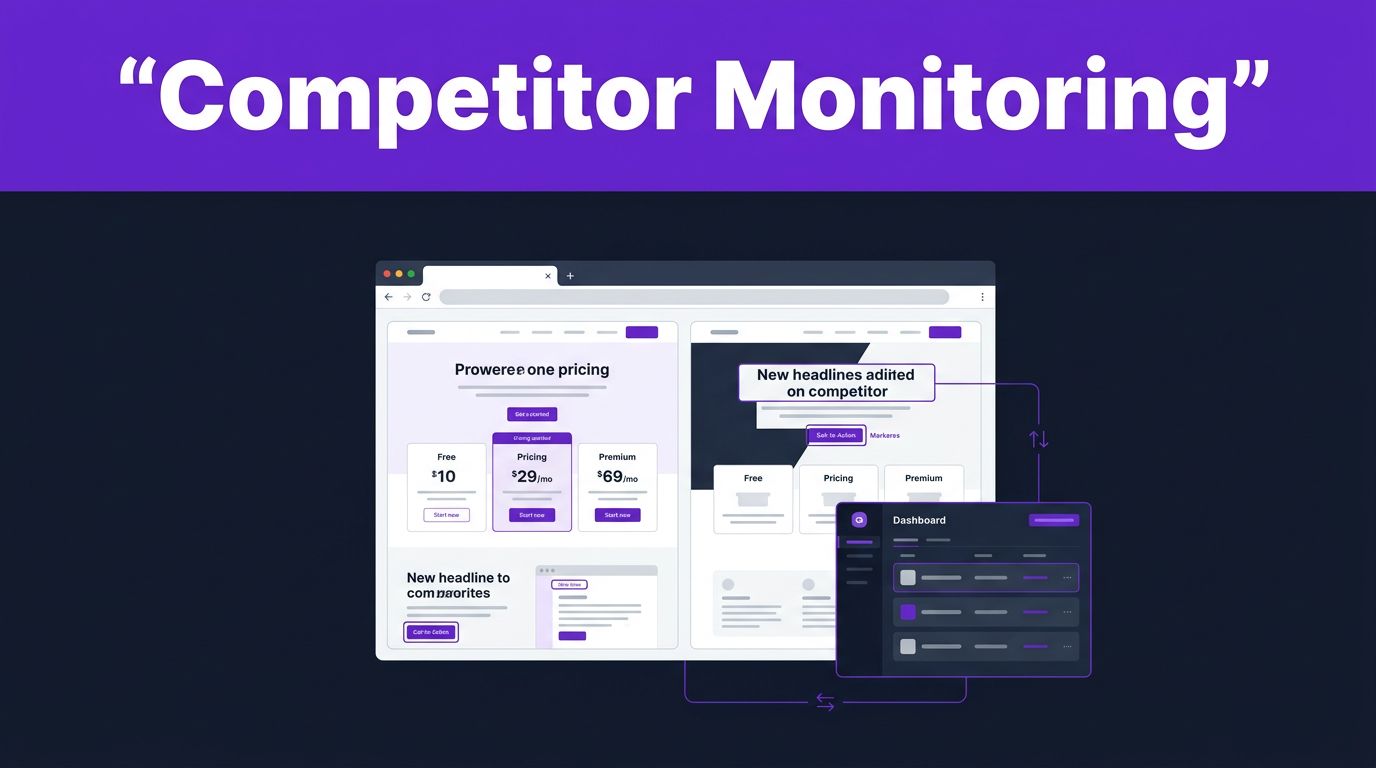


Competitor pages can change overnight, while your team is still working from last month’s notes. Browse AI competitor monitoring gives content, SEO, and product teams a reliable way to spot those changes without checking every URL by hand by using a no-code web scraper and an AI web scraper built specifically for competitor intelligence.
The goal isn’t to mirror another company’s copy. It is to catch meaningful moves early, understand the strategy behind them, and respond with stronger original work using this web monitoring tool and its automated workflows to watch public blog posts, landing pages, pricing pages, and resource hubs on a schedule.
Key Takeaways
- Start with a small group of direct competitors and the pages that influence buying decisions while using Browse AI competitor monitoring.
- Train robots through scheduled web scraping and automated data extraction to capture structured web data, such as headlines, prices, feature lists, publication dates, and calls to action.
- Use separate monitors for high-priority pages instead of collecting every minor site edit.
- Review alerts for strategic meaning before changing a content brief, battlecard, or campaign.
- Track public information only to gather competitor intelligence ethically, then use it for analysis and original positioning rather than copying.
Build a Browse AI Competitor Monitoring System Around Real Decisions
A useful monitoring program begins with a decision, not a pile of URLs. Decide what you need to learn before you build a robot using a versatile web scraping tool. A content marketer may want new topic ideas gathered through competitor intelligence. A product marketer may need early warning of a new feature claim. An SEO team may want to see how competitors refresh old articles that rank for valuable terms by leveraging a reliable data extraction platform and ongoing web scraping tool capabilities to gather vital competitor intelligence.
Start with five to eight competitors. Include direct alternatives, larger companies that shape buyer expectations, and a few fast-growing brands that publish often. Then give every monitored page a purpose.
For example, a pricing page supported by competitor price tracking can answer whether plans changed, which feature moved into a higher tier, or whether annual billing is now highlighted. Effective website change detection on a landing page can show a new audience segment, customer proof point, or product promise. Utilizing website change detection on a blog post can reveal an emerging keyword cluster, while competitor price tracking on a resource hub can expose new templates, reports, or lead magnets.
Browse AI describes a monitor as a way to run a robot on a schedule and receive notifications when changes appear. Its website monitoring workflow fits competitor research because it replaces repeated manual checks with a recorded baseline and ongoing comparisons.
Monitor pages that affect a buyer’s choice or your content plan. A long list of low-value URLs produces alerts, not insight.
Create a simple tracking sheet before you begin. Add the competitor, page URL, page type, owner, monitoring frequency, and the action you may take after a meaningful change. You can streamline this workflow by using pre-built templates alongside Google Sheets integration or a Zapier integration. This turns Browse AI competitor monitoring into a team process instead of another inbox feed.
Set Up Browse AI Robots for Useful Content Signals
Each robot should have one job. Avoid trying to capture an entire website in a single workflow. A robot trained on a competitor’s pricing page should collect different information than one watching a blog or resource library.
Use this setup process for each public page:
- Choose one decision-ready URL. Begin with pages where a change would affect messaging, SEO priorities, competitive positioning, or sales conversations.
- Define the fields to capture. For a blog article, leverage AI-powered extraction to capture the title, publish or update date, headings, author, key call to action, and linked assets. For pricing, use AI-powered extraction to record plan names, prices, included features, billing language, and trial terms as structured web data, which makes downstream analysis much easier.
- Train the robot on visible information. Select the public elements you want to revisit while using a Chrome extension scraper to map out the target layout. Keep the capture focused, because irrelevant navigation text and footer links can hide the signal when running a Chrome extension scraper.
- Run the robot once and inspect the result. Confirm that the output contains the page elements your team needs. A baseline with missing fields makes later comparisons less useful.
- Create a Monitor and choose a schedule. Set up scheduled web scraping with a faster cadence for pricing or campaign landing pages. Blog archives and evergreen resource hubs usually need less frequent checks, and you can adjust this cadence within your scheduled web scraping workflows to optimize efficiency.
Browse AI’s own change detection overview explains the core idea: compare repeated website data pulls to identify what changed. That comparison becomes even more powerful when an AI web scraper handles complex layouts while bypassing Cloudflare bot detection, ensuring your automated data extraction runs smoothly. Operating an AI web scraper also requires keeping an eye on your credit-based pricing model, and careful task optimization helps you make the most of that credit-based pricing model over time.
For a competitor blog post, train the robot around the title, H2 headings, update date, and CTA. If the company changes “AI meeting notes” to “AI meeting intelligence,” you can assess whether the shift signals a broader category move. If it adds sections on security or compliance, product marketers may want to check whether buyers now expect that proof.
The official Browse AI monitoring walkthrough is also useful when you need to validate your first Monitor before adding more pages.
Monitor Competitor Content Changes That Matter
Different page types produce different signals. Treating them the same creates false urgency and wastes review time.
| Page type | Changes worth flagging | Practical response |
|---|---|---|
| Blog post | Updated date, new sections, new internal links, revised CTA | Review search intent and find an original angle your article missed |
| Landing page | New audience, headline, proof points, feature claims | Compare the message with your positioning and sales objections |
| Pricing page | Plan changes, price revisions, feature packaging, trial language | Update battlecards and verify any customer-facing comparison claims |
| Resource hub | New templates, reports, webinars, calculators | Identify unmet demand and improve your own resource plan |
A blog monitor should not fire an urgent alert because a writer fixed punctuation. However, when a no-code web scraper logs a refreshed article with new sections, a new downloadable template, and several added internal links, website change detection shows a fresh SEO push. To scale this up, teams often use bulk data extraction for historical analysis. Compare the revised page with the prior capture, then record the actual change in your research notes.
Landing pages need closer attention when competitors sell similar products. Watch their hero statement, target use case, social proof, feature blocks, FAQs, and button text. By relying on a web scraping tool and website change detection to catch these shifts, you gain vital competitor intelligence. A switch from broad language such as “AI for teams” to a role-based message for sales managers or agencies can reveal where the company sees demand, especially when supported by bulk data extraction.
Pricing pages deserve priority because they affect product marketing and sales conversations. When implementing competitor price tracking, do not publish a comparison claim based on one alert alone. Open the live page, confirm the plan details, record the date, and keep the source URL with your notes. Competitor price tracking helps catch tier modifications early.
Resource hubs are often overlooked. Yet a competitor that starts publishing calculators, templates, benchmark reports, or implementation guides may be building a stronger lead generation automation funnel. Deploying a no-code web scraper alongside lead generation automation helps you see that pattern before it becomes obvious in search results. A reliable web scraping tool can track these additions seamlessly.
Turn Alerts Into Original Content and Competitive Actions
An alert becomes useful only after a person interprets it. Set a weekly review for normal changes and reserve immediate attention for pricing, major product messaging, or high-traffic landing pages.
During review, classify every meaningful update into one of four groups: messaging, product, SEO content, or campaign activity. To streamline this process, teams often rely on automated workflows that trigger actions as soon as a change is detected. Then attach a source link, date, screenshot or captured output, and a short note about why the change matters. This protects your team from passing along assumptions as facts.
Through a reliable Zapier integration, these alerts can instantly push updates into other tools for review. When evaluating software for competitive research, teams often compare options against a robust data extraction platform to see which tool fits their stack best. Many marketers look at various Browse AI alternatives to handle large volumes of web monitoring, while others test an Octoparse alternative for heavy scraping tasks or a ParseHub alternative for specific parsing needs.
For instance, a competitor’s new blog post may cover a topic you have not addressed. That does not mean you should rewrite the same article. Check the search intent, audience, evidence, and gaps in its explanation. You may find a sharper angle, such as a hands-on workflow, a comparison, or a template that solves the reader’s next problem.
If you need a second layer of content research after detecting a topic shift, this Frase.io review explains how content optimization software can support competitor analysis and briefing. When researching Browse AI alternatives, you might find that different web monitoring tools offer varying levels of depth. Whether you use Browse AI or other Browse AI alternatives, finding the change is only the first step. Your research process decides whether the topic belongs in your plan.
Use the same discipline for landing page changes. As you review competitive intelligence data, a flexible Google Sheets integration helps organize these findings neatly for your team. You can easily pipe extracted data into a shared Google Sheets integration to keep all stakeholders aligned on market shifts. When reviewing different Browse AI alternatives, it helps to check how well they export structured data for ongoing analysis. If a competitor adds security claims, ask whether your buyers care about the same concern. Verify your own product facts before updating copy. If their revised page makes a claim you cannot match, focus on the difference your offer can support.
A short internal note can keep the work actionable:
- Record the page and date of change.
- State what changed in plain language.
- Link the original source and saved output.
- Name one owner and one next action.
- Mark the finding as confirmed, watchlist, or no action.
With automated workflows in place, you can route these notes to the right team members instantly. Setting up automated workflows ensures that no competitive update slips through the cracks. This process prevents a noisy alert feed from turning into a noisy content calendar.
Keep Competitor Monitoring Ethical and Accurate
Monitor only content that is publicly available without logging in, joining a private group, or bypassing access controls. Respect site terms, robots’ instructions, copyright, and privacy rules. Avoid collecting personal data that has no place in your analysis.
When scaling this research through enterprise web scraping, teams must maintain strict compliance standards. A dependable web scraping tool or an advanced AI web scraper can easily navigate Cloudflare bot detection via proxy rotation, but technology should always be paired with proper public data guidelines.
Public content can inform research, but it does not give you permission to reuse a competitor’s copy, images, downloadable assets, or distinctive page design. Your team should study positioning, structure, topic coverage, and buyer concerns. Then create original material backed by your own product knowledge and sources.
Human review still matters. Automation can detect a changed heading, but it cannot reliably decide whether that heading represents a new market position, a minor edit, or a temporary campaign test.
Frequently Asked Questions
What types of competitor pages should I monitor first?
Start by tracking high-value pages that influence buying decisions and content strategy, such as pricing pages, product landing pages, core blog posts, and resource hubs. Avoid tracking entire websites, as focusing on specific decision-ready URLs keeps your alerts actionable and relevant.
How often should my monitoring robots run?
Monitoring frequency should match the page type and how often it naturally updates. Set a faster schedule for pricing pages and campaign landing pages, while blog archives and evergreen resource hubs can be checked less frequently to optimize your task usage.
Can I use the extracted competitor data to rewrite their content?
No, you should only track public information for ethical competitor intelligence and analysis. Use the insights to identify market gaps, understand audience intent, and create stronger original material supported by your own product knowledge.
How do I prevent alert fatigue from noisy website changes?
Assign a single purpose to each robot, focus only on essential fields like headings, pricing, and calls to action, and use human review to filter out minor edits. Routing alerts through structured spreadsheets or automated workflows also helps keep your team focused on meaningful shifts.
Make Every Change Alert Earn Its Place
Browse AI competitor monitoring works best when each robot supports a clear business decision. When you utilize a reliable no-code web scraper alongside a robust data extraction platform, you can focus on public pages with real commercial or editorial value, capture the fields that matter, and review alerts with evidence in hand.
Behind these workflows, AI-powered extraction helps filter out the noise so you only see meaningful updates. Before building a full monitoring strategy, many teams evaluate various Browse AI alternatives and carefully analyze the credit-based pricing model to ensure the setup fits their long-term research budget.
The strongest response to a competitor’s update is rarely a quick imitation. It is a better brief, a clearer message, or an original resource that gives your audience a reason to choose you.
For more practical tools that can support research and content production after you identify an opportunity, explore these Free AI Tools.
This post may contain affiliate links. If you make a purchase through these links, I may earn a small commission at no extra cost to you.