
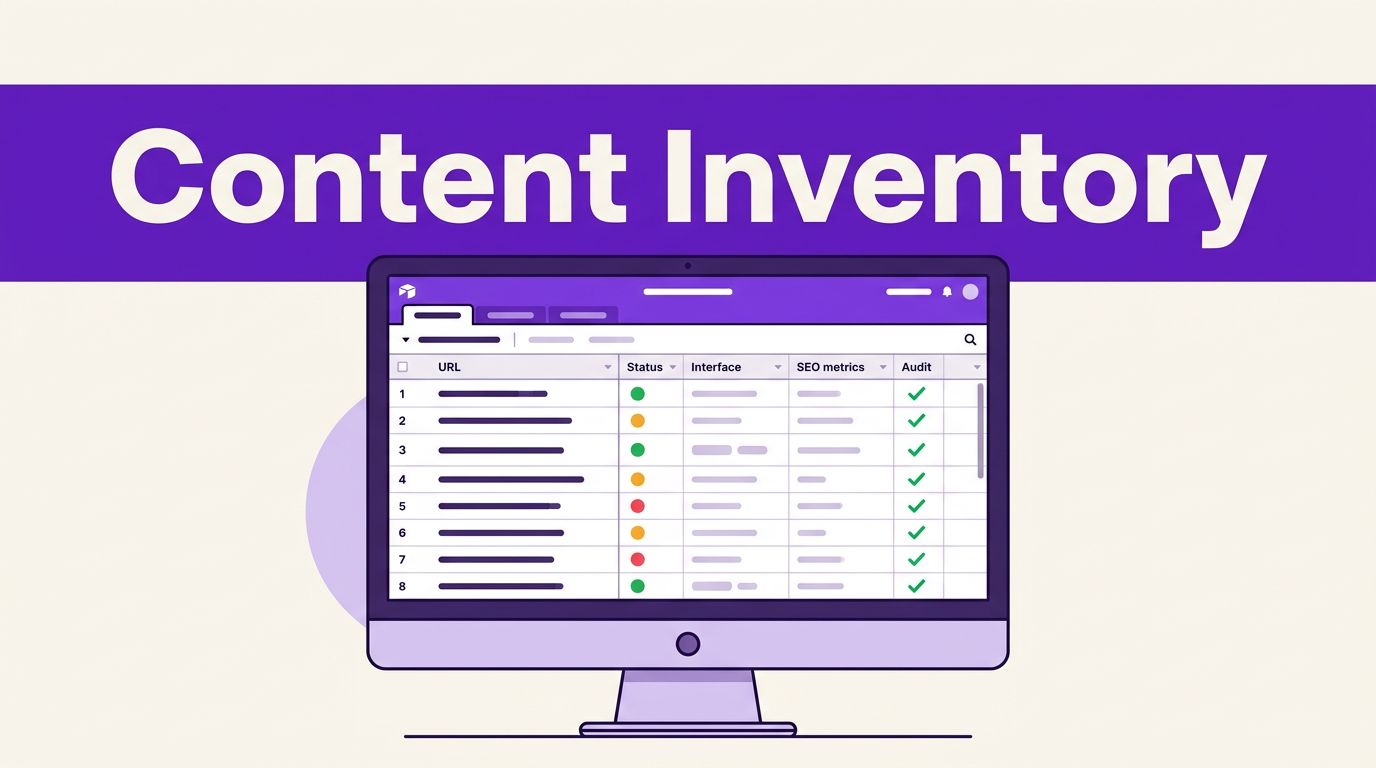

A large WordPress blog can hide its weakest pages in plain sight. Old posts may still earn impressions, while broken redirects, outdated advice, and thin archive pages quietly drain attention.
Building an Airtable content inventory gives every URL a record, a purpose, and a next action. Instead of working from scattered exports and browser tabs, your content audit becomes a streamlined process that delivers one decision-ready view of your digital assets. Proper inventory tracking helps you connect daily publishing efforts to a broader content strategy without losing track of legacy pages.
This post may contain affiliate links. If you make a purchase through these links, I may earn a small commission at no extra cost to you.

Key Takeaways
- Centralize Content Data: Build an Airtable base that connects WordPress URLs with SEO performance, technical status, and business priorities for a single decision-making view.
- Separate Facts from Recommendations: Distinguish between objective data points like publish dates and editorial actions like refreshing, consolidating, or redirecting pages.
- Leverage AI for Classification: Use Airtable AI to summarize content gaps and draft initial briefs, while keeping final editorial judgments in human hands.
- Prioritize Actionable Work: Sort your inventory records using a structured formula to turn technical blocks and weak pages into an organized, manageable update roadmap.
Why an Airtable Content Inventory Makes Audits Easier
A spreadsheet can list URLs, but it gets awkward once you need to connect performance data, editorial notes, owners, deadlines, and related posts. As a modern inventory tracker, Airtable gives each page a record that can hold those details and link them to topics, writers, campaigns, and update tasks, which helps streamline daily content operations.
That matters because a thorough content audit has two jobs. First, it identifies what exists. Then, it helps you decide what deserves attention through disciplined inventory management and proper inventory control. A raw crawl handles the first job. A well-built database handles the second.
Airtable is not a WordPress crawler or a substitute for Search Console. It won’t discover a redirect loop or verify a canonical tag by itself. Instead, it becomes the inventory and decision layer after you import data from WordPress, Google Search Console, analytics, and your crawler.
For technical findings, pair the base with a crawl tool to evaluate content performance across your entire site. A Screaming Frog AI content audit can surface status codes, duplicate titles, indexability issues, and other page-level signals that belong in your inventory through linked records.
Airtable should store the audit decision, not replace the systems that measure search performance or crawl your site.
Once your records are in place, filters answer useful questions fast. Which posts rank on page two and need a refresh? Which high-conversion pages have stale screenshots? Which tag archives create thin pages with no reader value? These are the questions that move a blog forward.
Build Your Airtable Content Inventory Schema First
Start with one record per indexable post, page, category, tag archive, or custom post type that deserves review. Export your WordPress URLs, then add data from Search Console and your crawler. Keep post URLs as the primary field because every other data point should connect back to a single page.
An Airtable content inventory works best when it separates facts from recommendations. “Published in 2022” is a fact. “Refresh this article” is an editorial recommendation that needs a reason, owner, and deadline. You can organize these data points effectively by using a pre-built inventory template to save time on setup.
Use fields such as these for a practical starting schema:
| Field | Field type | Audit category | Why it belongs in the base |
|---|---|---|---|
| URL | Primary field | Identification | Keeps every audit record tied to one page |
| Title and content type | Single-line text, single select | Content quality | Distinguishes posts, pages, archives, and custom content |
| Publish date and last updated | Date | Content quality | Flags pages that may need a freshness review |
| Topic cluster | Linked record | SEO and strategy | Connects overlapping pages and cannibalization risks |
| Search clicks and impressions | Number | SEO performance | Shows current organic visibility |
| Average position and target query | Number, long text | SEO performance | Reveals pages close to stronger rankings |
| Indexability, canonical, and status code | Select fields | Technical status | Captures crawl findings that may block performance |
| Conversion value or funnel stage | Number, single select | Business priority | Keeps revenue and lead goals visible |
| Quality score and audit notes | Rating, long text | Content quality | Records editorial gaps and evidence needs |
| Recommended action | Single select | Planning | Uses Refresh, Consolidate, Redirect, Keep, Noindex, or Remove |
| Owner, effort, and target date | Collaborator, rating, date | Execution | Turns decisions into accountable work |
Create linked tables for topic clusters, authors, and audit tasks once your base grows. By leveraging relational databases, you can connect your content inventory to a product catalog or service list if your site supports multiple offerings. Utilizing linked records and a tracking template helps keep your broader content strategy aligned. For example, a WordPress SEO topic record can show every related post, total clicks, pages needing a refresh, and articles competing for the same query.
Airtable’s own content calendar workflow is useful here because an audit shouldn’t become a dead report. Connect approved update actions to an editorial calendar or task view, then show only the work assigned for the next month.
Keep archive URLs in a separate view. Review categories, tags, author archives, and custom taxonomies one by one. An archive with clear navigation and unique value may deserve indexing. An empty or automatically generated archive usually needs a noindex decision instead.
Use Airtable AI for Classification, Not Guesswork
Airtable AI can save hours on repetitive review work. Its AI features can summarize, categorize, extract information, and generate first-draft notes from data already inside a record, turning your inventory tracker into a smarter system. That makes it useful for labeling post intent, identifying stale references, or writing a concise refresh brief through workflow automation.
For example, add an AI field called “Content Gap Summary.” Feed it the title, post excerpt, target query, top queries, last-updated date, and your quality notes. Ask it to return three distinct items: missing information, unclear intent alignment, and outdated elements to verify.
A focused prompt produces stronger output than “audit this page.” Use wording such as:
Act as an editorial auditor. Based only on the fields in this record, identify missing reader questions, content gaps that need attention, and one recommended action. If data is missing, state “needs review” instead of guessing.
This rule protects your roadmap. AI can organize evidence and draft recommendations, but it cannot safely invent traffic numbers, conversion data, source quality, or WordPress settings.
The Airtable AI overview recommends working from rich record data. That fits a content audit well because a title alone offers little context. Add the actual inputs that support a decision, then rely on team collaboration to have an editor approve the result.
You can also use AI to create an initial brief for approved refreshes. Include the current headline, search terms, audit notes, internal links to retain, source requirements, and a clear warning not to make unsupported claims. If you need help producing first drafts after the brief is approved, these Free AI Tools can help with outlining, rewriting, and editing tasks.
Keep Quality, SEO, Technical, and Business Metrics Separate
A common audit mistake is treating all weak pages as the same problem. A post can have excellent writing but no rankings because Google can’t index it. Another can rank well but fail to generate leads because it targets the wrong reader. Think of it like effective warehouse management, where tracking product inventory requires clear visibility into stock levels, so you do not confuse dead stock with valuable reserve items.
Use separate views or grouped fields for each decision area, which serves as a form of inventory control in content marketing:
- Content quality covers accuracy, completeness, intent match, source quality, readability, freshness, and whether the post still answers a real reader need during a content audit.
- SEO performance covers impressions, clicks, average position, query relevance, internal links, and signs of keyword overlap to evaluate overall content performance.
- Technical status covers indexability, HTTP status, canonical targets, redirects, mobile problems, schema errors, and orphaned URLs.
- Business priority covers conversions, revenue relevance, funnel stage, strategic topic importance, update effort, and the page owner.
This separation prevents false conclusions. A page with low traffic doesn’t automatically need deletion. It may support a high-value product page, strengthen a topic cluster, or answer a narrow question before a purchase.
For crawl-led checks, a dedicated WordPress audit tool can add data that Airtable cannot discover alone. The Webmatik WordPress plugin listing describes audits across performance, SEO, accessibility, conversion, and other site signals. Import only the findings your team will act on.
Turn Audit Data Into a WordPress Update Roadmap
Your database becomes valuable when it creates a small, ordered list of work during any content audit. Start with a “Decision” view that filters for pages needing action, then sort work by technical risk, business value, and likely search upside.
Handle technical blockers first. A page with a wrong canonical, accidental noindex setting, or broken redirect doesn’t need a rewrite before the technical issue is fixed. Then move to content with proven demand, such as posts that earn impressions but sit outside the top results.
For each remaining record, score four fields from 1 to 5 as part of your broader content strategy:
- Give business value the highest score when the page supports leads, sales, or a core service.
- Rate SEO opportunity based on impressions, current position, query fit, and room to improve.
- Score the content gap based on factual age, missing sections, weak sources, or poor intent match, while actively addressing any hidden content gaps.
- Estimate effort based on the work needed, then use it to keep oversized projects from blocking faster wins.
A simple formula can rank standard refreshes to streamline your digital supply chain:
Priority score = (Business value x 4) + (SEO opportunity x 3) + (Content gap x 2) – Effort
Keep technical blockers outside this formula. They need their own urgent view because a severe crawl issue can override a low numerical score.
A post with strong impressions, a position near page one, and an outdated 2024 tool list often becomes a high-priority refresh. A post with no impressions, no strategic role, and overlapping intent may be a consolidation or redirect candidate. Record the reason for every decision so the team doesn’t reopen the same debate six months later.
Finally, convert each approved action into a task with an owner, due date, required sources, and quality check by using a structured inventory template. You can save this customized view as a reusable inventory template and tracking template for routine inventory tracking, and then deploy workflow automation to speed up execution. Before publishing, confirm facts, product details, screenshots, internal links, metadata, canonicals, and mobile formatting. A clean update process protects the gains your comprehensive content audit identified.
Frequently Asked Questions
Can Airtable replace a traditional WordPress crawler or SEO tool?
No, Airtable acts as the inventory and decision layer rather than a crawler. You should import data from Google Search Console, analytics, and crawler tools like Screaming Frog into Airtable to manage your audit decisions effectively.
How should I structure my Airtable content inventory schema?
Start with one record per indexable URL using the post link as the primary field. Add categorized fields for content quality, SEO performance, technical status, business priorities, and recommended actions to maintain a comprehensive overview.
Is it safe to use Airtable AI for automated content audits?
Yes, for tasks like categorizing content intent, summarizing gaps, and drafting briefs based on existing record data. However, you should never rely on AI to invent traffic metrics, conversion data, or technical settings.
How do I turn my inventory data into a practical update roadmap?
Filter your database to isolate pages needing action, address critical technical blockers first, and score remaining pages based on business value, SEO opportunity, content gap, and effort to determine your highest-priority tasks.
A Database That Turns Old Posts Into Planned Growth
A WordPress audit becomes manageable when every page has context. An Airtable content inventory keeps your URL list, performance evidence, technical findings, editorial judgment, and business goals in one working system, which ultimately improves content operations.
Adopting relational databases transforms how you handle content marketing by turning scattered notes into structured assets. Proper inventory management connects your audit directly to an active editorial calendar, while also streamlining team collaboration.
Use AI to classify records and prepare concise briefs, but keep human review over claims, metrics, and publish decisions. Better inventory management ensures that the best roadmap is not just the longest list of weak URLs, but rather the short list of well-supported actions your team can complete and measure.