
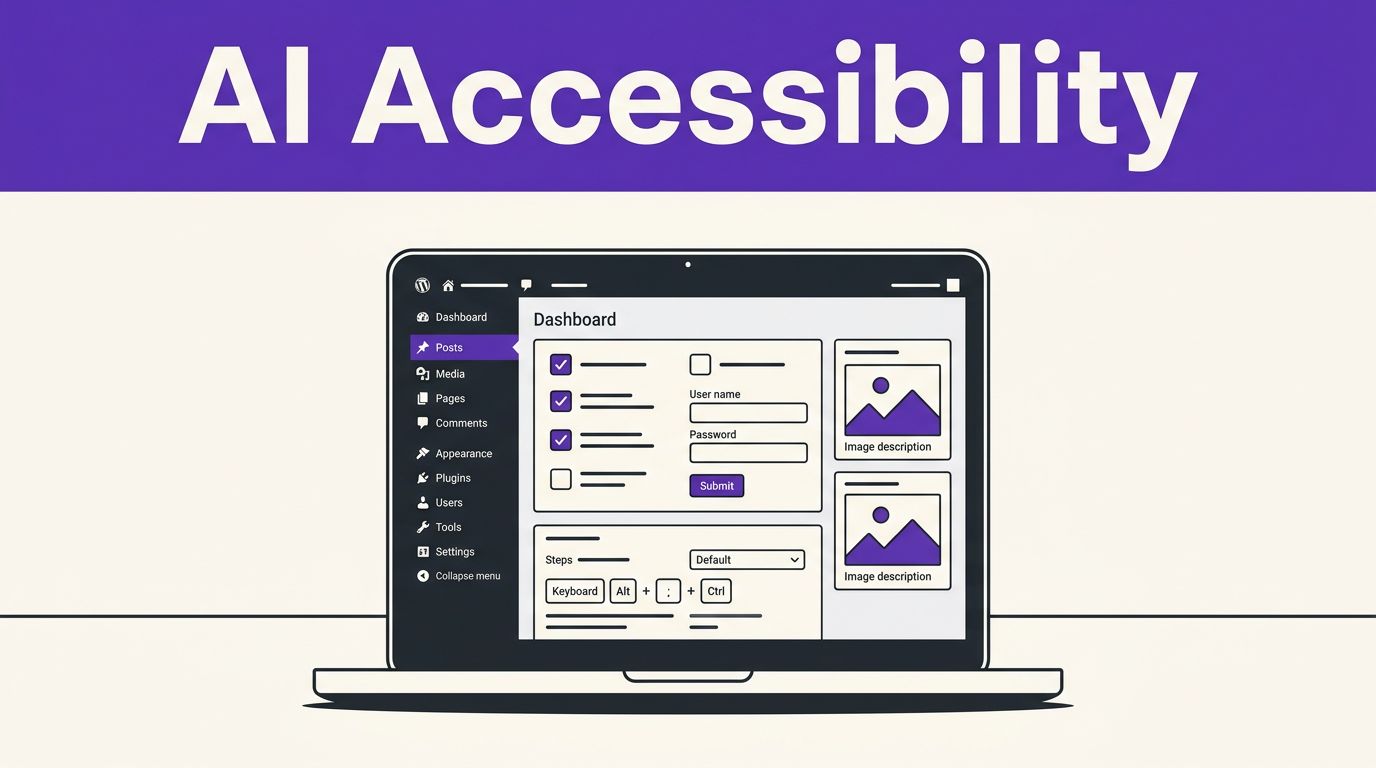


A polished WordPress site can still shut people out when forms lack labels, menus trap keyboard users, or images carry meaningless descriptions. The right AI accessibility tools help teams spot and fix recurring issues faster, especially across large libraries of pages and media.
However, automation doesn’t turn a site into an automatic ADA or WCAG success story. It gives your team a faster first pass, while manual testing and expert review catch the failures that scanners cannot interpret.
What AI Can and Cannot Fix on a WordPress Site
AI can scan repeated templates, draft image descriptions, flag low-contrast colors, and prioritize issues across hundreds of URLs. That makes it useful for agencies and content-heavy sites where manual review alone would move too slowly.
Still, web accessibility is about whether people can complete a real task. The WCAG 2.2 standard covers a wide range of recommendations for accessible content and interaction. Legal duties, contract requirements, and enforcement risk vary by jurisdiction, so don’t treat a vendor score as legal advice.
AI speeds up repetitive content work
Large image libraries are a strong use case. AI can draft alternative text as editors upload images, identify empty form labels, and surface heading structures that skip levels. It also helps teams locate similar problems across old posts rather than discovering them one page at a time.
The output still needs context. A generated description of a person, product, or chart may be visually accurate yet fail to explain why that image appears on the page. Decorative images often need empty alt text, while product images need concise, useful descriptions.
A green automated scan can coexist with a broken checkout. Software cannot decide whether an error message makes sense or whether a modal traps keyboard focus.
Automation misses meaning and real interaction
Accessibility scanners can detect missing attributes and invalid markup. They can’t reliably judge confusing link text, poor instructions, logical reading order, or whether a user can understand a complex pricing table.
Use AI-generated suggestions as drafts. Then test with a keyboard, screen readers, real devices, and people who use assistive technology. That review protects users and keeps your fixes tied to actual behavior instead of a checklist score.
Best AI Accessibility Tools for WordPress: A Practical Stack
The strongest setup combines AI-assisted content work with automated checks and human testing. These tools have different jobs, so choose based on your biggest source of risk.
| Tool | Best fit | Useful capability | Public starting price |
|---|---|---|---|
| AltText.ai | Sites with frequent image uploads | Drafts alt text during upload and supports bulk image processing | From $5 per month for 100 credits |
| Accessibility Checker by Equalize Digital | Publishers and agencies | Runs WordPress scans on your own server without URL-based scanning limits | Free tier, paid plans reported near $190 per year |
| WP ADA Compliance Check | Small sites starting an audit | Provides editor-screen checks and full-site scans | Free tier, $179.99 for one site |
| accessiBe | Businesses wanting a managed service | Adds an interface, monitoring, and automated remediation features | Micro plan listed at $490 per year |
No tool belongs on a site because it promises a quick compliance badge. The useful question is simpler: does it help your team find, understand, fix, and verify problems faster?
Start With WordPress Tools That Improve the Source
A widget can offer visitor controls, but durable accessibility starts in your theme, blocks, forms, and editorial process. WordPress itself maintains an accessibility handbook and testing resources that are useful when reviewing themes and custom development work.
Use AI alt text tools with an editor approval step
AltText.ai is a practical choice for WooCommerce stores, publishers, and agencies that handle a steady flow of images. It can create draft descriptions on upload, process existing media in bulk, and work alongside popular SEO plugins.
The best workflow keeps approval with a person who understands the page. Review descriptions for relevance, remove filler, and check whether the image is decorative. For a broader comparison of options, see these AI alt text generators for WordPress.
Content teams should apply the same rule to AI-written page copy. If writers use Free AI Tools for first drafts, editors should still check visible labels, descriptive links, heading order, and instructions around forms.
Add a scanner before publishing new content
Accessibility Checker by Equalize Digital is a strong fit when you need ongoing WordPress-native scanning. Its on-server approach avoids per-URL scan fees, which matters for large editorial sites and agency client portfolios.
WP ADA Compliance Check is another useful option for an initial audit. Its free plan supports editor-screen scans and limited full scans, while paid licenses expand site-wide scanning. Both tools can flag many repeatable WCAG-related errors, but neither should edit your production site without review.
Build a short triage routine:
- Fix template-level problems before isolated page issues.
- Address empty labels, poor contrast, missing headings, and keyboard failures first.
- Re-scan after each release, then manually test the changed user journey.
When Managed Accessibility Platforms Make Sense
Managed platforms can add monitoring, visitor preferences, and automated remediation to WordPress. They can be useful for teams that need regular reporting, multi-site oversight, or outside support. They should sit beside source-code improvements, not replace them.
Compare accessiBe, UserWay, and EqualWeb by support level
accessiBe offers a WordPress installation route for its accessWidget and describes automated scanning and remediation in its WordPress accessibility guidance. Its public plans include Micro at $490 yearly, with higher tiers that add features such as manual testing and custom remediation.
UserWay lists a Small Website plan at $49 per month or $490 annually. It includes monitoring, alerts, an accessibility statement, and a stated 100,000 monthly page-view allowance. EqualWeb advertises plans from $39 monthly and a one-line deployment model across many platforms.
These services can improve visibility and add user controls. Yet an overlay can’t repair unclear form instructions, inaccessible third-party widgets, broken focus order, or a poorly structured page builder layout.
Pay for evidence, not a compliance promise
Before buying a managed platform, ask for a current feature list, contract terms, support boundaries, and a sample report. Confirm whether the service tests your theme, WooCommerce checkout, account pages, search, pop-ups, and embedded tools.
Prioritize vendors that support manual testing, provide issue-level reporting, and allow your developers to fix root causes. A platform that only displays a floating icon gives you limited control over the site itself.
Test the Experiences That Matter to Visitors
AI accessibility tools become more useful when they feed a repeatable quality process. Start with the pages where visitors make decisions or submit information: navigation, contact forms, product pages, carts, checkout, account access, and booking flows.
Test with a keyboard and screen reader
First, unplug the mouse. Use Tab, Shift+Tab, Enter, Space, and Escape to move through a page. Focus should remain visible, follow a sensible order, and never disappear behind a sticky header or pop-up.
Next, test with a screen reader. NVDA with Firefox is a common Windows combination, while VoiceOver is built into Apple devices. Listen for page titles, headings, labels, errors, button names, and announcements after dynamic updates.
WAVE by WebAIM is a useful companion because it flags many detectable issues while supporting human evaluation. Use its feedback to investigate, then test the actual interaction instead of treating the report as a final verdict.
Make accessibility part of every release
Add an accessibility check to your normal WordPress publishing and deployment process. Developers should test custom blocks and theme changes on staging. Editors should review content structure and image descriptions before publishing.
Agencies can make this easier with a client-facing issue log that includes the affected URL, severity, owner, fix, test result, and release date. That record turns accessibility work into a visible service instead of a scramble after a complaint.
Final Thoughts
The best AI accessibility tools for WordPress reduce repetitive work and expose problems your team might otherwise miss. They become far more valuable when paired with clean source code, purposeful content, and hands-on testing.
A scanner can point to the door, but human review confirms that every visitor can get through it.