
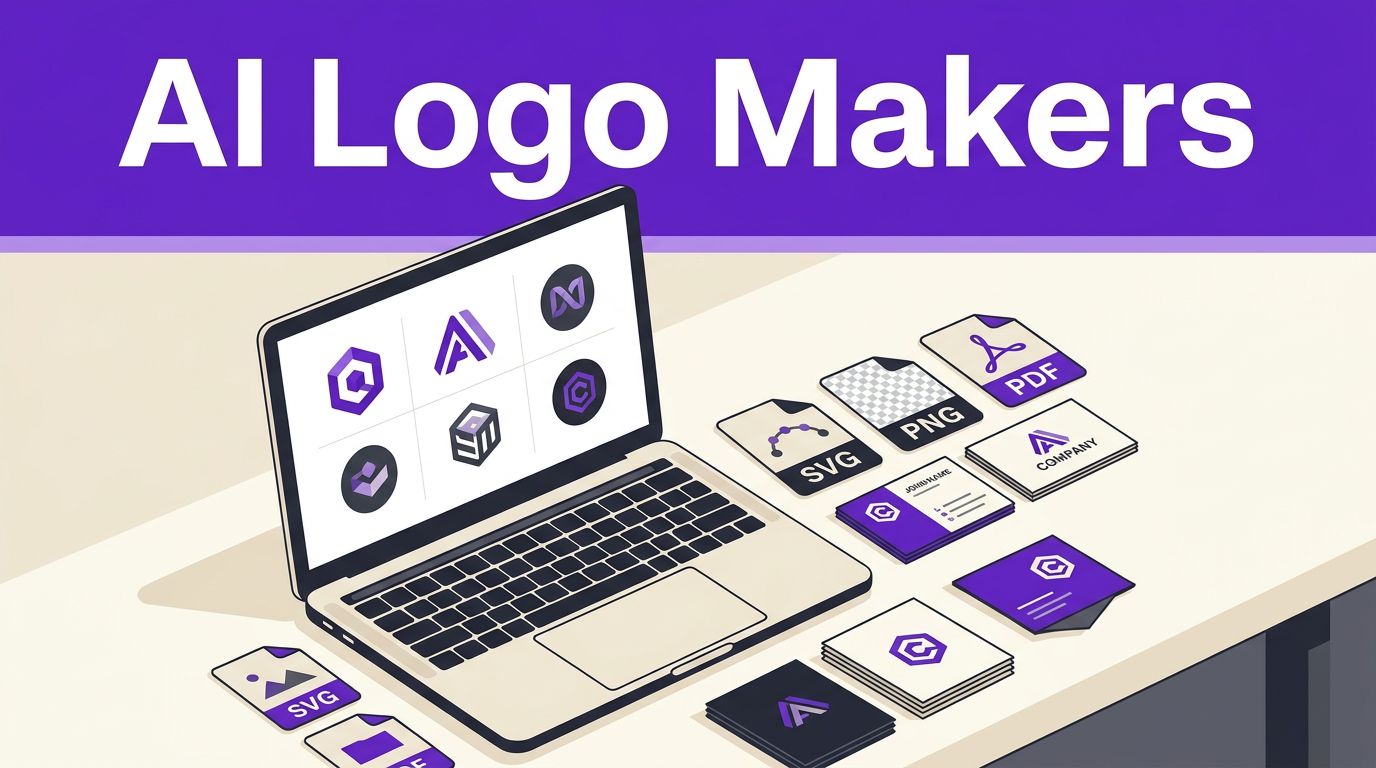


A logo can look polished in a generator preview yet fail the moment you shrink it into a website header. AI logo makers are a fast, affordable starting point, but the right choice depends on the files, rights, and editing control you receive after choosing a concept.
New founders don’t need design skills to get a usable mark. However, they do need a logo that stays clear on a mobile screen, social profile, invoice, and business cards.
Use the generator to create options quickly, then judge the final logo like a business asset.
Key Takeaways
- AI logo makers are useful for generating affordable starting concepts, but your brief strongly affects the quality and relevance of the results.
- Choose a platform based on the editing control, brand assets, file formats, and commercial-use terms it provides—not just the number of concepts it generates.
- Prioritize an SVG, transparent PNG, PDF, and useful logo variations so the design works across websites, social profiles, print materials, and mobile screens.
- Review licensing, copyright, and trademark issues separately before investing in packaging, signage, advertising, or a major brand launch.
- Test shortlisted logos at small sizes and across real customer touchpoints before selecting the final package.
How These Tools Turn a Brief Into Concepts
An AI logo generator typically asks for your business name, industry, visual preferences, and sometimes a short description. It uses those details to suggest icons, fonts, colors, and layouts, sometimes working like a color palette generator to match the direction.
The process is quick, but it isn’t independent creative direction. Your input determines whether the results look like a credible local accounting firm, an artisan bakery, or another generic startup with a gradient icon.
Generative suggestions versus templates
A traditional tool starts with fixed logo templates that you search and edit. A more adaptive tool uses your brief to rank, combine, or adjust layouts and visual assets. The experience feels more personal because you see relevant starting points sooner.
Still, many outputs rely on shared font libraries, stock icons, and reusable compositions. That means the first attractive option may resemble brands already in your category. Basic logo design principles for new brands still matter, particularly contrast, spacing, and legibility.
Better Text Prompts Create Better Starting Points
Use text prompts to identify your audience, offer, tone, and desired feeling. Add two or three concrete style cues, such as “calm, practical, and premium” or “bright, playful, and family-friendly.”
Avoid vague prompts such as “modern business logo.” State what you sell, who buys it, and which elements to avoid. “Minimal black wordmark for a bookkeeping service, no calculators or dollar signs” gives the tool useful boundaries.
Compare AI Logo Workflows: Choose the Right One
The strongest option depends less on the word “AI” and more on the rest of your workload. Some products focus on making a logo fast. Others are a broader design platform with logo tools inside them.
| Platform type | Best fit | Check before you commit |
|---|---|---|
| Canva | Founders who also need social posts, documents, and simple marketing graphics | Whether your plan includes transparent PNG and SVG exports |
| VistaPrint | Businesses that expect to order printed materials | Current download terms and the print products you actually need |
| LOGO.com | Testing a basic logo before paying for expanded brand assets | File limits, editing access, and package renewal terms |
| Looka, Brandmark, and Design.com | Buyers who want a ready-made brand kit | Whether the kit is a one-time purchase or subscription |
| Wix Logo Maker | Website owners already committed to Wix | Which download package includes the files you need |
Canva suits hands-on editing
Canva’s logo maker works well when you want to keep editing after launch. Its editing tools let you adjust spacing, type, colors, and layouts without advanced design skills. Canva is a graphic design platform, so the same workspace can support social posts and simple marketing materials.
Canva is less useful if you want the tool to make every decision for you. Its free logo workflow offers basic exports, while transparent PNG and SVG files are commonly tied to paid access. Review the current plan details before building your identity around premium elements.
Dedicated generators reduce setup time
A dedicated AI logo generator often produces more logo-first results. It guides you through your name, industry, style, and icon choices, then presents several directions within minutes. That instant generation helps when you need a credible placeholder before launching a service page or online store.
For a wider look at platform strengths, compare these AI-powered logo design tools alongside your actual asset needs. A larger number of concepts does not make a better choice. The winning design is the one that remains recognizable at small sizes.
Branding platforms sell more than a logo
A brand kit may include color codes, font combinations, social media designs, business cards, and document templates. These assets save time when you need a consistent brand identity across several channels.
However, don’t pay for a large kit before you know the basic logo works. Start with the mark, wordmark, and color system. Add templates only if you will use them.
Get the Right Logo Files for Your Website
A preview image isn’t a finished logo package. Before you buy, check whether the plan includes vector files, not just a preview. Your website needs flexible files that work on light and dark backgrounds, resize cleanly, and display well on mobile.
VistaPrint’s AI logo maker advertises free SVG, PDF, and transparent PNG downloads. That combination is a useful benchmark when you compare any platform’s paid package.
Keep a scalable master file
Ask for these formats before publishing your site:
| File type | Best use |
|---|---|
| SVG | Website headers, favicon source files, and any logo that must resize sharply |
| Transparent PNG | Social profiles, overlays, email signatures, and website layouts with colored backgrounds |
| Printers and professional documents | |
| JPG | Simple situations with a fixed white background |
An SVG file is the priority. It is a vector file, so it scales without becoming blurry. A transparent PNG matters almost as much because it lets your logo work on a transparent background or over colored backgrounds, photos, and dark footers.
Download Logo Variations, Not One Image
Your package should include a horizontal logo, stacked logo, icon-only version, and one-color version. You should also save light and dark versions for contrasting backgrounds.
Keep the original files in one shared folder, along with approved colors and font names. That simple habit prevents mismatched logos when you create a newsletter, sales deck, or social profile months later.
Commercial Rights, Copyright, and Trademark Reality
A commercial license gives you permission under the platform’s terms to use downloaded artwork for business purposes. It does not automatically provide copyright protection, make the artwork exclusive, or make it eligible for trademark registration.
LOGO.com’s published comparison says its free plan includes a downloadable PNG with a commercial license. That can be enough for an early-stage site, but review the live terms before using the design in paid advertising, packaging, or a company registration.
Treat Commercial Usage Rights as a Buying Requirement
Before you purchase, confirm these points in writing:
- Your plan permits commercial use for your business and client work, if relevant.
- You can use the logo after cancelling a subscription.
- You receive the high-resolution and vector files you expect.
- Any icon, illustration, or font has terms that match your intended use.
- The provider explains whether it grants exclusive rights to any supplied visual element.
A platform’s license covers its relationship with you. It cannot promise that no similar mark already exists.
Trademark protection needs separate checks
Trademark law focuses on whether a mark identifies the source of goods or services and whether it conflicts with existing marks. A common icon, generic name, or familiar industry symbol may be hard to protect.
Copyright questions are different. In the United States, purely machine-generated material can face limits on copyright protection because copyright centers on human authorship. Your original revisions, custom type treatment, and creative decisions may matter, but high-stakes brands should get qualified legal advice.
A downloadable logo is a production file, not a trademark clearance report.
Search your business name and close visual competitors before printing signage or investing in a domain, packaging, and paid campaigns.
A 30-Minute Process for Selecting a Logo
The fastest route is not choosing the first logo that looks expensive. Use a short review process that protects you from a costly rebrand later.
- Write a clear brand brief with your audience, offer, tone, and any visual elements to avoid.
- Generate 15 to 20 concepts across two distinct directions, such as a wordmark and an icon-plus-name design.
- Shortlist three choices, then edit the font, spacing, and colors rather than accepting the default layout.
- Test the logo variations for each finalist at browser-tab, mobile-header, social-avatar, and email-signature sizes.
- Check the name and mark for obvious conflicts before you buy the final package.
Avoid icons that depend on tiny details. Fine lines, small text, and complex illustrations tend to disappear in a 32-pixel favicon.
Once your logo is ready, align it with your site colors and type choices. If the website itself is still in progress, an AI website builder or design platform can help apply the same visual direction without rebuilding every page from scratch.
Spend on Useful Assets, Not Empty Add-Ons
Free tools are ideal for exploring concepts. Paid packages make sense when they provide the files and rights your business actually needs. For a new website, that usually means SVG, high-resolution transparent PNG exports, commercial-use terms, logo variations, and access to editing tools for fixing mistakes later.
Pricing, licenses, and available features can change without much notice. Check the current checkout page, not an old pricing comparison or screenshot. Also check whether the plan includes unlimited revisions and renews monthly, annually, or offers a one-time download.
Skip upgrades that don’t match your next step
A complete social-media kit may be useful for a consultant posting weekly. It is less useful for a local service business that needs a website header, Google Business Profile image, and print-ready card.
Spend on a better package when it removes a real production problem. Otherwise, save the budget for your domain, copy, photography, or paid traffic.
When an AI Generator Isn’t Enough
These generators are a smart fit for new sites, test launches, freelancers, and lean small brands. They’re less suitable when your company needs a distinctive symbol, faces complex legal risks, or competes in a crowded category where visual similarity can hurt trust.
Consider custom logo design when the mark will appear on products, signage, investor materials, or regulated-service materials. Give a designer the strongest AI-generated directions as references, not final artwork. This can reduce discovery time while keeping the work original and purpose-built.
Frequently Asked Questions
Are AI logo makers good enough for a new website?
Yes, they can provide a clear and usable logo for a new site, test launch, freelancer, or lean small brand. Review the design at mobile-header, browser-tab, and social-avatar sizes before publishing it.
Which logo files should I download?
An SVG should be your priority because it scales without becoming blurry. You should also look for a transparent PNG, PDF, JPG, and variations such as horizontal, stacked, icon-only, one-color, light, and dark versions.
Can I use an AI-generated logo commercially?
That depends on the platform’s current license and your plan, so check the terms before purchasing or publishing the logo. Commercial permission does not automatically provide exclusive rights, copyright protection, or trademark registration.
Should I trademark an AI-generated logo?
A trademark requires separate checks for conflicts with existing names and marks, especially when the design uses a common icon or generic business name. For a high-stakes brand, consider qualified legal advice before investing in packaging, signage, or paid campaigns.
When should I hire a professional designer instead?
Custom logo design is usually a better fit when the mark will appear on products, signage, investor materials, regulated-service materials, or in a crowded category. You can use your strongest AI-generated concepts as references to shorten the discovery process.
Choose a Logo You Can Use Everywhere
The best tools give you more than a nice preview. They give you a clear mark, editable choices, scalable files, and terms that fit your business.
Choose the tool that matches the work ahead, then test the logo where customers will see it first. A simple, readable logo with the right files will outperform a clever design trapped in a low-resolution download.