


Bad translations rarely announce themselves with obvious grammar errors. They hide in a mistranslated product term, an awkward call to action, or a URL that sends readers to the wrong page.
For bloggers and site owners, AI translation tools can speed up multilingual content creation without turning every post into a manual copy-and-paste project. However, a fast first draft means little if your plugin misses metadata, mishandles brand terminology, sends readers to the wrong URL, or creates duplicate localized pages that search engines struggle to understand.
Translation software is one category of AI language tools, but WordPress publishing controls determine whether its output is usable. The right choice depends on how much control your site needs after the AI has produced its draft.
Key Takeaways
- AI translation tools can speed up multilingual WordPress publishing, but fluent text alone does not ensure usable or search-friendly translations.
- WordPress plugins, machine translation engines, and localization platforms serve different roles; choose the combination that matches your editorial workflow and scale.
- Contextual translation requires reviewing more than paragraph text, including metadata, slugs, URLs, image alt text, canonical tags, hreflang annotations, and page-builder content.
- Start with a small group of high-value pages, use a glossary and translation memory, and test the workflow on staging before translating the full site.
- Human review remains essential for legal, medical, financial, privacy, safety, and brand-sensitive content, while data handling terms should be checked before sending content to an AI provider.
How translation tools fit a WordPress site
A multilingual WordPress workflow has three separate layers. When you mix them up, it becomes easy to buy more software than you need.
- WordPress translation plugins create language versions of posts, pages, menus, URLs, and site templates. They are the publishing layer.
- Machine translation engines such as DeepL, Google Translate, Google Cloud Translation, and Microsoft Translator return translated text through a service or API. API connectivity determines how a WordPress plugin calls the provider and receives the result. Google Translate is related to, but distinct from, the Google Cloud API.
- Localization platforms manage translation jobs, translation memory, glossaries, reviewers, approvals, and content handoffs across teams. They coordinate work beyond the plugin and translation engine.
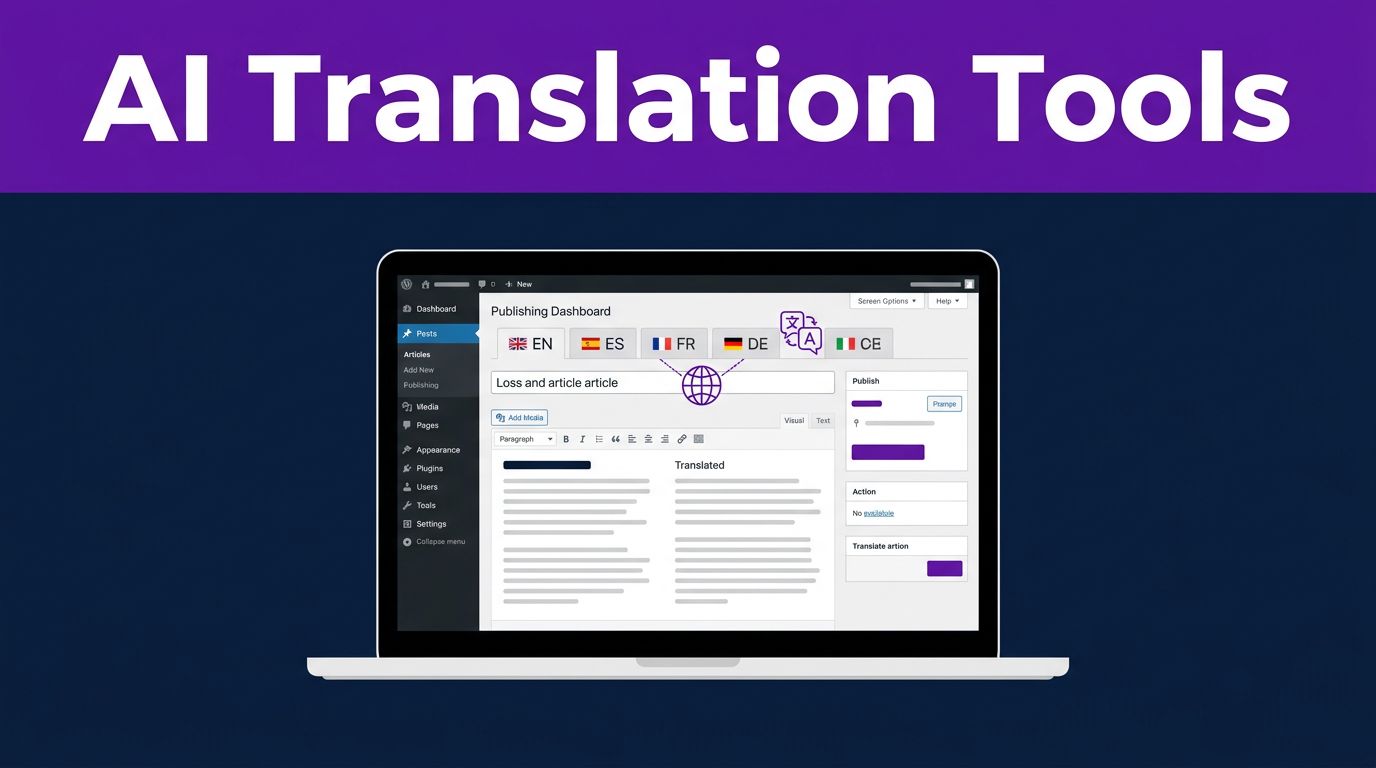
A WordPress-ready solution must do more than translate a paragraph. Contextual translation accounts for page layout, metadata, translated slugs, image alt text, SEO titles, descriptions, canonical tags, and hreflang relationships.
Before choosing a plugin, decide how language URLs will work. Subdirectories such as /fr/ and /de/ are popular because they keep each language visible in one domain structure. Whatever format you choose, keep it consistent across posts, pages, archives, and product listings.
A useful comparison of WordPress multilingual plugin options can help you spot differences in visual editing, WooCommerce support, and hosted translation services. Still, the best setup is the one your team can review and maintain.
Best AI translation tools for WordPress blogs
A strong WordPress translation solution does more than produce fluent sentences. It gives you control over publishing, terminology, search visibility, and revision history.
This quick view compares AI language tools by editorial control, hosting, automation, and scale.
| Choice | Best fit | Check before purchase |
|---|---|---|
| WPML | Editorial sites with many posts and defined review roles | Translation credits, add-on needs, and editor workflow |
| TranslatePress | Bloggers who want to edit translations on the front end | Language limits and features included in your plan |
| Weglot | Fast SaaS-based multilingual launches | Recurring word-volume and language costs |
| GPTranslate | Broad AI automation across content and SEO fields | Output quality, indexing controls, and engine selection |
| Smartcat with WPML | Teams using freelance translators or internal reviewers | Connector setup, permissions, and project handoffs |
WPML for control over a growing content library
WPML remains a strong option for serious WordPress publishing. It supports more than 65 languages and gives site owners a structured translation management workflow instead of leaving every author to translate pages independently.
Its AI workflow can translate content in bulk, while editors can review important pages before they go live. That makes WPML a practical fit for a blog with evergreen guides, product pages, category descriptions, and a steady publishing schedule.
WPML works best when you want translations to live inside WordPress and need accountability for each language version. Build its cost into your publishing plan, though. Translation credits, additional languages, and large post libraries can change the total price quickly.
For a broader look at how website translation products differ, this 2026 website translation buyer’s guide is useful for comparing simple automation against a managed localization process.
TranslatePress and Weglot for faster visual publishing
TranslatePress is a good fit when your team cares about how a translation looks on the actual page. Its front-end editor lets you click visible text and revise it in context. This contextual translation helps preserve meaning for buttons, page-builder sections, tables, banners, and short phrases. Those elements often lose meaning outside their layout.
TranslatePress AI is built into that visual workflow. Its free AI allowance includes 2,000 words, which makes it a sensible way to test a few important pages before committing to a larger rollout.
Weglot takes a hosted approach. It can get a site into multiple languages quickly, then provide a cloud-based workspace for visual editing and cleanup. This is attractive for marketers who want fewer WordPress configuration decisions. However, hosted translation plans often rise with translated word count and the number of languages, so calculate costs using your whole library, not one sample post.
GPTranslate, AI Translate, and modular options
GPTranslate targets publishers who want broad automatic coverage. Its WordPress listing describes translations for posts, pages, menus, WooCommerce content, and SEO metadata. It also supports several AI and machine translation providers, including ChatGPT, Gemini, DeepSeek, DeepL, Google Cloud Translation, and Google AI.
That flexibility is useful, but it increases the need for testing. Check translated title tags, canonical URLs, slugs, and hreflang tags on a staging site before search engines index a new language section.
AI Translate is a lighter option for site-wide translation using an API key and selected languages. Meanwhile, Polylang remains attractive for developers who want a modular multilingual base and prefer to add AI translation through compatible extensions.
Use broad automation for low-risk content first. A clean result on ten blog posts does not prove that 500 pages, product filters, custom fields, and page-builder blocks will behave the same way.
Neural machine translation versus generative AI
Machine translation engines built on neural machine translation focus on turning a source sentence into a target-language sentence. They are fast and consistent at scale. Tools such as DeepL suit straightforward content, including support articles, basic product details, and repeated site elements.
A generative AI platform such as ChatGPT, Gemini, or Claude can follow instructions about tone, structure, terminology, and ambiguity. These AI language tools can adapt tone, preserve structure, simplify dense writing, and explain uncertain wording. That makes them useful for editorial refinement.
However, a large language model does not automatically understand your WordPress taxonomy, previously approved translations, or legal requirements. It needs clear direction and a controlled review process.
For example, an editor can give ChatGPT a compact instruction such as: “Translate into Canadian French. Keep HTML unchanged. Use the approved term ‘essai gratuit’ for ‘free trial.’ Do not translate product names. Flag uncertain phrases in brackets.”
That prompt is far safer than asking for a vague “natural translation.” It defines the language region, HTML rules, approved terminology, and product context needed for contextual translation. It also gives the model a clear fallback for ambiguity.
A model can preserve fluent sentence-level grammar while changing the term that matters most to your customer.
ChatGPT can help language professionals with glossary drafts, content classification, translator briefs, and first-pass rewrites. It should not run the publishing or translation workflow alone. A plugin or localization platform still needs to control page relationships, approvals, and release status.
If AI already supports your drafting process, these Free AI Tools can also help with outlines, titles, and content planning before a translation project begins. For a wider view of vendor categories, see this AI translation overview.
Translation memory and glossary governance protect consistency
Translation memory stores previously approved source and target segments. It suggests them when similar wording appears again. Over time, it reduces repeat work and prevents one article from calling a feature “dashboard” while another calls it “control center.”
Used together, these resources support contextual translation instead of treating every segment as an isolated sentence. A glossary handles terms that should never drift, including your brand name, product names, feature names, abbreviations, industry terms, pricing language, and words that must remain untranslated.
For example, a SaaS blog may use the English term “AI visibility” in every market. Yet it may translate “free trial” differently by region. Approved terms should guide output from DeepL or a human translator, rather than living in scattered chat prompts or individual editors’ notes.
Keep the glossary short at first. A well-maintained list of 30 approved terms is more useful than a 500-term document nobody checks. Language professionals should review it when you launch products or change naming conventions. They should also update it when the same correction appears across multiple translated pages.
Terminology management also protects SEO. Your primary topic, product category, and conversion terms should match how readers search in each market. Direct translation alone may miss that distinction.
When a localization platform is worth the added cost
A WordPress plugin is enough for a solo blogger with a handful of translated posts. A localization management platform becomes more attractive when several people touch content before publication.
Platforms such as Smartcat, Phrase TMS, and Lokalise support larger translation workflows. They can centralize translation memory and glossary rules while providing a cloud-based workspace for assignments, reviewer comments, permissions, and handoffs. Smartcat also offers a WordPress workflow through WPML, supporting human review alongside machine output.
This setup makes sense when you work with freelance translators, regional marketers, agencies, legal reviewers, or product teams. A human translation option is valuable when automated output needs expert approval. Reviewers can resolve contextual translation issues when content spans WordPress, a help center, email templates, mobile apps, and product interfaces.
Ask for a clear 12-month cost model before signing a platform contract. The quote should show subscription fees, user seats, usage from machine translation engines such as DeepL, word allowances, professional review, connector costs, implementation fees, and overage rates. Enterprise translation tools often hide meaningful costs behind a sales call.
A language professionals’ AI tool roundup can help identify tools aimed at translators rather than site owners. That difference matters. A great translator workspace may still lack the WordPress connector, SEO controls, or approval process your site needs.
Set up multilingual WordPress publishing without creating a cleanup project
Start with a narrow launch. Translate ten high-value pages, inspect the results, and expand only after the process is reliable.
- Choose one language where you have a real audience, not merely where machine translation is available. Use Search Console, customer emails, sales data, or location data to guide the choice.
- Create a staging copy of your site and install the plugin there. Test API connectivity, authentication, language selection, and failure handling. Then test posts, pages, menus, category archives, forms, page-builder modules, custom fields, and mobile layouts.
- Build your glossary before generating a large batch. Add product names, prohibited translations, regional spelling rules, and your preferred translations for recurring marketing phrases.
- Translate a small group of pages and review them in the front end. Test DeepL output across headings, buttons, tables, forms, and page-builder modules. Contextual translation also requires checking image text, internal links, image alt text, SEO titles, meta descriptions, slugs, and language switchers in their actual layout. Have language professionals review the first batch before expanding to the full archive.
- Publish only after each language version has a clear URL, correct hreflang annotations, and a working canonical tag. Add indexable pages to the relevant XML sitemap, then monitor indexing and crawl errors.
Avoid translating every tag archive and thin category page by default. Low-value archives create extra URLs without adding useful localized content. Translate the pages that serve readers and support a defined topic first.
Also, don’t assume every AI-related WordPress add-on belongs in your stack. A practical WordPress AI plugin overview for bloggers can help you separate useful publishing tools from overlapping features before content enters the WordPress translation workflow.
Human review, privacy, and live translation still matter
AI translations can be ready for publication when the content is low-risk and an editor has checked the page. Legal terms, medical information, financial claims, contracts, privacy policies, safety instructions, and brand-sensitive campaigns require review by qualified language professionals.
Before uploading content to a translation provider such as DeepL, read its data handling terms. Data security includes model-training policies, access controls, and retention periods. Also check for a data processing agreement, role-based access, single sign-on, and regional data controls.
Remote meetings create a separate translation need. JotMe, an AI meeting assistant, and Microsoft Translator may help teams follow conversations in Zoom, Google Meet, or Microsoft Teams. Meeting support can include live transcription, subtitle creation, and real-time AI translation, but these outputs aren’t edited website copy. An AI meeting assistant helps people follow meetings, not prepare final WordPress content.
Treat the transcript, including live transcription output, as source material. A human editor should verify quotes, summarize decisions, and apply contextual translation before the final content enters your WordPress translation workflow.
Frequently Asked Questions
What is the difference between a translation engine and a WordPress translation plugin?
A translation engine such as DeepL or Google Cloud Translation generates translated text. A WordPress plugin manages language versions, URLs, menus, metadata, and publishing inside the site.
Which AI translation tool is best for a WordPress blog?
The best option depends on your workflow, content volume, and need for editorial control. WPML suits structured review processes, TranslatePress supports visual editing, Weglot offers a fast hosted setup, and other tools may be better for broad automation or modular configurations.
Is AI translation accurate enough to publish without review?
AI translation can work well for low-risk content when an editor checks the finished page. Legal, medical, financial, privacy, safety, and brand-sensitive content should be reviewed by qualified language professionals.
How can I prevent multilingual SEO problems?
Test translated titles, descriptions, slugs, canonical URLs, hreflang tags, internal links, and XML sitemaps before publishing. Launch with high-value pages first and avoid automatically indexing thin archives or duplicate localized pages.
Do I need a localization platform for my WordPress blog?
A WordPress plugin may be enough for a solo blogger with a small number of translated posts. A platform such as Smartcat, Phrase TMS, or Lokalise becomes more useful when translators, reviewers, agencies, or regional teams need shared terminology, assignments, approvals, and handoffs.
Choose the workflow, then choose the tool
A multilingual blog earns trust when every language feels intentional. The right AI translation tools save time by supporting approved terminology, review steps, and durable WordPress publishing controls.
Start with your highest-value pages and launch narrowly. Document editor corrections, then turn them into translation memory and glossary rules. Over time, the output becomes faster, more consistent, and easier to manage.