
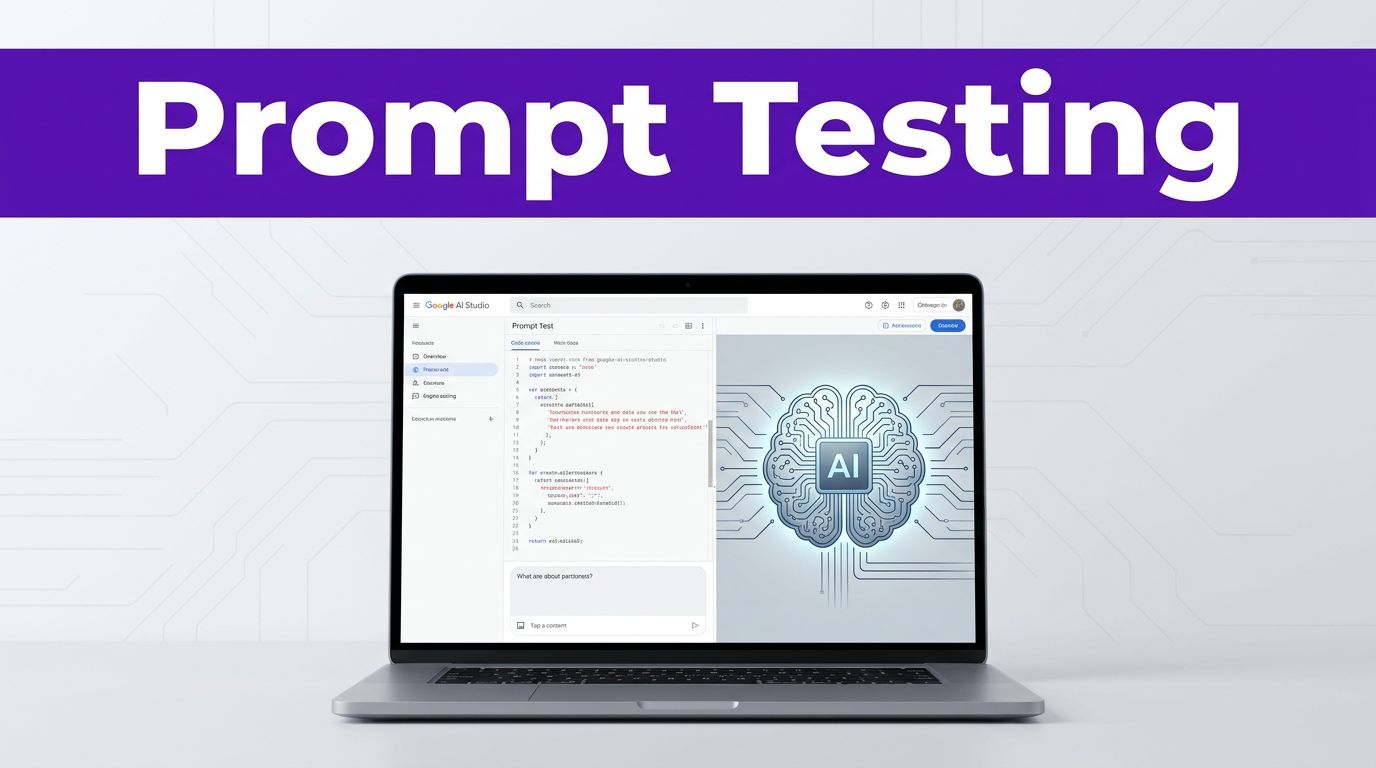

Bad prompt tests waste hours because they mix too many variables at once. If you are using Google AI Studio prompt testing to refine your outputs, speed is helpful, but a disciplined method matters more. When working with generative AI and large language models, structured experimentation is the only way to ensure reliable results.
You need a clear goal, a stable input, and a simple way to compare what changed. This approach is essential whether you write marketing copy, build complex agent flows, or use Google AI Studio to troubleshoot code. Start with one clean setup, then test with purpose to get the most out of your models.
Key Takeaways
- Isolate variables for clarity: To understand what actually improves your output, change only one element—such as the model, prompt wording, or parameter setting—at a time.
- Establish a baseline: Start with a simple version of your prompt to create a control output, then use it as a measuring stick to evaluate the effectiveness of your subsequent refinements.
- Standardize your testing: Use consistent input data, a fixed model, and a repeatable scorecard to ensure your experiments yield reliable, data-backed evidence rather than subjective impressions.
- Maintain documentation: Keep a structured record of your successful prompts, including specific model versions, system instructions, and parameter settings, to ensure reproducibility as the interface evolves.
Set up AI Studio for clean tests
Open Google AI Studio and start a fresh workspace within the Playground. If the interface layout looks different from older screenshots, that is normal. Google updates the dashboard often, so tabs and labels may move. For those looking to define structured task requirements, Build mode is the ideal environment to start your work.
Before you write a prompt, define the job in one sentence. For example, “Write three email subject lines for a B2B webinar signup campaign.” Then, decide how you will judge the answer. Common criteria include accuracy, tone, format, depth, and speed.
Start by selecting one of the available Gemini models. Current 2026 standards point to efficient options including Gemini Pro and Gemini Flash. Pick one model and keep it fixed until you have established a baseline. If you intend to move your testing to production later via the Gemini API, ensure you have your API key ready to authenticate your requests.
Next, add a clear set of system instructions. Integrating these instructions is a core pillar of professional prompt engineering, as it ensures the model maintains a stable voice or rule set. Keep these rules unchanged across runs. A good starter looks like this: “You are a SaaS copywriter. Be concise. Avoid hype. Write at an 8th-grade reading level.”
Use a new chat for each test branch. Prior context shapes the output, so Prompt B should not inherit the conversation built by Prompt A. If you want a fair comparison, start fresh or clear the conversation state first.
Also, lock your test inputs early. If you are comparing marketing prompts, use the same product description each time. If you are testing support or developer prompts, keep the same bug report, user story, or API response.
For team work, build a small benchmark set, maybe five support tickets or three product blurbs. A tiny fixed set reveals patterns faster than one-off testing. If a prompt only wins on one example, it is not ready.
Google’s AI Studio quickstart is useful for navigating the current interface and supported prompt types. If you later build reusable assistants, the same habits used in setting up custom GPT configurations will help you maintain consistency here as well.
Use a repeatable workflow for prompt testing
Prompt testing falls apart when every run is a fresh guess. A repeatable workflow keeps your prompt engineering honest and makes it easier to share results with a team.
Follow a simple sequence:
- Write a baseline prompt in plain language.
- Run it once as zero-shot prompting and save the output as your control.
- Create three to five variations, changing only one element at a time.
- Score every response with the same rubric.
- Keep the best version, then test one more refinement against that winner.
A baseline prompt can be short. For example, “Summarize this landing page in 120 words for CTOs.” That first run is not your final answer; it is your measuring stick. As you engage in rapid experimentation, you might add specific examples to your prompt, which transitions the test into few-shot prompting to better guide the model.
For open-ended tasks, run each prompt two or three times. You are checking both quality and stability. A prompt that produces one strong answer and two weak ones is riskier than a prompt that stays solid across runs.
Change one variable at a time. If you rewrite the prompt, swap the model, and move settings in one pass, you won’t know what improved the answer.
This rule matters even more with multimodal testing. If you upload an image, PDF, or screenshot, keep that same file while you test wording changes. Once the text prompt is stable, then test other files.
A lean scorecard works well. Track prompt version, model, system instruction, settings, output score, and notes. That record saves time when a winning prompt stops working after a model update or a UI change.
A practical rubric uses four scores: instruction-following, factual fit, formatting, and usefulness. Weight them based on the job. A developer prompt may value correctness most, while a marketing prompt may care more about audience fit and tone.
Beginners should start with four prompt parts: task, audience, constraints, and output format. The same prompt-writing discipline also helps when using generative AI in Google Docs, because clear instructions travel well across tools.
When a response misses, do not rewrite everything. Find the failure first. Was the task vague, the audience missing, or the format unclear? Fix that one problem, then test again.
Test prompt variations that isolate one change
Strong prompts are built in layers. First, get the task right. Then, tighten the audience, structure, and examples. This approach gives you evidence instead of gut feelings. As you use the chat interface to refine your instructions, keep the focus on isolating single variables to see how they impact the output.
Example for marketing and content teams
Start with a plain version: “Write a LinkedIn post about our new analytics dashboard.”
That prompt is usable, but it leaves too much open. Now test three focused versions:
- “Write a LinkedIn post about our new analytics dashboard for e-commerce marketing managers. Keep it under 120 words. Focus on time saved and clearer reporting.”
- “Write a LinkedIn post about our new analytics dashboard. Use a confident but calm tone. Include one customer pain point and one clear CTA.”
- “Write a LinkedIn post about our new analytics dashboard. Format it as a hook, two short body paragraphs, and a CTA.”
Now evaluate the model responses to see which approach works best. The first version usually improves relevance. The second sharpens the voice. The third improves layout. Once you identify which change matters most, combine only the winning parts. If you are uploading brand assets or visual references, remember that your multimodal capabilities allow you to test how the model interprets images alongside text.
If the format still drifts, add one short example of the structure you want. Keep it brief. Long examples can overpower the task and make it harder to judge whether the core prompt is doing the work.
Example for developers and prompt engineers
Use a task with a measurable result. Start with: “Explain this Python error and suggest a fix.”
Then test tighter versions:
- “Explain this Python error for a junior developer. Give the root cause first, then one fix, then one way to prevent it.”
- “Explain this Python error. Assume a FastAPI project. Keep the answer under 150 words and include a corrected code snippet.”
- “Explain this Python error. If the traceback lacks enough detail, say what extra context is needed before guessing.”
These versions test clarity, domain context, and guardrails. For more complex logic, use Chain of Thought techniques by instructing the model to walk through its reasoning step by step before providing the final answer. The best prompt is often the one that reduces wrong assumptions, not the one that sounds more advanced.
Also test refusal boundaries when guesswork would be costly. Asking the model to say “I need more context” is better than getting confident nonsense.
If you need structured output, ask for it plainly. Say “return a table with issue, cause, fix, and confidence” or “respond in valid JSON with keys title, summary, and risks.” Then, check whether the format holds across repeated runs. Consistency is part of quality, and evaluating model responses for structural integrity is a core part of effective prompt engineering.
Compare models, tune settings, and save the winning prompt
Once your wording is stable, compare models. In current 2026 materials, you may see options such as Gemini 3 Pro and Gemini 3 Flash. Names and availability can shift, so trust the selector in your account first.
Use the same prompt, same system instruction, and same input for each model. Then, judge the outputs with the same rubric. Faster models are useful for speed checks and high-volume tasks. More capable models are better when reasoning depth and instruction-following matter more.
This quick table keeps the test clean.
| What you change | What stays fixed | What to watch |
|---|---|---|
| Model | Prompt, input, system instruction | Speed, depth, accuracy |
| Model parameters | Model, prompt, input | Variety vs consistency |
| Max output length | Model, prompt, input | Completeness vs filler |
| Output format | Model, prompt, input | Structure, parsing, reuse |
If your workspace shows model parameters such as temperature, topP, or max tokens, move one control at a time. Lower creativity settings usually give steadier formatting. Higher creativity can help brainstorming, but it also makes side-by-side comparison noisier. Always review your safety settings as a necessary final check before deployment to ensure your output meets organizational requirements.
Use a naming pattern in your notes, such as M1-P3-T0.2-v2. That can stand for model, prompt version, temperature, and revision. Short labels make it easier to discuss results in Slack or move them into a spreadsheet.
History is helpful, but it is not a full experiment tracker. Save every winning prompt outside AI Studio with the model and settings that produced it. Keep one production version and one test version for each important prompt. If you are building web applications, use the code export feature to easily move your logic into your codebase. For enterprise-scale projects, remember that you may eventually migrate these tests to Vertex AI on Google Cloud for more robust orchestration.
Some interface changes are small but annoying. A setting may move into a side panel. A new default model may appear. History may save more or less context than you expect. Re-check your assumptions before blaming the prompt.
Also, test the winner again in your app or API flow. Output can shift once you add tools, grounding, or different token limits. A prompt that looks great in the playground still needs one final real-world pass.
Frequently Asked Questions
Why is it important to start a new chat for each test branch?
Previous context significantly influences how a model generates future responses. By clearing the conversation state or starting a fresh chat, you ensure that your new prompt is being evaluated on its own merits rather than being shaped by prior instructions or output.
How many variations should I test at once?
It is best to test three to five variations for each specific iteration of your prompt. Testing more than this can lead to analysis paralysis, while testing fewer may not provide enough data to identify the best structural or stylistic approach.
Should I prioritize a faster model or a more capable one?
Your choice should depend on the specific task requirements. Use faster models like Gemini Flash for high-volume, repetitive tasks where speed is critical, and reserve more capable models like Gemini Pro for complex reasoning or nuanced instruction-following tasks.
What should I do if my prompt works in AI Studio but fails in production?
Differences between environments often stem from factors like added tools, grounding, or different token limits in your application. Re-test your winning prompt within your actual app flow to ensure it maintains performance once integrated with your full technical stack.
Final thoughts
Effective prompt testing behaves more like laboratory research than simple brainstorming. Choose a single LLM, standardize your inputs, modify only one variable at a time, and score every output using the same criteria.
This level of discipline transforms your experience with Google AI Studio into a reliable environment for professional prototyping. By maintaining a repeatable workflow, you ensure that your results are consistent, shareable, and trustworthy. Once you identify a winning prompt, save the exact configuration, model version, and settings that delivered the best output. These proven prompts can then be deployed via Cloud Run to achieve production ready performance for your real world applications.
This post may contain affiliate links. If you make a purchase through these links, I may earn a small commission at no extra cost to you.